Known Participant
September 22, 2018
Question

Corrupted Photoshop File

  • September 22, 2018
  • 1 reply
  • 261 views

Hello,

I was just working on a large multi layer file (over 1 GB in size), and decided to save it down to a smaller size to continue working.

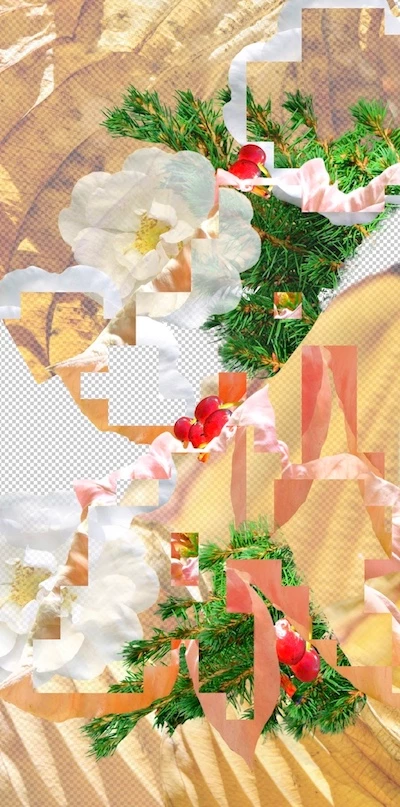
The image fragmented. Please see attached..All broken apart! Ugh!

I’m running MacOS High Sierra on an Imac (Retina 5k) with a 3.5 GHz Intel Core i5 and 16 GB of memory- so, pretty new machine. Generally, I use Photoshop CS5.1 because I'm still more comfortable with it.

I shut CS5.1 and opened PS CC 2018, deciding something had corrupted in the old software. Same look, same problem. Quit Photoshop and shut the IMAC down. Tried again. Same problem.

What's going on? Hope you can help! Mary
This topic has been closed for replies.

1 reply

gener7
Community Expert
Community Expert
September 23, 2018

Do you have Time Machine set up or have you stored a copy of this file elsewhere?

New Macs use the APFS file system and it may be possible to recover an earlier copy, but you would need to check with Apple Support.

Known Participant
September 23, 2018

Thanks for your note. I do and I will go check. I am more concerned about the software, why this happened and what sort of problem occurred. Is it time to trash CS5.1? Are there known problems with my OS ( High Sierra) and CS5.1. Does it look like a memory issue? Have you seen this before?Lots of questions I know. Back to search out an earlier file as well. I'd hate to re-create the file and have the same thing happen.

Regards,

Mary