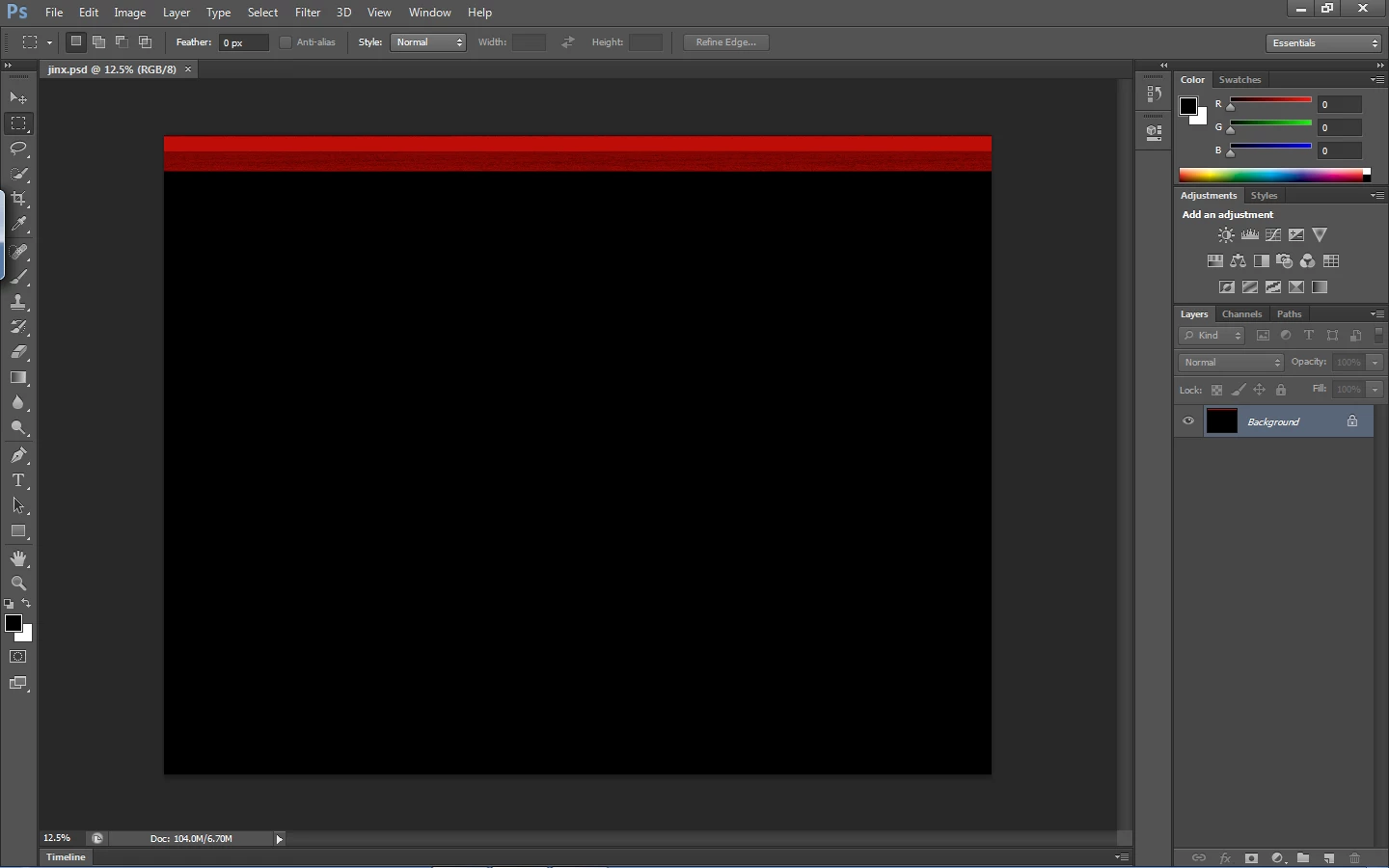
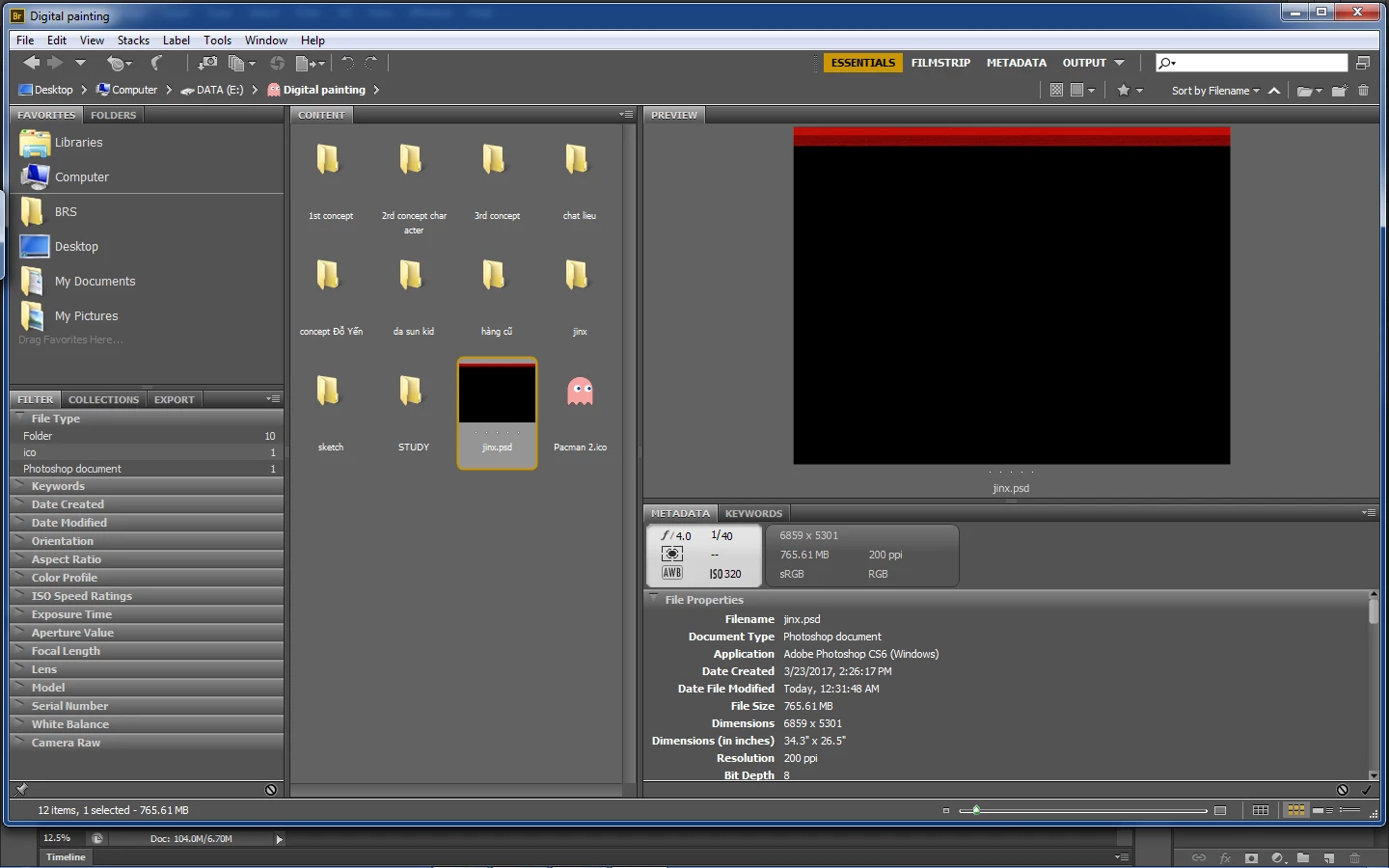
The blink of actual image on bridge might be a cache of stored thumbnail and I am afraid my friend but your file looks like corrupted in real. Abnormal shutdowns during saving process might actually currupt file at binary levels making it hard to be decoded back even if file size remains intact. If by any means few lines can be restored in binary data of the file, the file might be ok, but it's too unlikely to do that as we are not low-level coders.
There are some softwares on the internet for repairing damaged PSD files but mechanism and authenticity of such paid softwares are still a question to me and many of the artists with little understanding of computers may actually turn a victim the second time.
Another way around will be restoring your PC for a backdate (Hoping your file was there on a backdate). You might lose some work done on the file but hey! its better than a corrupted one. I am a windows user and I may not suggest you nice ways to restore your Mac easily to a back date.
You can also try file recovery softwares. Again I will ask other forum members to help is suggesting some good and cheap if not free softwares for data recovery in Mac. Remember this will also result in an older version of your file.
For future reference, install a hard disk health monitor, Use a backup battery/inverter. I would not suggest cloud for backups but a weekly manual backup to harddrive using backup softwares just for updating files will be a good practise. Remember manual copy pasting could take while backup softwares just update files that have changed.

 AdChoices