

Question
Could Not Apply the Workspace Because of a Program Error (Windows 10) in Photoshop
I'm not sure if this posted or not because not quite sure how this works. But I have Windows 10 and the latest version of all software updates in Adobe Creative Cloud. Whenever I rearrange my panels too create my "workspace" and try to save it, the message says:
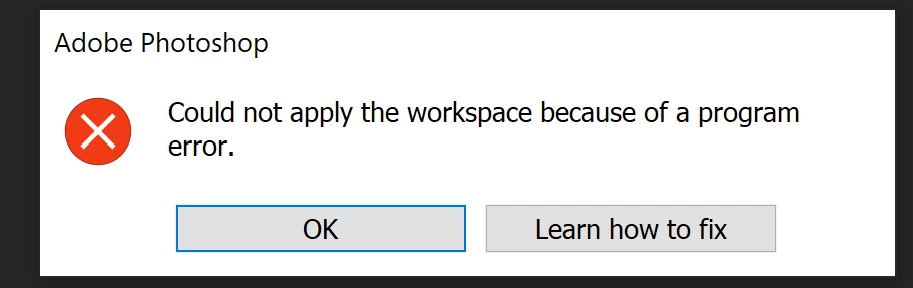
Also, when I log out of Adobe PS and log back in, I get an error message that says, "Panel could not be saved because of a program error."
So, I:
- uninstalled the latest version of PS and reinstalled it; didn't fix the problem.
- reinstalled the PREVIOUS version of PS; didn't fix the problem.
- uninstalled the 01/28/2022 Microsoft updates and reinstalled PS latest version and then the PS previous version; didn't fix the problem
- reinstalled my Microsoft updates
- updated all drivers; didn't fix the problem
Note: in all cases above, I did restart the computer.
Adobe technicians aren't available on the weekend. I've spent hours troubleshooting. Does anyone have any ideas? Thank you.
 AdChoices