
Participant
November 9, 2019
Question

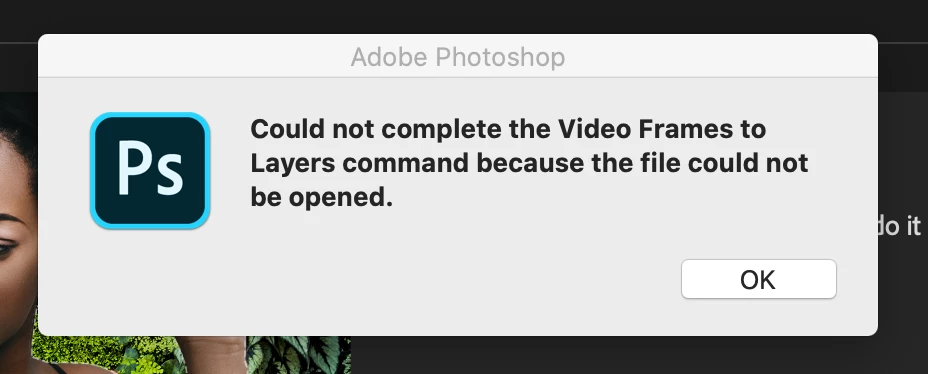
Could not complete the Video Frames to layers

  • November 9, 2019
  • 1 reply
  • 1286 views

Hello,

I am currently using Adobe Photoshop 2020, and have encountered an issue when I attempt to Import > Video Frames to Layers. I've noticed this only occurs when I use screen recording via QuickTime 10.5. This does not happen with the same file endings if I use another program to grab a video from YouTube. I have a Mac with Catalina installed.
 

This topic has been closed for replies.

1 reply

Participant
February 9, 2020

I'm having the same problem! Only after I updated to the most recent versions & OS system Catalina.

What file format are you trying to import? It's not working for me thus far with .mov files in either the 2019 PS or the updated 2020 PS

Participant
February 9, 2020

NOTE*


Okay, so the original screen recorded grab from QT in .mov file could not be opened by PS, but I converted it to the same file extension (.mov) using AnyVideo Converter HD and it did work, so from what I can tell it's the updated PS v. 21.0.03 that refuses to read QT screen-grabbed files rather than it just no longer reading a certain file extension.


So, a pain in the backside - but the only workaround as of 9/Feb/20 that I can find is to convert the screengrabbed file to another readable video file and then you can go ahead.