Known Participant
July 15, 2020
Answered

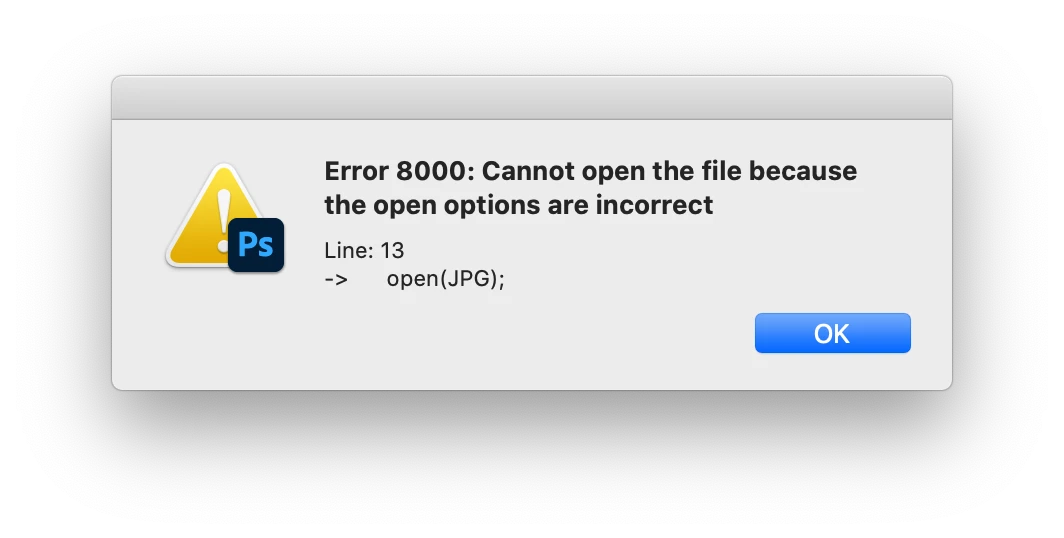
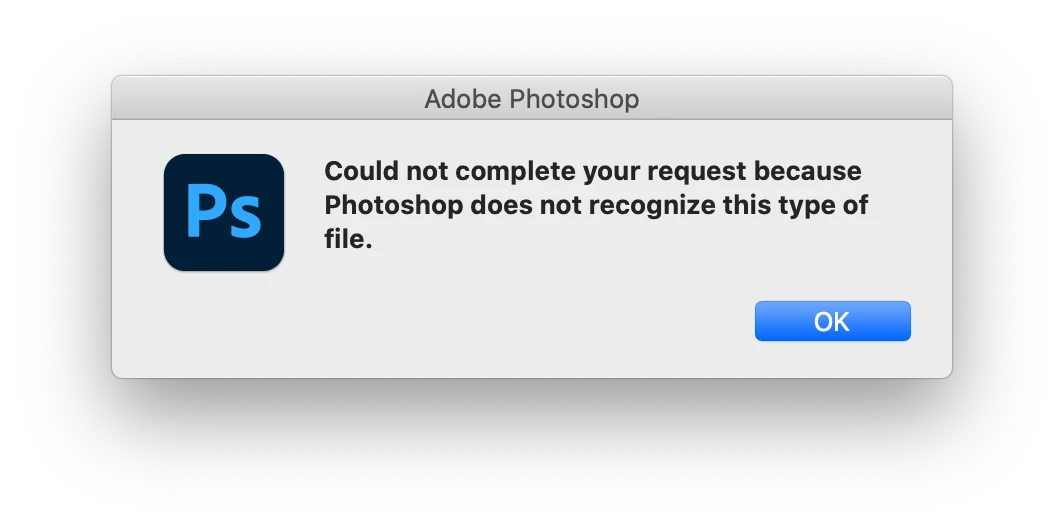
Could not complete your request because Photoshop does not recognize this type of file

  • July 15, 2020
  • 2 replies
  • 4087 views

Hi,


I was trying to run a script for both tif & jpg files, but PS gives me this sign. I used to run it without any problems for years. Has anyone solved this problem?...


Correct answer Kevin Stohlmeyer

So the script is looking at jpg files first and run some PS actions for tif files. After I get that PS message, the script fails to run and gives me an error message(Error 8000). That's it. I'm not sure if it's a script problem since it works fine when I run the script for the internal files. It's only not functional when trying to run for the external files as I mentioned above. At first, I was thinking if it were a permission issue but the files are writable and readable. 


What OS are you running and what format is your external drive?

Judging by your screens, I'm guessing Mac OS. If Catalina - you're going to have issues with externals if they are not reformatted to the proper Catalina approved format.

2 replies

Known Participant
March 28, 2023

It´s unfortunately a very common problem with PS. I´ve had it for some time myself, where PS won´t open ,say, three files out of fifty cause it says it doen´t recognize the file format.
My cumbersome workaround is to open those erratic files in LR and export as DNG. Then open those files in PS

Legend
March 28, 2023

As you may have noticed, this issue was solved three years ago.

w0n_k1mAuthor
Known Participant
July 15, 2020

UPDATE:


I don't get the sign when the files are in my desktop(to be accurate, in my computer hard disk space). However, I can't run the script when the files are in an external hard disk since PS gives me that sign. It's so weird. Can anyone know why is this happening? I feel this is a little complicated issue, not a simple problem. 

JJMack
Community Expert
Community Expert
July 15, 2020

With a poor message like that it hard to tell what it going on the message does not identify anything about the file other then it does not recognize this type of file. It it looking at your file if so which one. When Photoshop fail did the script fail or did the script  putout a message and continue running.  If it failed what was the script trying to do that failed? Adobe should messages should contain useful information  about a failure.

JJMack
w0n_k1mAuthor
Known Participant
July 15, 2020

So the script is looking at jpg files first and run some PS actions for tif files. After I get that PS message, the script fails to run and gives me an error message(Error 8000). That's it. I'm not sure if it's a script problem since it works fine when I run the script for the internal files. It's only not functional when trying to run for the external files as I mentioned above. At first, I was thinking if it were a permission issue but the files are writable and readable.