

Question
"Could not edit original smart object because of a program error" (MacOS)
When trying to open embedded Illustrator document in Photoshop, I get the following error:
"Could not edit original smart object because of a program error"
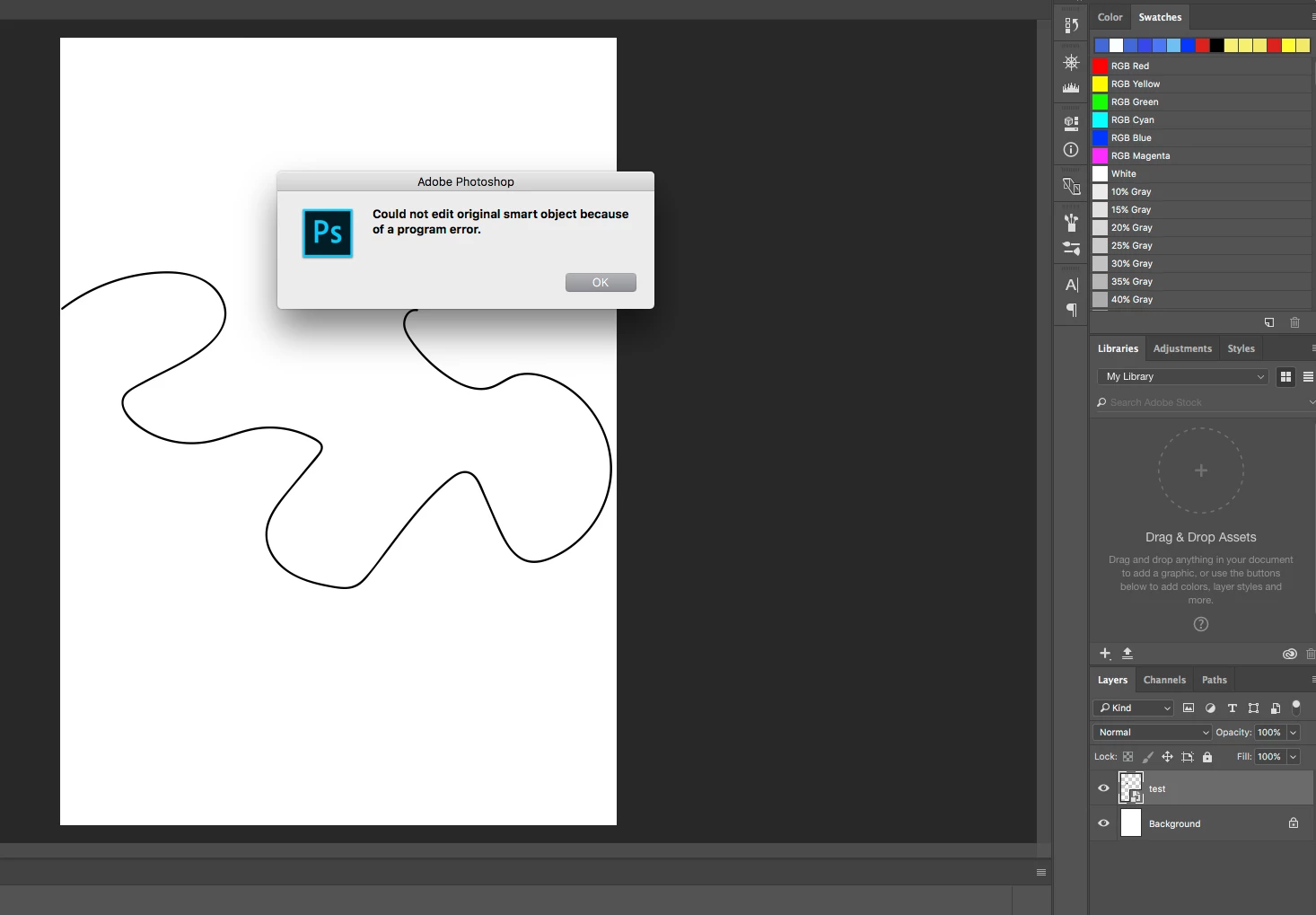
MacOS 10.12.4 (problem occurred since at least 10.10), latest updated Adobe CC Photoshop/Illustrator.
Steps to reproduce:
- In Illustrator, create .ai document and save it
- In Photoshop, Create a new document
- Drag the .ai file into Photoshop
- Now when double clicking the smart object to open it in illustrator, the error occurs
Notes;
- The file associations for .ai documents are set correctly, if I open the .ai from the finder, it opens in Illustrator as expected.
- Can't find any errors in the system logs
- If I create a new user on this machine, it works without a problem
- Using lsregister command to clear the file association registry database doesn't help
This is frustrating. I searched everywhere, can't find any solution.
Anything else I can try? Any additional logs to check?
Thanks.
 AdChoices