

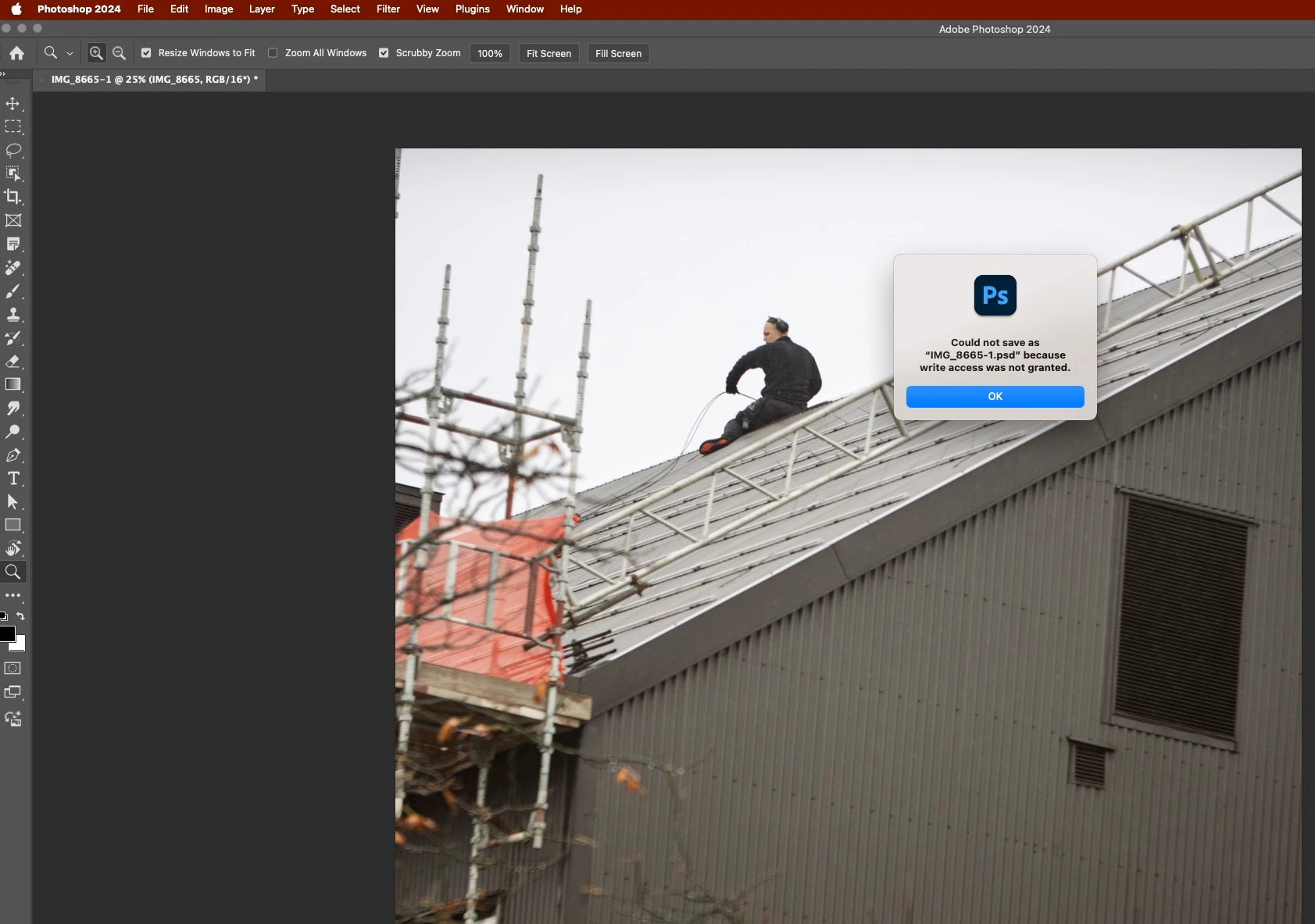
Could not save as a file because write access was not granted. Photoshop 2025
Hi All,
Latest versions of Photoshop and Bridge. 16'MBP M! Max, MacOS Sonoma 14.5
Usualy during some preliminary and ongoing edits I would always save the photo onto the memory card attached to the laptop. And then when im pleased with the final edit I save it onto a dedicated external HD.
However today I discovered when opting to save it onto a memery card, I get this dialog box pop. I have done some research here in the forums, see people have had same problem in the years past, but recommendations offered there didnt work for me. Also note that a 'New Folder' option bottom left in the called up Save As finder is grayed out as well. This wasnt the case before, I used this feature quite a bit.
However I am able to save the photo onto my external HD. What is happening there and what could be the fix?
Thanks
 AdChoices