
Answered
could not save because of a program error
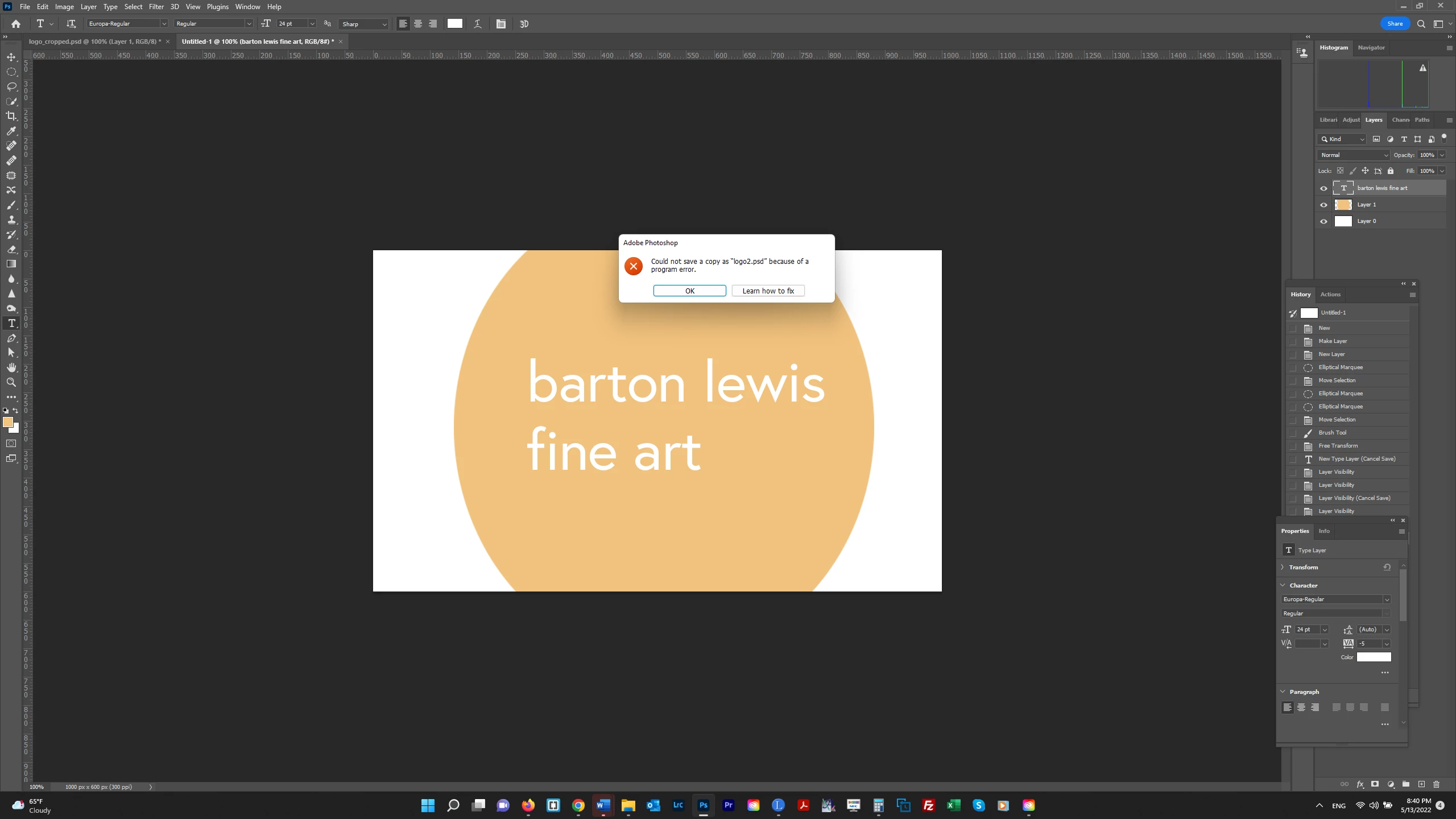
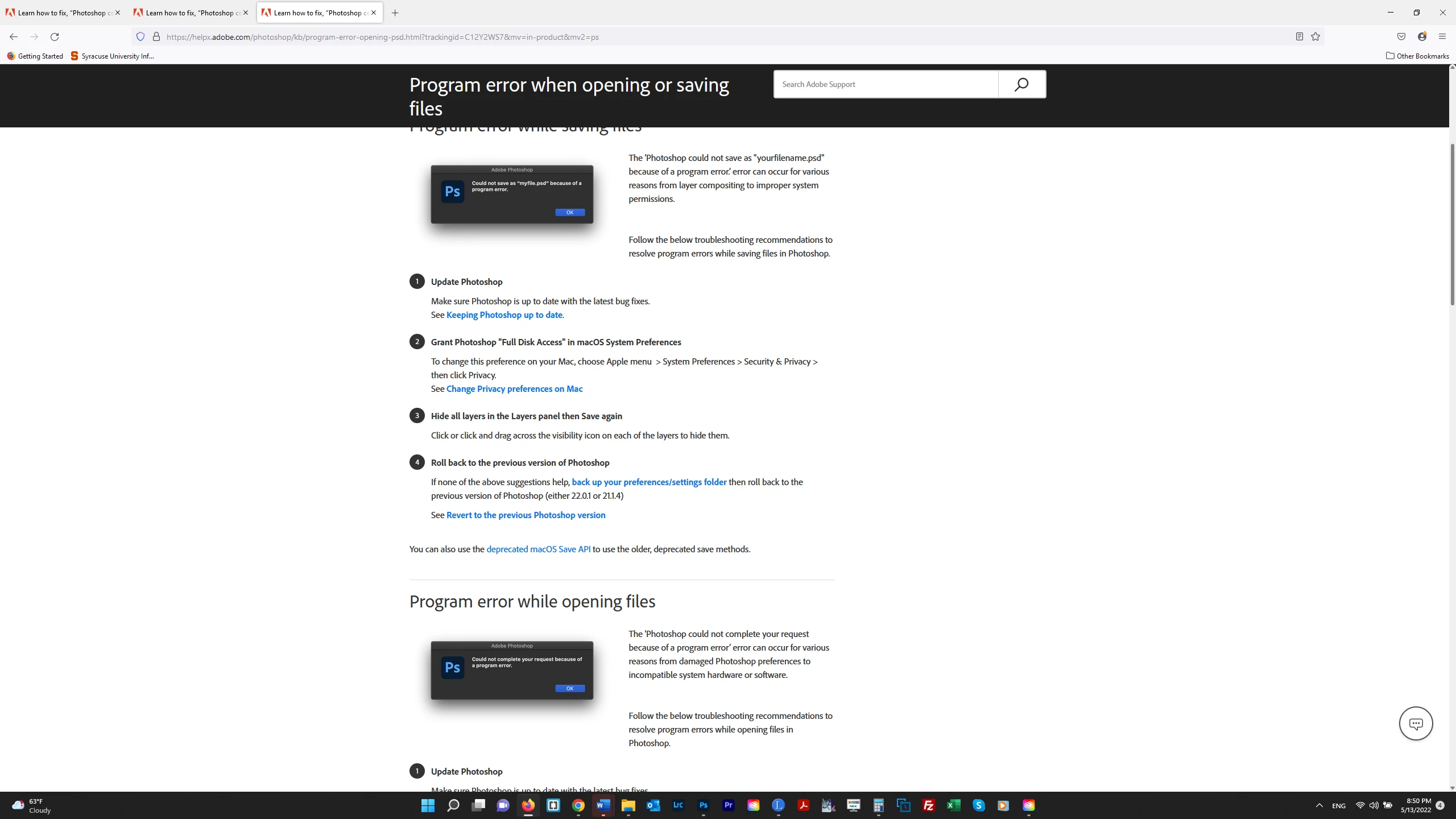
I'm having a problem trying to save this file (not others) - getting the error message shown below. A search of this issue brought up 2020 posts in which the answer was to upgrade to version 22.1.1. So that's apparently not the issue. The "Learn How to Fix" page (see 2nd screenshot) said upgrade to the most recent version which I did earlier today. (Adobe Photoshop Version: 23.3.2 20220503.r.458 d8a9c44 x64) I'm not on a Mac (option 2) and I tried turning off the visbility of all Layers (option 3) and it still didn't work. So do I really need to try option 4 (roll back to the previous version)? Thanks.
 AdChoices