
Participant
June 25, 2022
Question

Create a temple or mask from a DXF file.

  • June 25, 2022
  • 2 replies
  • 358 views

Hi,


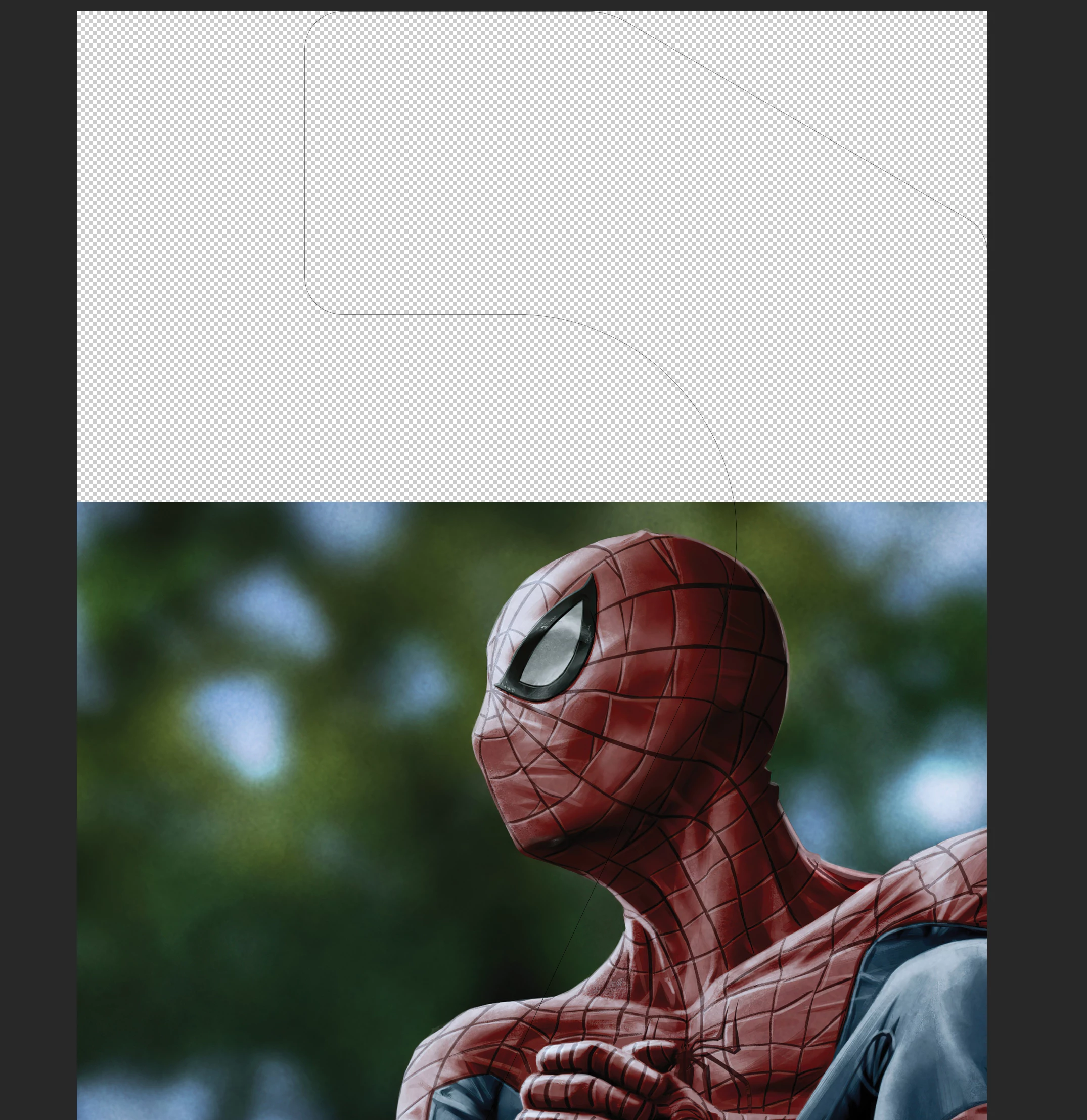
I am trying to understand how to take a DXF file (2D Shape) and make a template that i can drag and drop picture into the shape like in this video(about 3.5 mins in)  i can import my dxf into illustrator and export as psd but i don't seem to end up with an area of just the dxf like in the video.  is that a template he created?


Thanks,

Matt


This topic has been closed for replies.

2 replies

Community Expert
June 26, 2022

Hi , I agree with Stephen, take a look here:

https://helpx.adobe.com/photoshop/how-to/layer-mask.html


Stephen Marsh
Community Expert
Community Expert
June 26, 2022

Search for the term "layer mask".


if you have a selection from inside the CAD drawing shape, you can create a layer mask on the photo layer.


Another option could be the frame tool, however, I have never used it for an irregular shape so it may not work.


Good luck!