
Inspiring
February 5, 2024
Question

Create shadow using 3d settings

  • February 5, 2024
  • 2 replies
  • 611 views

Hello


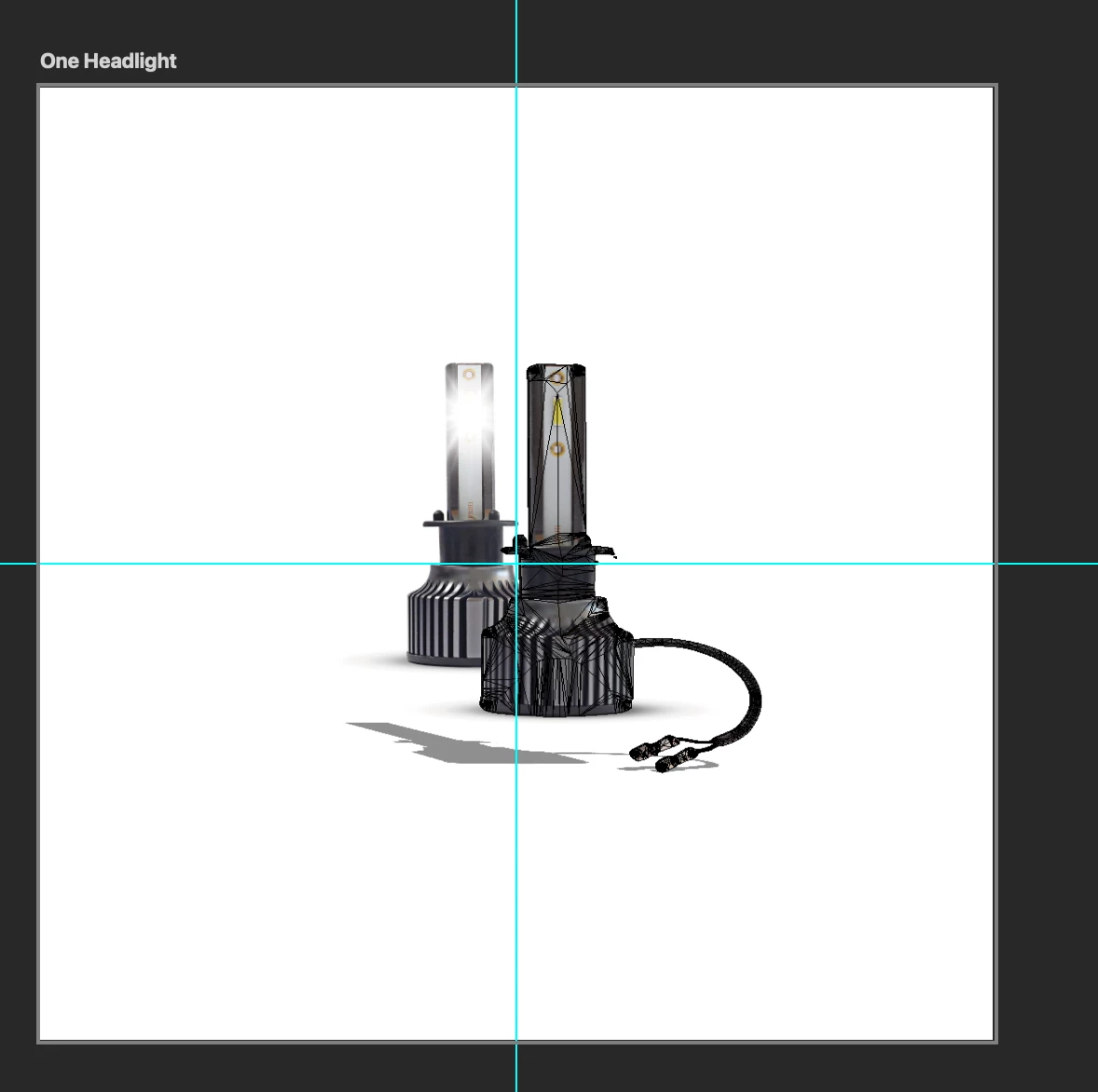
I'm trying to create a shadow using the 3d options for this image.


I'm following this youtube video - https://www.youtube.com/watch?v=EJ7UAzFv17c&t=3s


I isolated the object, then created 3d from layer.


It automatically created the shadow for me. But i want to change the light source. But i'm not getting the same option as what is in the video at 9 minutes?


Any advice?
 

This topic has been closed for replies.

2 replies

Kevin Stohlmeyer
Community Expert
Community Expert
February 5, 2024

@Summayah5FC7 Photoshop ended support for 3D starting with version 22.2 - https://helpx.adobe.com/photoshop/kb/3d-faq.html

The tutorial you are showing is 5-years old.

Inspiring
February 5, 2024

I also rasterized the layer and the just distort the shadow. But when i select transform, i get an error message -

Could not transform because the initial bounding rectangle is empty.