
Known Participant
December 25, 2022
Question

Create shadow with photoshop cs4 with 3d features

  • December 25, 2022
  • 2 replies
  • 581 views

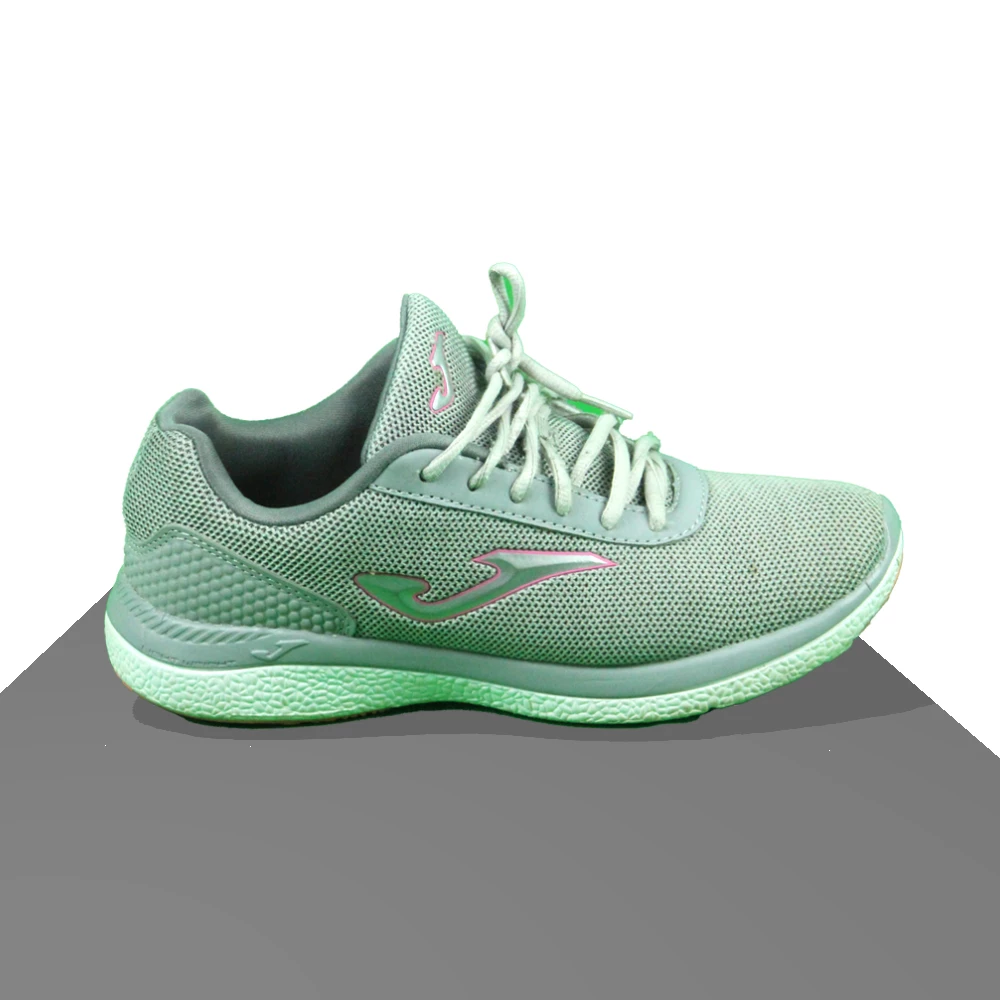
hi, i'm trying to create a shadow on a shoe. For this I use adobe photoshop cs4, with 3d features. I create a plane on the floor and a point of light, and the shadow is created. But the problem is that said plane (the one on the floor) has to have a color to create the shadow. If I put it completely white, the shadow is not created. And the question is can I somehow create the shadow with the totally white floor plane.

This is my image:
This topic has been closed for replies.

2 replies

mglush
Community Expert
Community Expert
December 27, 2022

Hi!

In the Layers panel, top right, you have two options--Fill and Opacity--what happens if you take the Fill down to 0%? Does the shadow you created disappear also? The Fill option should make anything that is filling the layer transparent and leave the effect.


Another option to try is to create a background/plane with 1% black and see if that works. It is possible that adding just 1% might give you the white plane that you need and trick Photoshop into working with a white plane.


Let us know if either option works?

Michelle

Mylenium
Legend
December 25, 2022

Enable the shadow catcher option on the plane.


Mylenium

Known Participant
December 25, 2022

i cannot see this option anywhere. Here's an screenshot of my desk: