

Question
Creating 3d Shapes in Photoshop 2021
Instructions
- Locate the Tools Panel
- Locate the Shape Tools
- Select a Shape. Make sure it is set to Shape layers and not Path layers.
- Click-drag inside the document window to add your shape to the workspace.
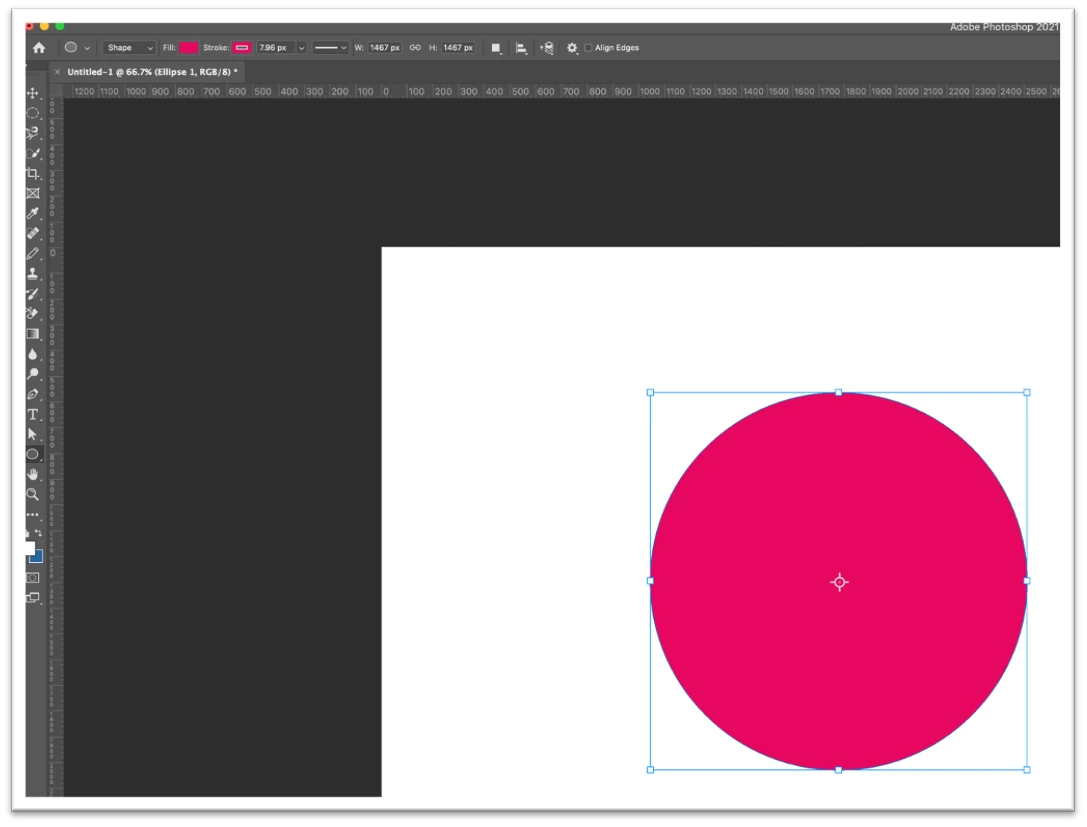
5. With the shape layer selected
6. Locate the Menu bar. This will be at the top of the workspace.
7. Locate 3D
8. Select 3D
9. From the drop-down menu select New 3D Extrusion from Selected Layer.
You will be presented with a new dialog box. Select Yes. The workspace will now change to the 3D workspace. Here you can adjust the shape.
10. Adjust the shape
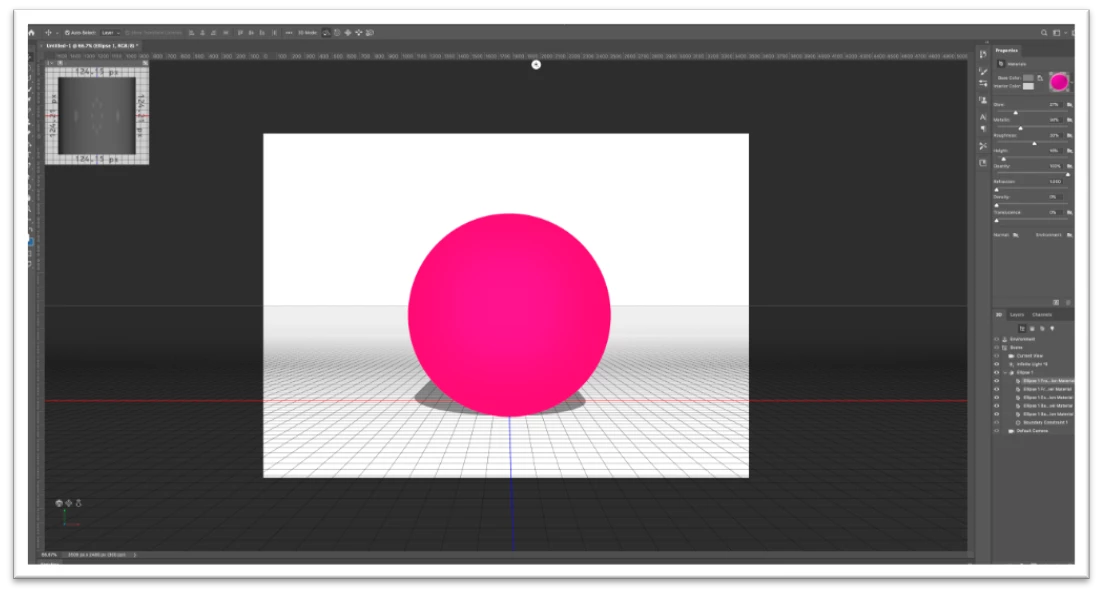
11. When you are confident with your adjustments
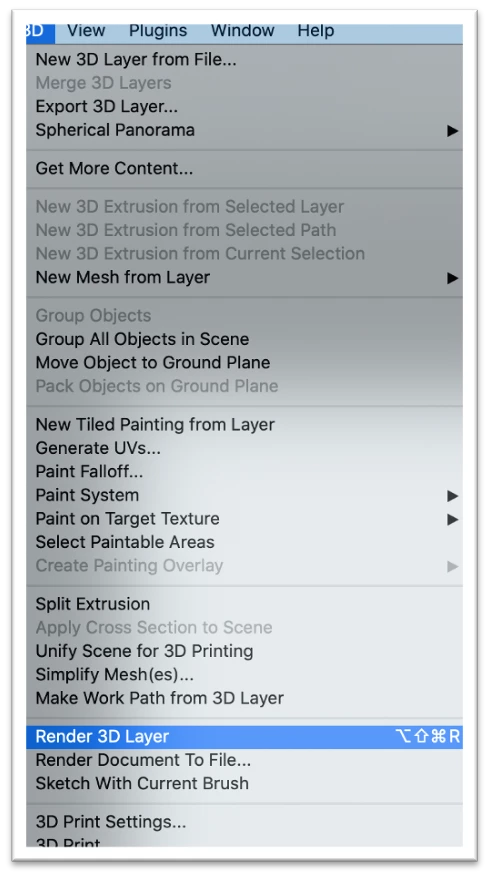
12. Locate the Menu bar. This will be at the top of the workspace.
13. Locate 3D
14. Select 3D
15. From the drop-down menu select, Render 3D Layer to see your rendered scene. Be patient, it may take several minutes.
16. To see your final render, click the Background layer.
 AdChoices