
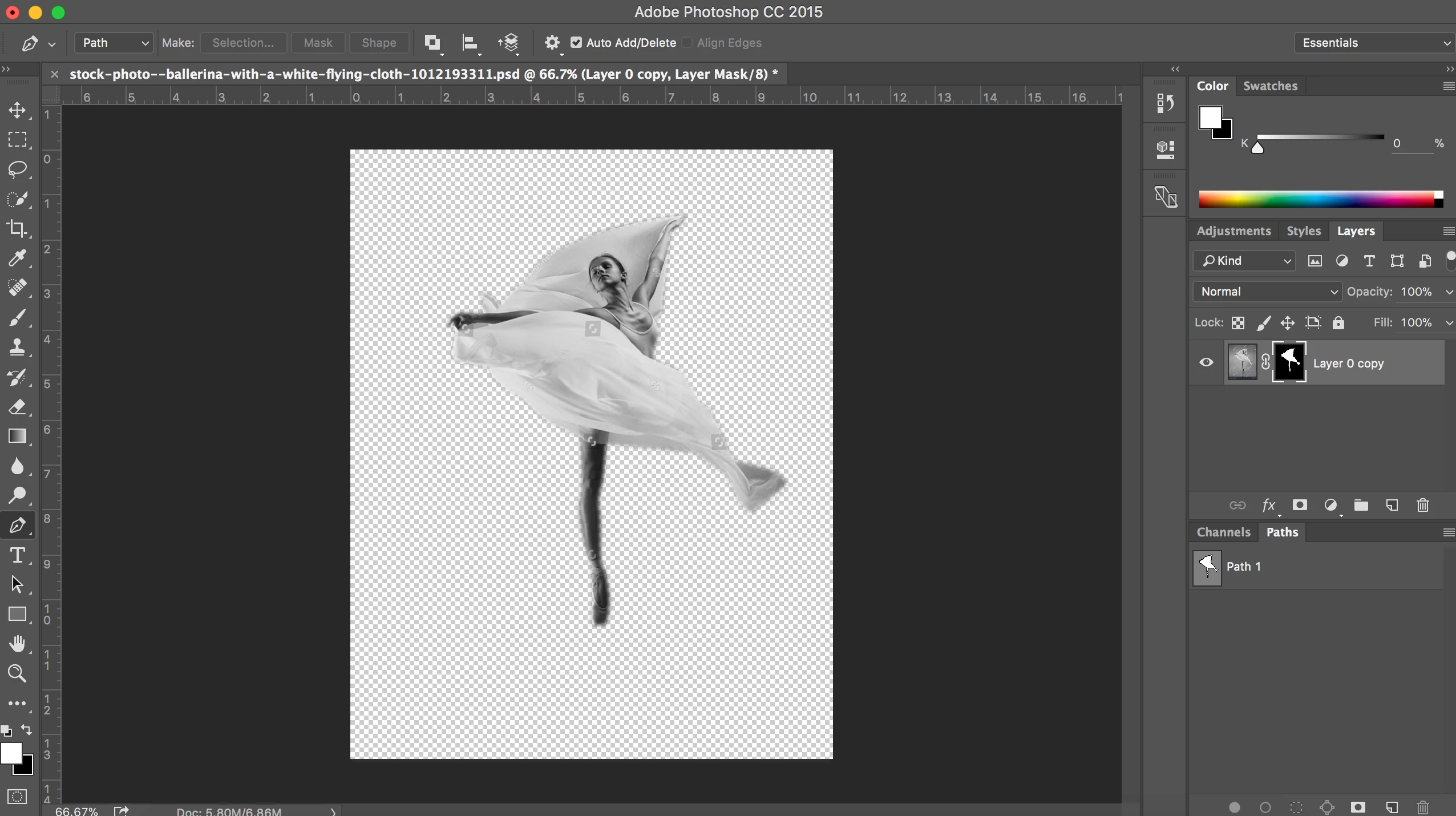
Creating a layer mask from a path automatically adds a gaussian blur to the mask edges. How do I stop this?
In the past I have drawn a path around an object (in this case the image of a ballerina) using the pen tool. Selected the path and then created a layer mask using the layer mask icon on the layers window. After this I would add a gaussian blur to the mask to soften the edges of the cutout to help it blend better into the new background that I would be placing it onto.
However in this instance, my version of photoshop (cc 2015), seems to have remembered the last time I used this sequence of events and so now every time I create a mask, it creates the same gaussian blur effect on the mask edges. How do I stop this from happening? Im not sure if its a glitch or something that I can just turn off.
Any suggestions would be helpful, its driving me mad...Thanks!
 AdChoices