

Question
Creating simple text in Photoshop
Creating text
- In the Tools Panel select the T tool
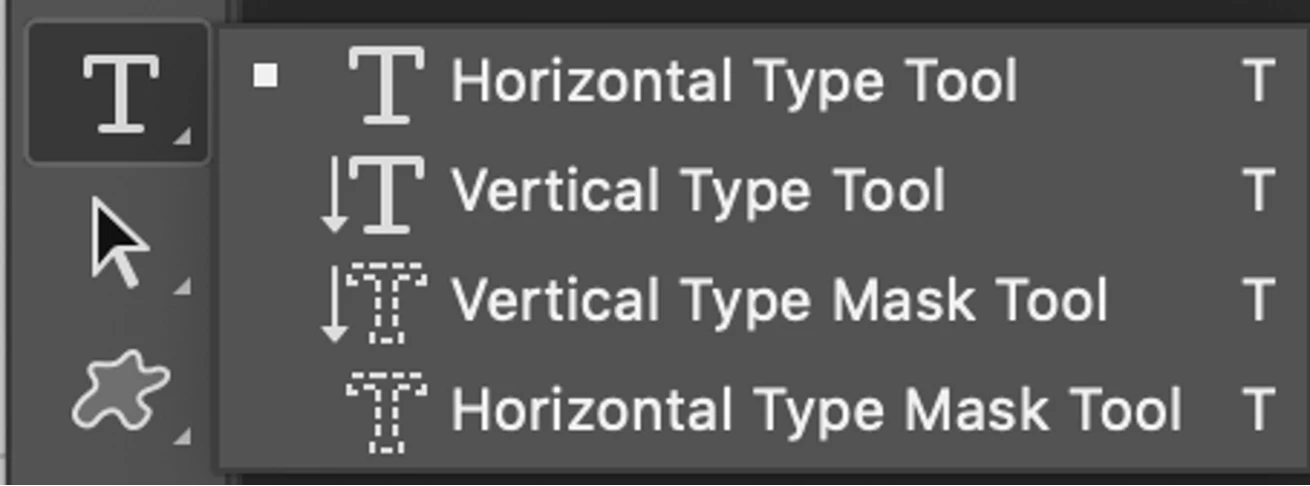
- Right-click on the T tool to show the hidden tools
- From the drop-down menu select Horizontal Type Tool
- Click inside the document window and start typing
- In the layers panel, re-name the layer
 AdChoices