Answered
Crop grid is suddenly very tiny
When i crop i normally use the grid overlay. I am accustomed to it looking like this:
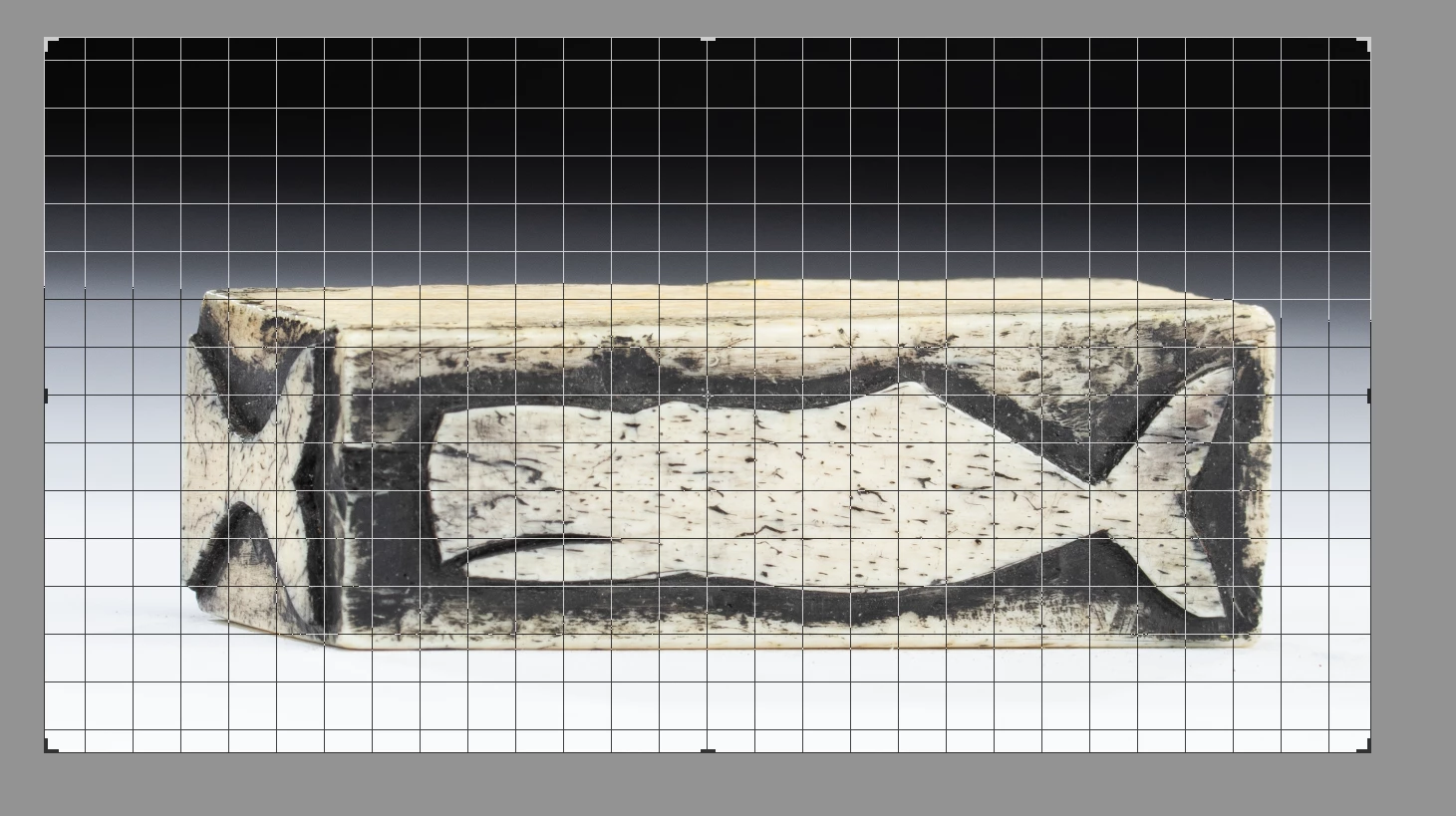
but now the overlay grid is much smaller
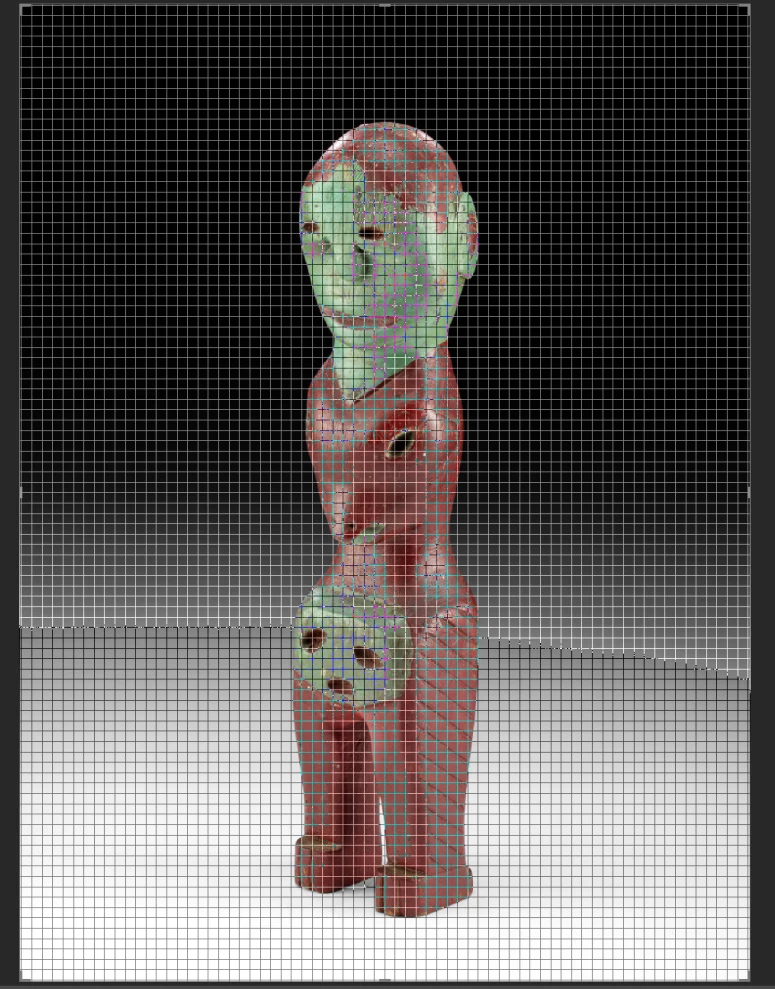
Wondering how i get it back to the larger sized grid?

When i crop i normally use the grid overlay. I am accustomed to it looking like this:
but now the overlay grid is much smaller
Wondering how i get it back to the larger sized grid?
My experiments suggest this-
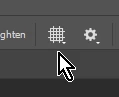
The large Crop grid overlay is set from the Grid icon when the Crop Tool is active, and it can be set to [Never show Grid] as one option.
The small grid you see may have been activated by the [Ctrl+' ] keyboard shortcut. And the size and spacing of this 'fine' grid is set in Preferences-

I am interested to know what you find!
Already have an account? Login
Enter your E-mail address. We'll send you an e-mail with instructions to reset your password.
 AdChoices