
Crop to specific pixel dimensions
Hello,
I have a scanned .tiff file of 3411x2448px (600ppi).
Now I would like to use the crop tool to crop a specific size (2265x852px). I have selected the crop tool and chose the "W x H x Resolution" option from the drop down menu. Then, I entered my needed variables, as you can see in the picture below:
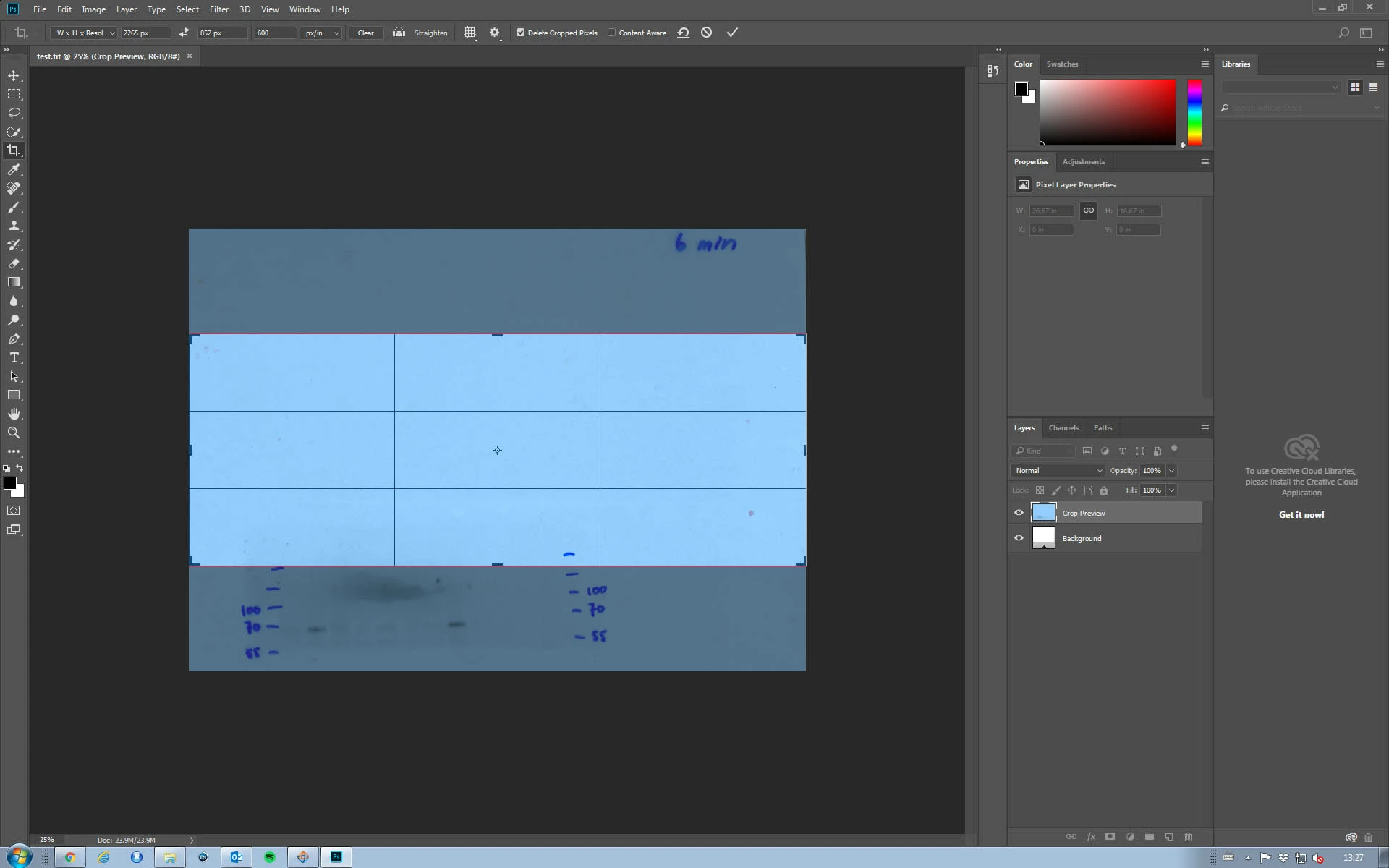
Now my problem is with the preview box. It does not set the preview to my wanted dimensions, but it always covers the whole width or height of the image. If I would now simply hit enter, the result will be an image in the correct dimension (and not what the preview box showed).
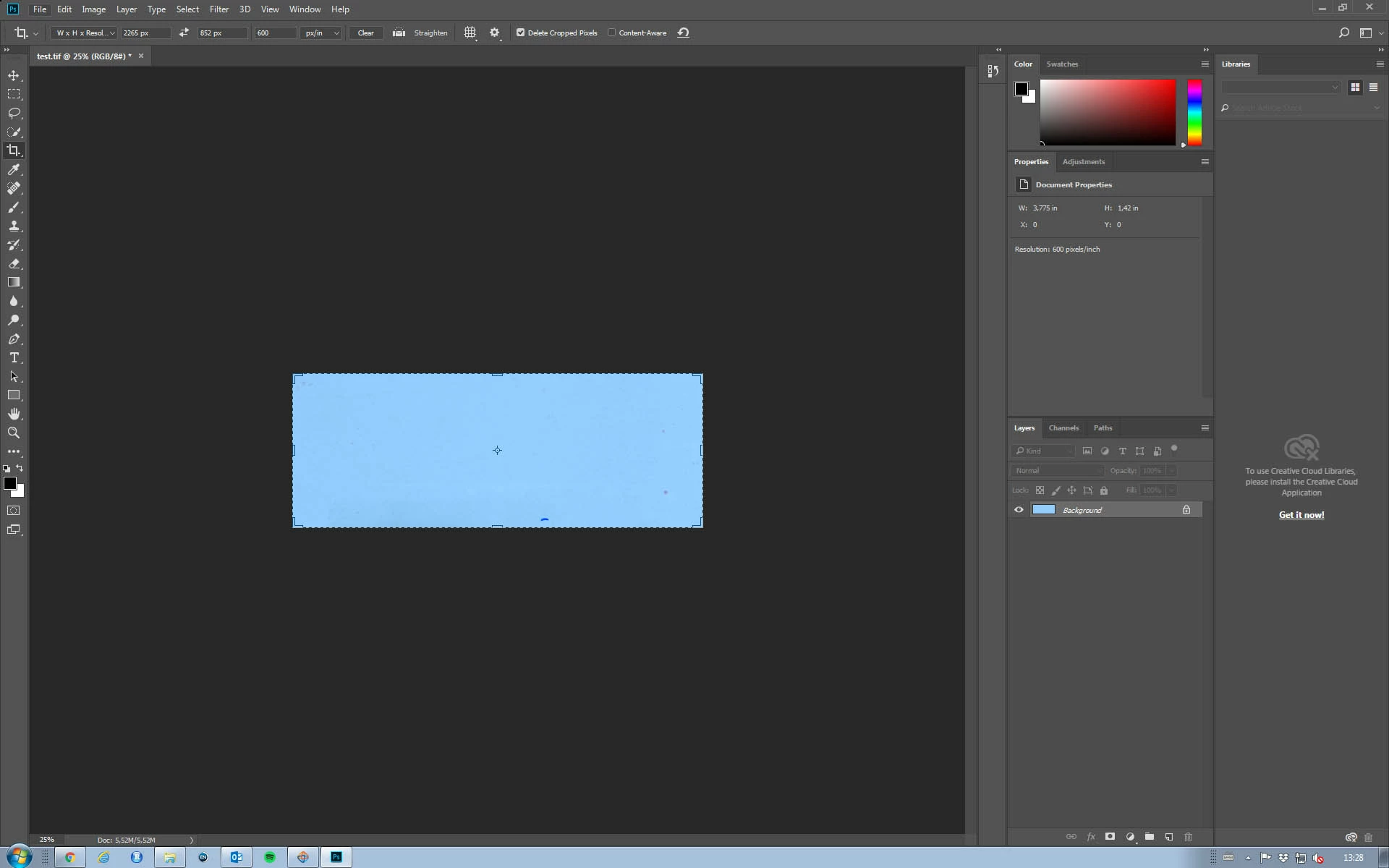
So my question is: why does the preview box doesn't show the content i will actually be cropping. Now I am not able to crop my bands in a specific pixel width and height.
Thank you in advance.
I am using: Adobe Photoshop CC 2018
Windows 10
Best regards & thank you in advance.

 AdChoices