

Cropped Image Fails to Produce Any Image
Hi,
Not sure what is going on with PS 2024, but I can’t seem to crop an image effectively.
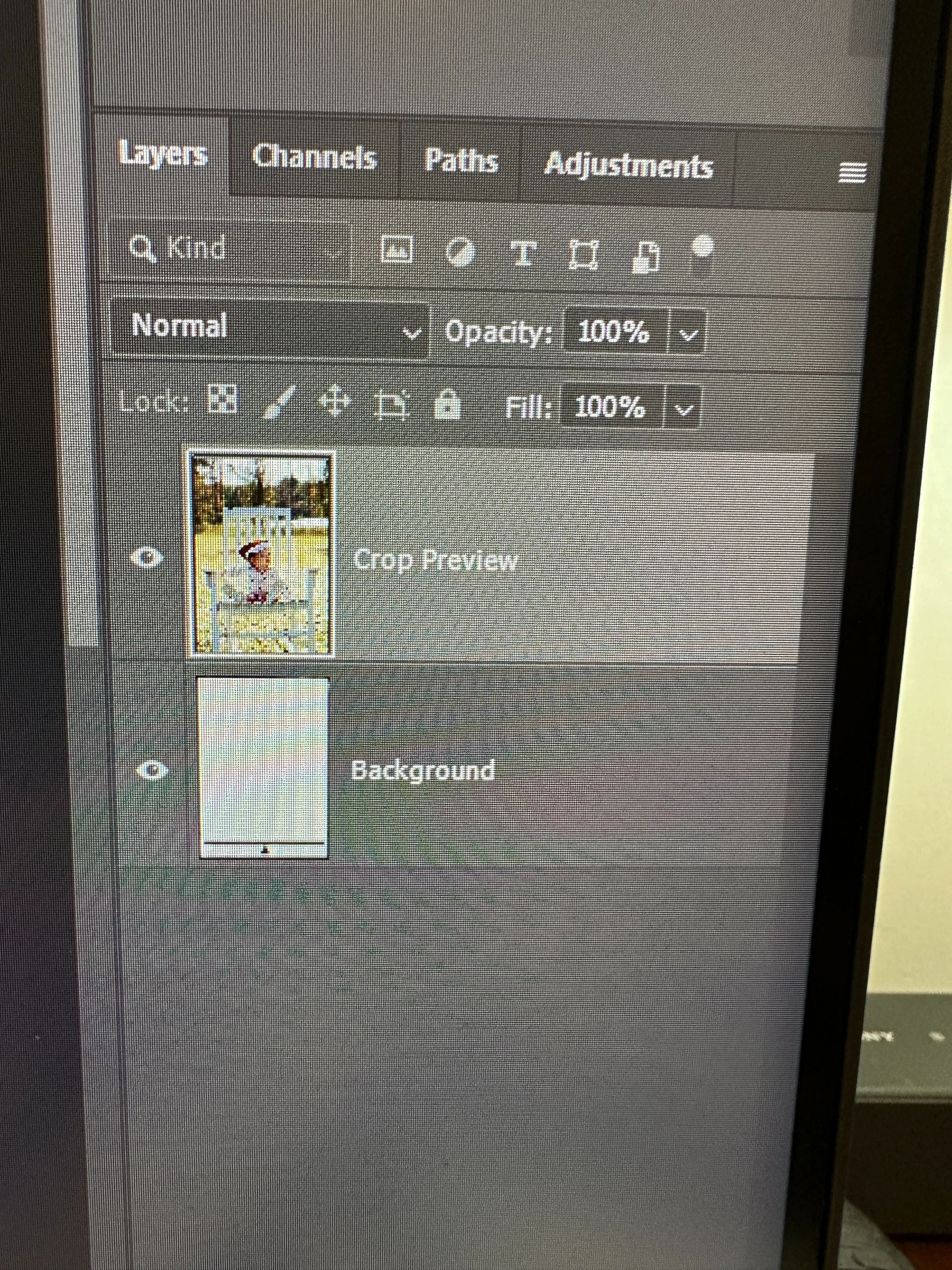
This is what happens: I bring an image .NEF from Bridge into PS. I can see the image perfectly in the work area of PS, and I can see the image in the Layers thumbnail. I think click on the Crop Tool, enter my dimensions and the usual line fits around the image. My tool settings are: Delete Cropped Pixels is Checked, and Fill: Background Default is shown. When I click inside the image, I get the rule of thirds Overlay appears (as I selected), but then in my Layers Panel I now have 2 layers: the top one being the image labeled as “Crop Preview”, but the Background layer is now all White - it looks as though there is a mask covering 95% of the original image. I then click the check mark to confirm my crop, and I get a blank work area, and the Background in the Layers Panel looks like a checkerboard of colors. What the heck is going on? The first thing I thought of is my graphics card is outdated, so I udated it, no more updates available. So is it a setting somewhere? Help!
I recently Unchecked Use Graphics Processor in "Performance" Preferences, but it didn't correct the problem. FYI, I am using a Nvidia GeForce RTX 4080 Laptop GPU, and it's up to date.
Many thanks,
Ruth
 AdChoices