
Participant
January 2, 2024
Answered

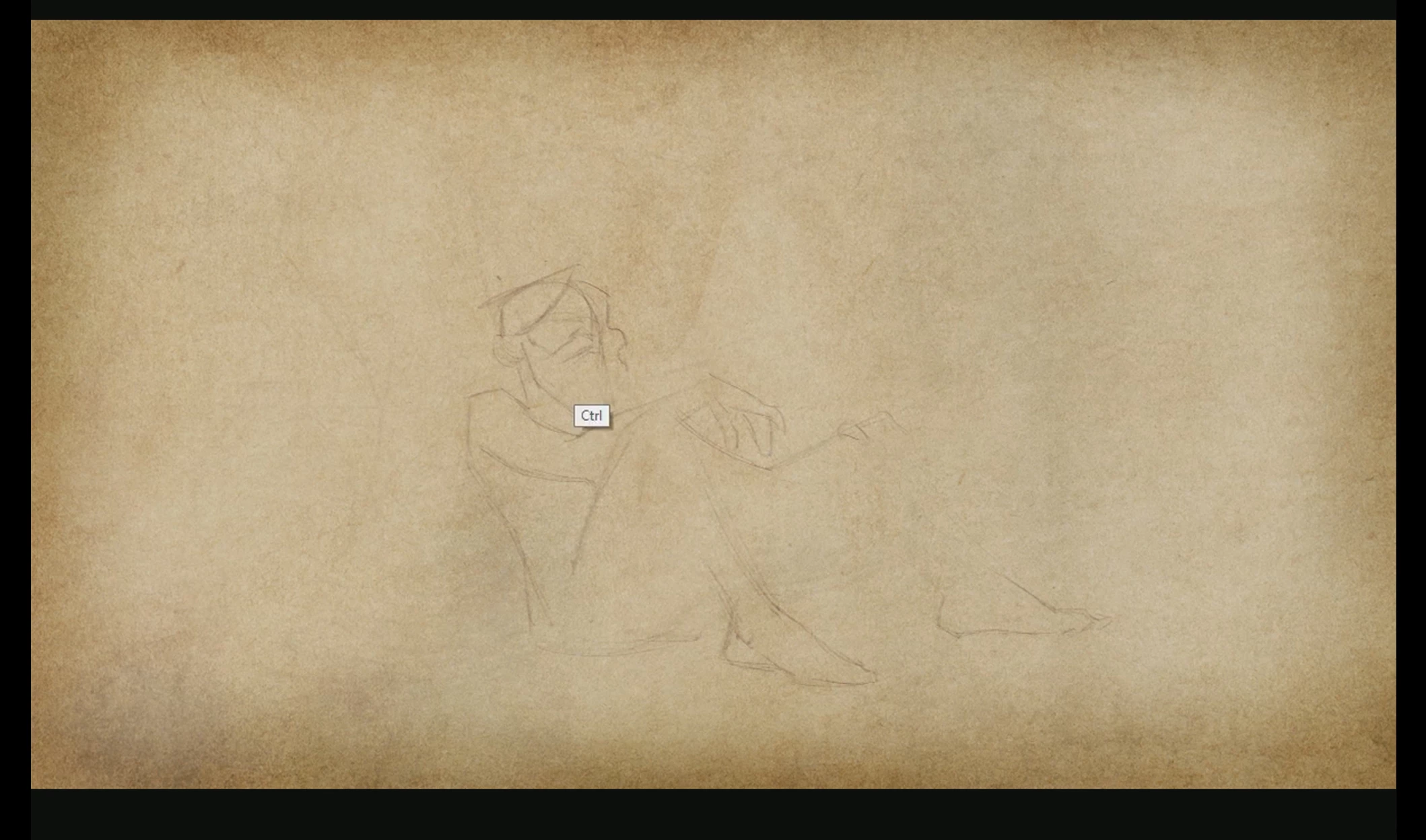
CTRL white box appearing when I use hot keys

  • January 2, 2024
  • 1 reply
  • 558 views

Hello,

I'm trying to get rid of the little white "Ctrl" box that appears whenever I use a hot ket in Photoshop. I'm trying to screen record a drawing but when I play back the video I keep getting this box that appears for a second whenever I use the ctrl key. Please see image for example. Thanks for any help you can provide.
This topic has been closed for replies.
Correct answer JonDV

https://support.microsoft.com/en-us/windows/discover-windows-accessibility-features-8b1068e6-d3b8-4ba8-b027-133dd8911df9


@Kevin Stohlmeyer I finally figured it out. I had to go into to my Wacom Tablet Properties and turn off Windows Ink. Unfortunately that also turns off pressure sensitivity (which I need) so I also had to dig around to find a workaround for that. Anyway, I appreciate all the help!

1 reply

Kevin Stohlmeyer
Community Expert
Community Expert
January 2, 2024

@JonDV thats not a Photoshop GUI icon. Check your Windows Accessibilty settings.

JonDVAuthor
Participant
January 3, 2024

@Kevin Stohlmeyer Thank you. What should I change in the Windows Accessibility settings?

Kevin Stohlmeyer
Community Expert
Community Expert
January 3, 2024

@JonDV after rereading your post - is this something that is generated by the screen recording software? Check the options there - I have screenflow which does allow me to show hot keys when recording.