

Cursor refuses to move when using Tablet
This issue just randomly started with my Photoshop 2018, and i've been pulling my hair out trying to fix it. I load Photoshop, and my tablet cursor doesn't want to move. It works fine on the rest of my applications, only Photoshop has it been doing this. I have tried pretty much everything. I have tried:
-Restarting multiple times
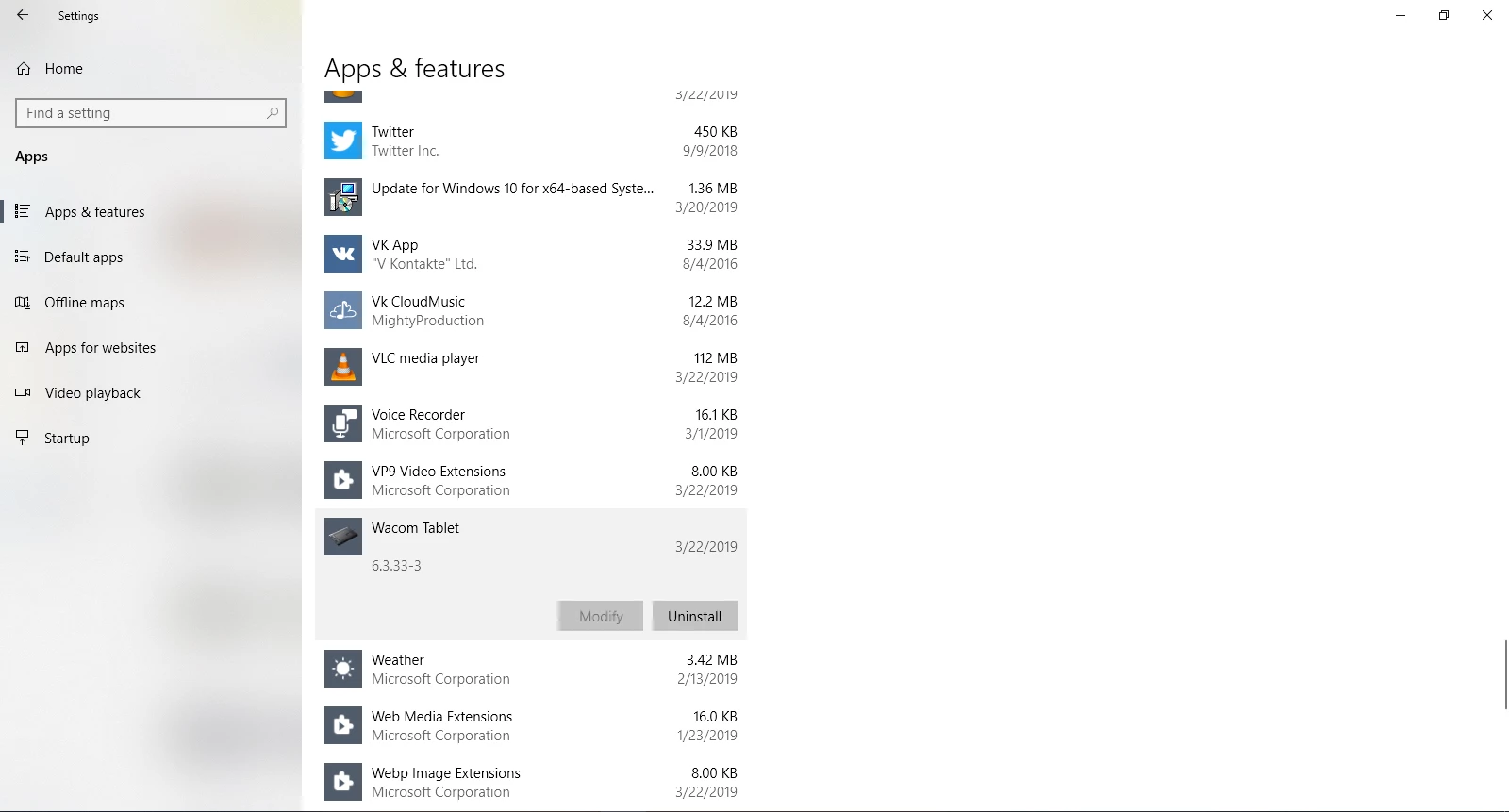
-Getting latest versions of all drivers and software
-The "PSUserConfig.txt" trick
-Turning off "Use Windows Ink"
-Upgrading to 2019
Nothing works! With 2019 i lost pen pressure, so i tried the UserConfig trick again by putting in "UseSystemStylus 0" and once again my cursor won't move! I tried putting in "# Use WinTab" and removing "UseSystemStylus 0" which lets me move my cursor, but then i lose pen pressure! This happens with both 2018 and 2019. So basically i'm in a position where i either cannot use Photoshop at all with a tablet, or i'm not allowed to have pen pressure! Surely there has to be a fix for this?!
My tablet is a Intuos Pro M for those who need that info.
 .
. AdChoices