Question
Curve adjustment layer
Hi guys, need your expertiese guys. I am getting a black/white circle icon like you have on adjustment layer as I am adding a curve adjustment icon instead. Do you know why is that?
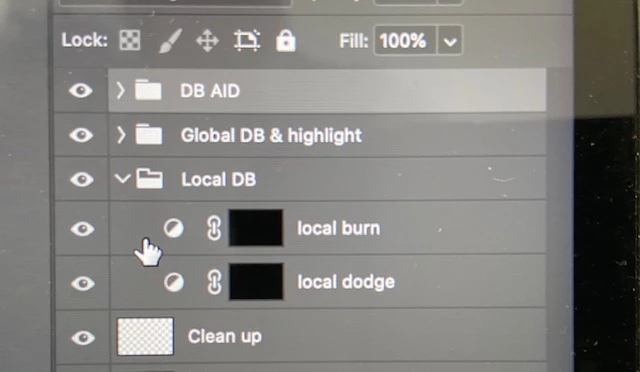
Hi guys, need your expertiese guys. I am getting a black/white circle icon like you have on adjustment layer as I am adding a curve adjustment icon instead. Do you know why is that?
Already have an account? Login
Enter your E-mail address. We'll send you an e-mail with instructions to reset your password.
 AdChoices