
natep49857650
Participant
February 27, 2018
Answered

Curves Layer Mask shows overlay

  • February 27, 2018
  • 2 replies
  • 404 views

Hey all,

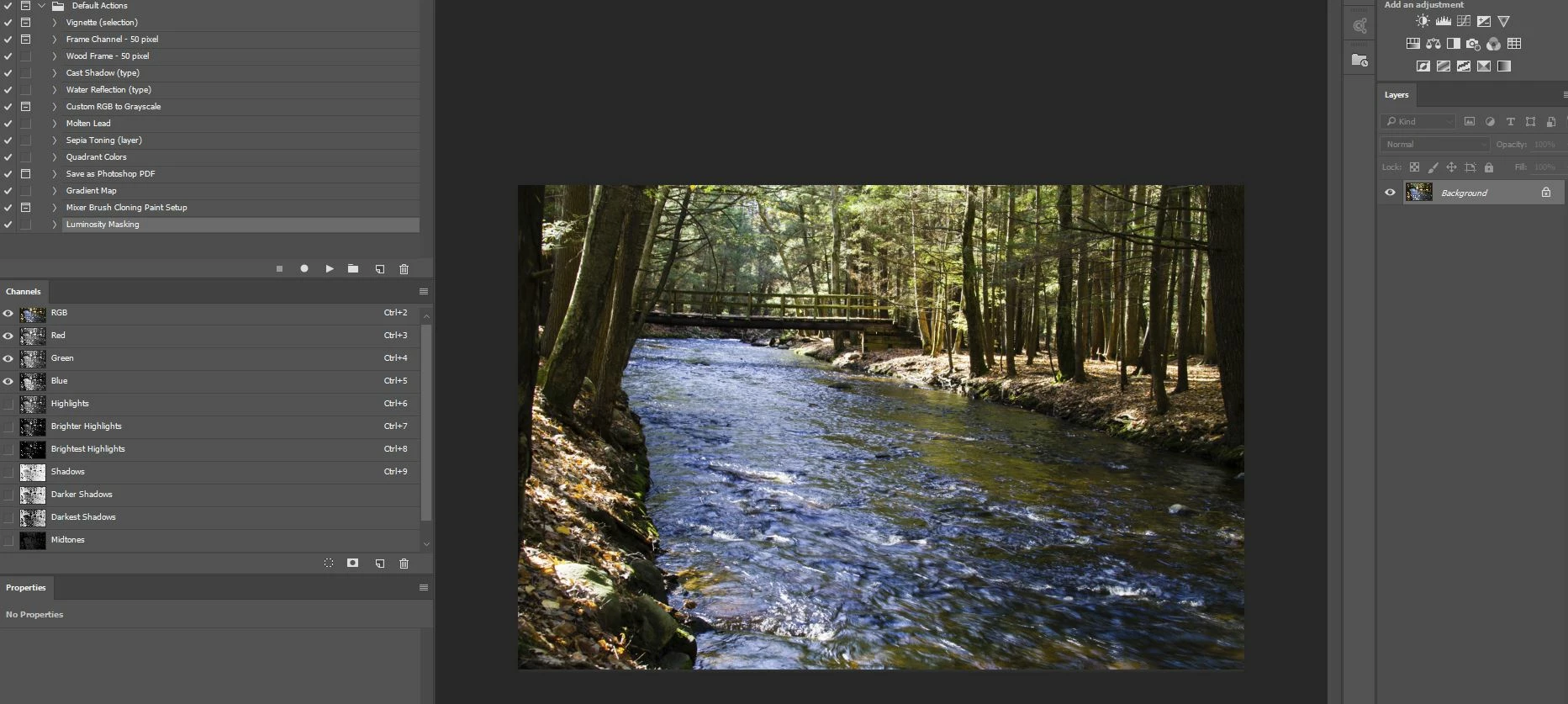
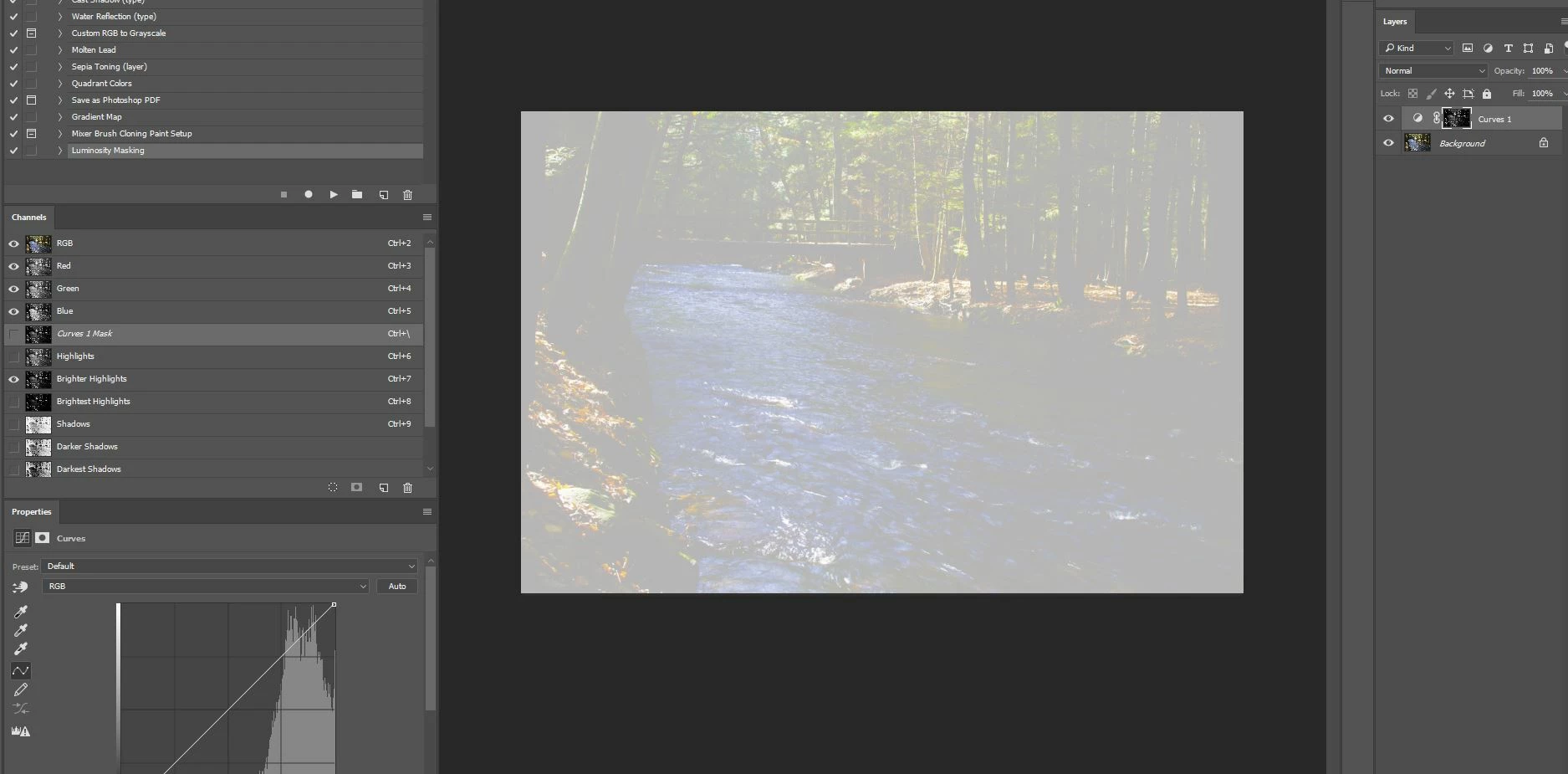
Working in Photoshop Creative Cloud (2015.1.2) and walking through some Luminosity Masks basics. I created an Action to give me the channels I want (1st screenshot). As soon as I select the Highlights or another Channel and create a new Curves Layer Mask, I'm getting the white overlay you see in the 2nd screenshot. I'm sure I'm missing some simple step but I've no idea what. Any ideas, please?
This topic has been closed for replies.
Correct answer cbrashers

Follow this tutorial (not mine). It helped me. https://design.tutsplus.com/tutorials/how-to-create-and-use-luminosity-masks-in-adobe-photoshop--cms-23549

2 replies

cbrashersCorrect answer
Participant
March 21, 2018
JJMack
Community Expert
Community Expert
February 27, 2018

And in screen you not displaying the RGB image  look at the channel palette are the first four targeted  RGB Red Green and Blue? The RGB image?

JJMack