
Participating Frequently
April 3, 2020
Answered

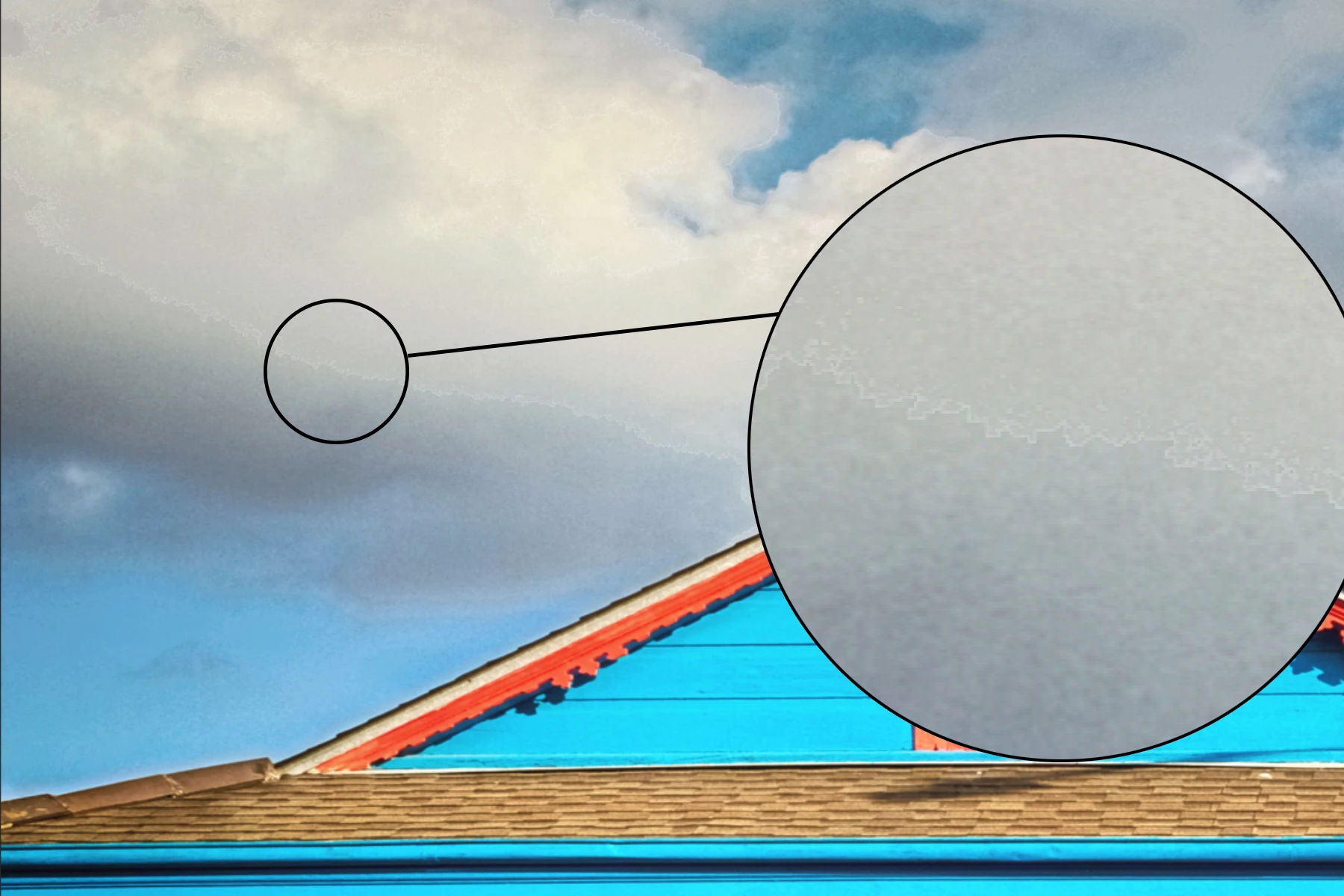
Cut and Paste seems to be deleting pixels.

  • April 3, 2020
  • 4 replies
  • 2638 views

cut and paste seems to be "deleting" pixels in Photoshop. Im sure im missing something but just cant seem to find the correct option. I am using version 21.1. I have tried reinstalling, reseting defaults and even rolled back a few versions. In edition to this the paste in place function is not working automaticly it only works if I use Shift+Ctrl+V
This topic has been closed for replies.
Correct answer EuanWilliamson

Sorry Joe? for the delay. Been a busy weekend.


You must toggle off the Anti-alias to get a clean insert in place.


4 replies

michelew83603738
Community Expert
Community Expert
April 3, 2020

The video is blurry so I can't tell, but suspect that you either have a hard edge selection or anti-alieased turned off.

Participating Frequently
April 3, 2020

Sorry about that, here is a higher quality version. Anti-Alieased is on. when you say hard selection do you mean i should feather the selection? 

EuanWilliamson
Community Expert
EuanWilliamsonCommunity ExpertCorrect answer
Community Expert
April 6, 2020

Sorry Joe? for the delay. Been a busy weekend.


You must toggle off the Anti-alias to get a clean insert in place.


Best regards, Euan.
PECourtejoie
Community Expert
Community Expert
April 3, 2020

Hello, do you mean that using the menu gives an issue, while using the shortcut does not?

Participating Frequently
April 3, 2020

If  i use Ctrl+V it pastes it anywhere on the image. In order to get it to paste in the place where I cut it from I have to use Ctrl+Shift+V

D Fosse
Community Expert
Community Expert
April 3, 2020

That's a hard selection edge. IOW not a software problem, but a workflow problem.

Participating Frequently
April 3, 2020

is you advise/solution to the question " not a software problem, but a workflow problem". Or is there more to it and im missing something? I am aware it is likely a user error  and likely a workflow problem. I am trying to find the solution to those problems

EuanWilliamson
Community Expert
Community Expert
April 3, 2020

Hi,

Can I ask you for more detail please?


What are you trying to copy and paste?

Is it on an image, is it between layers?

How are you making the selection that you then copy?

If you wish, please make a short video showing the problem.


I'm hoping that since you have tried it in several versions that it's not a bug but just

a workflow issue.


E.

Best regards, Euan.
Participating Frequently
April 3, 2020

hopefully this explains what im doing or doing incorrectly a little better.

Participating Frequently
April 3, 2020

Also I ment to say I am trying to Cut and Paste onto the same image. Not Copy and Paste