Alexrozzy
Participating Frequently
March 31, 2024
Question

Decontaminete colors Glitch Issue

  • March 31, 2024
  • 3 replies
  • 335 views

Hello everyone,

I've an issue with the Select and Mask section in Photoshop 25.6.0 (latest release) on Mac OSX 12.7.3.

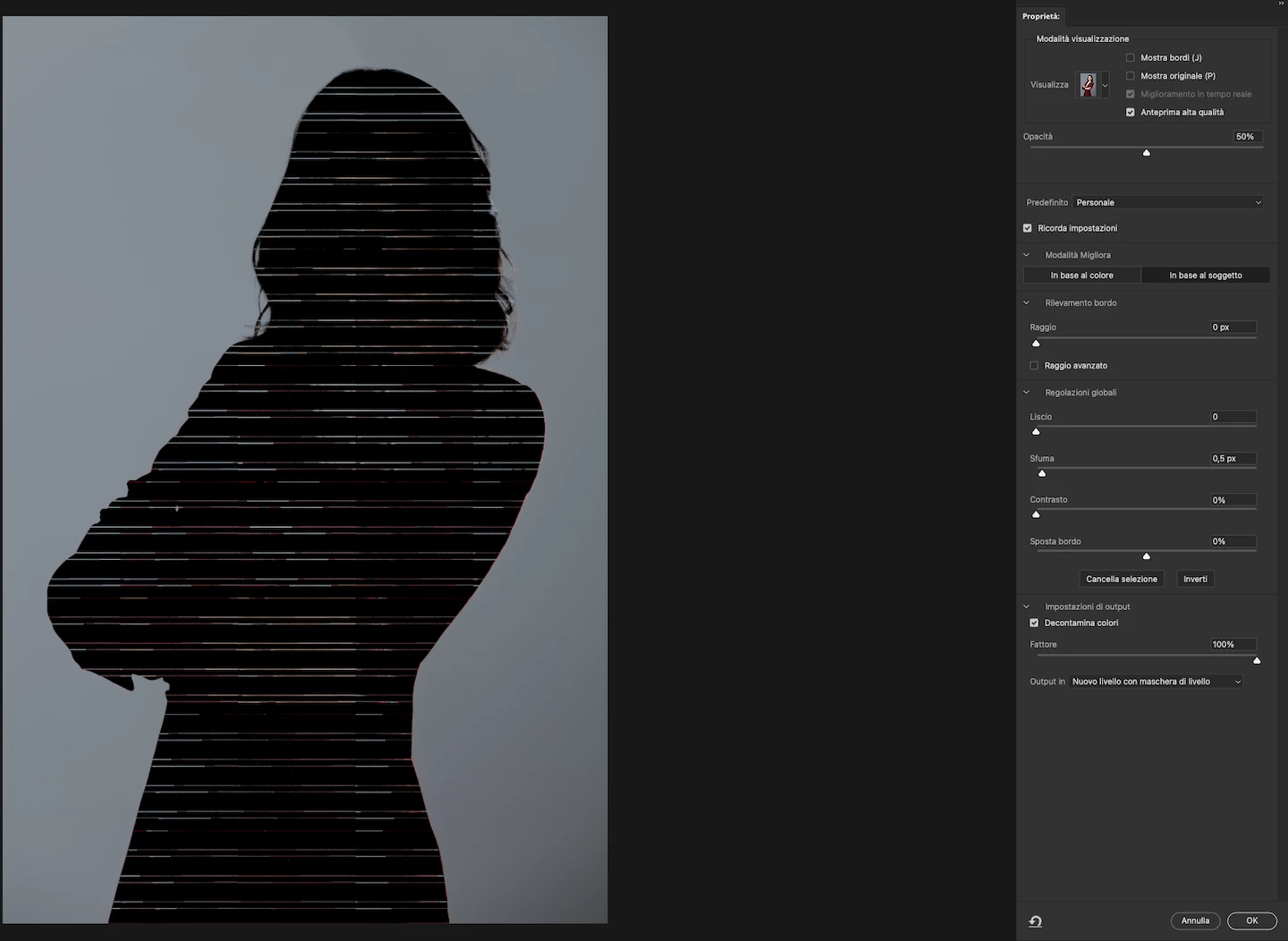
When I select the Decontaminate Colors tool, I encounter a glitch and i'm unable to use it.

I first created a copy from my background layer, then select subject > select and mask for fine-refining the mask.

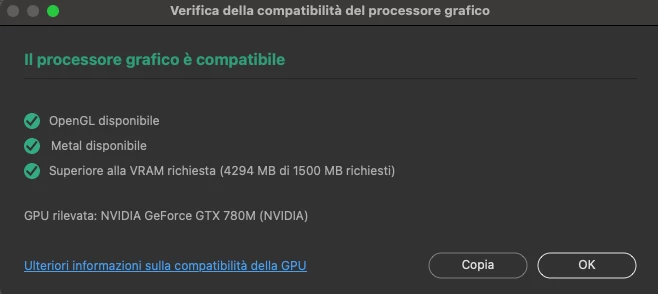
I've checked my GPU, and is properly supported.

I've also cleaned the video cache, restarting Photoshop, but to nothing appened.

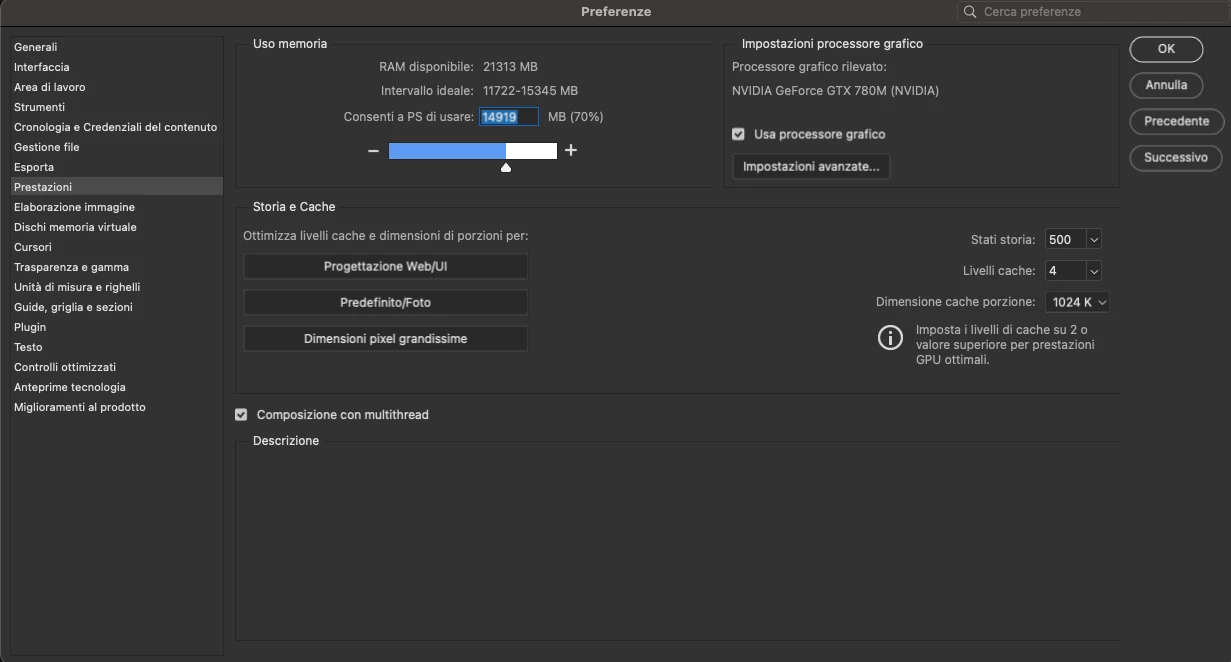
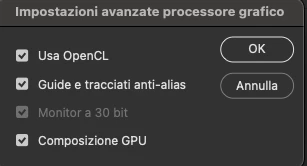
Here's a screenshot of the problem and my settings.

Could someone help me?

Thank you!

PS: sorry my interface is in Italian...
 

This topic has been closed for replies.

3 replies

Jeff Arola
Community Expert
Community Expert
March 31, 2024

Go to Photoshop 2024>Preferences>Technology Previews, check Deactivate Native Canvas, then restart Photoshop and see if that makes any difference while still have OpenCL checked.


D Fosse
Community Expert
Community Expert
March 31, 2024

@Alexrozzy 

500 history states?!


You do realize that this all goes to the scratch disk? Unless you have many terabytes to use as scratch disk, this is all going to come crashing down at some point.


Alexrozzy
AlexrozzyAuthor
Participating Frequently
March 31, 2024

I never had a problem with this in years...

D Fosse
Community Expert
Community Expert
March 31, 2024

Ok, but keep in mind that those 500 history states have to be written somewhere. There's no free lunch...


The scratch disk contains all history states for all open documents. Each history state potentially adds the full uncompressed file size, plus significant overhead for smart objects and other advanced functions.

davescm
Community Expert
Community Expert
March 31, 2024

The GTX780M does not fully meet the requirements of the current version of Photoshop in that it only supports Direct X feature level 11, with 12 requited. 

Try going to Preferences - technology previews and check the box to use older pre 2016 GPUs.


Dave

Alexrozzy
AlexrozzyAuthor
Participating Frequently
March 31, 2024

Ok Dave, thanks, I will try this soution.

Can be this a DirectX problem, considering I'm running it on Mac OsX via Metal? (Not DirectX?)

davescm
Community Expert
Community Expert
March 31, 2024

The symptoms you show are those you tend to see with a  GPU glitch. Try the setting and see if it works. If it doesn't you can always reset it. Remember to restart Photoshop after changing it.


Dave