茹琳丁88147504
Participant
July 15, 2019
Question

Default brushes load with error

  • July 15, 2019
  • 2 replies
  • 244 views

hi,

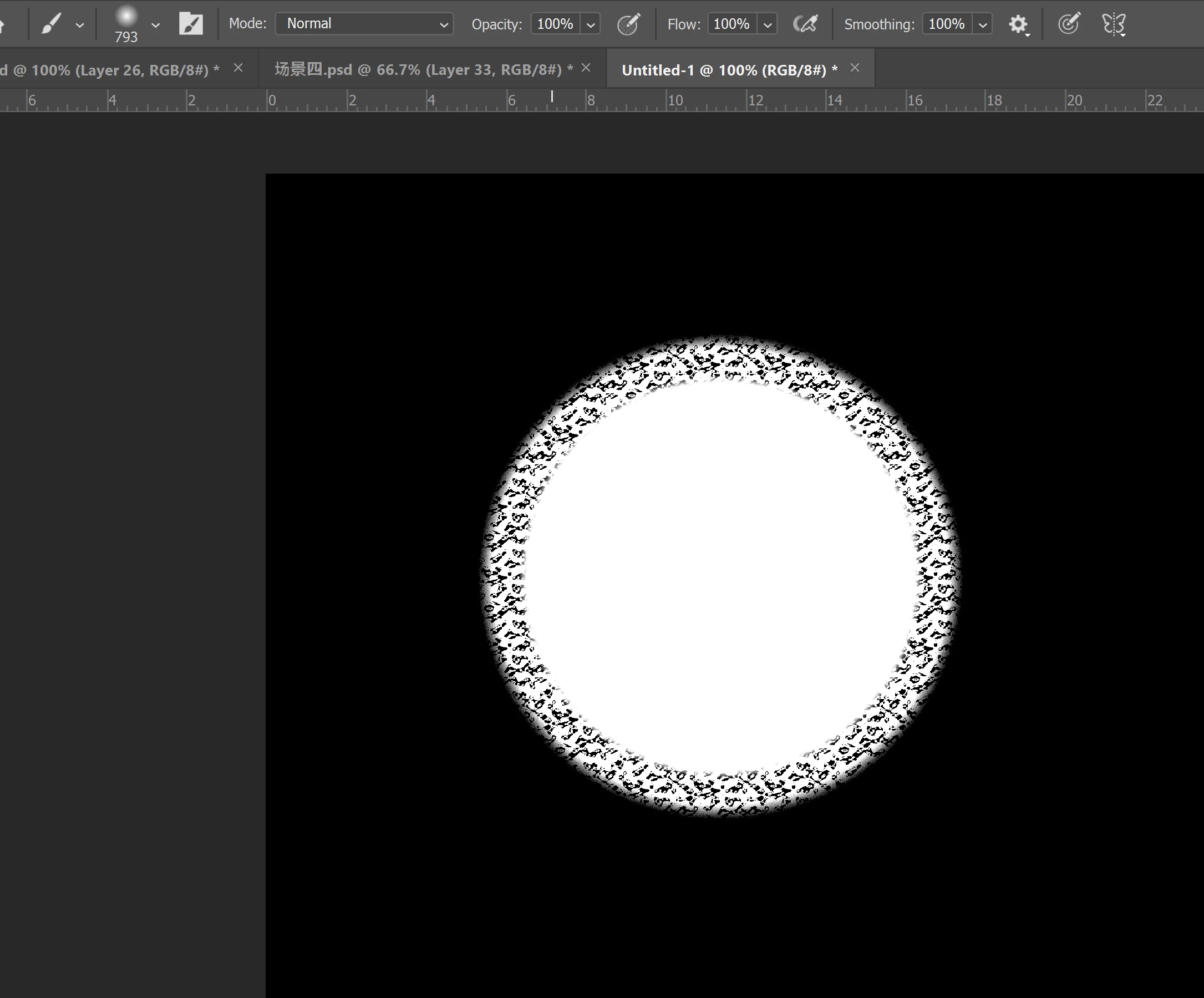
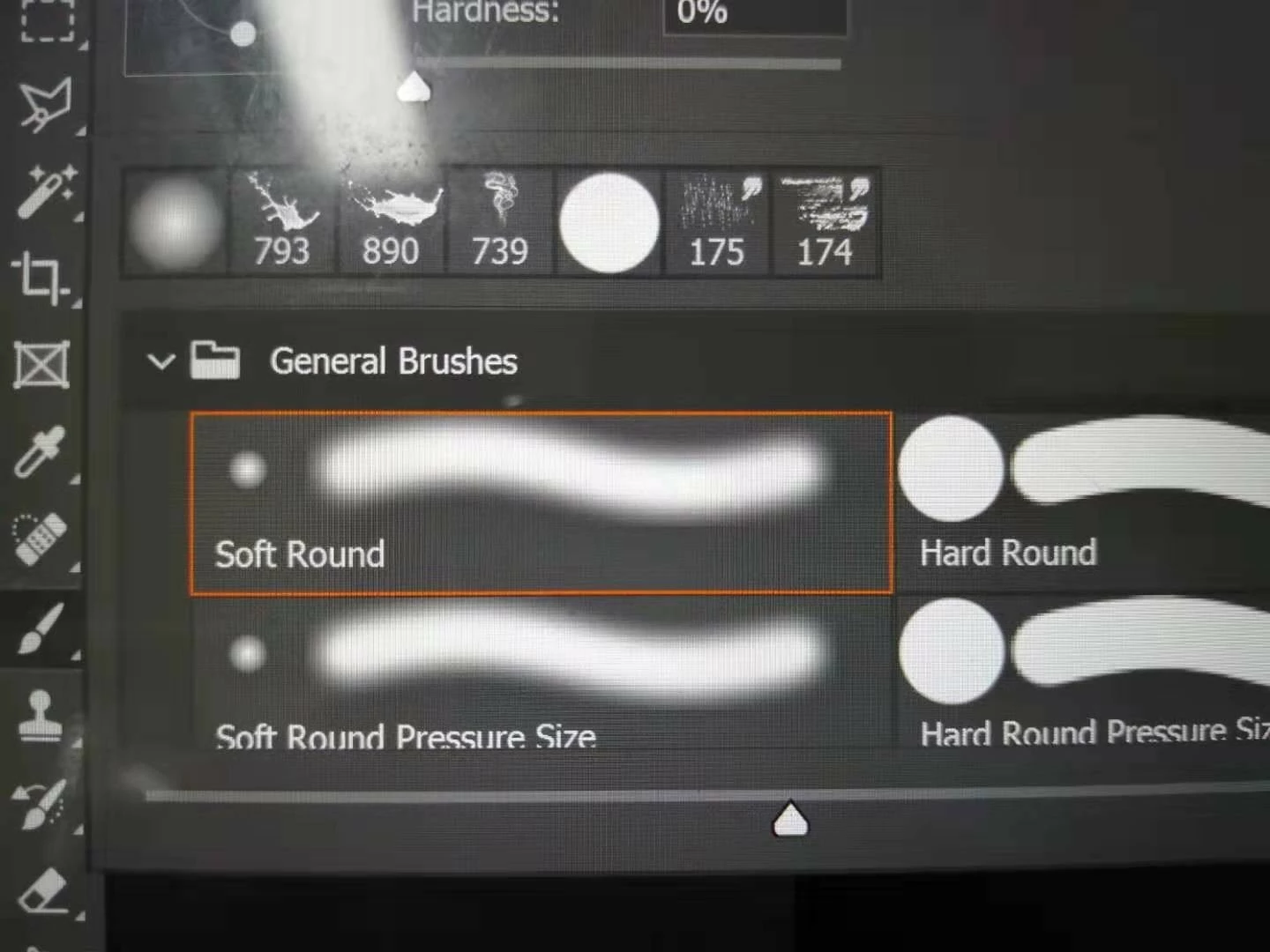
I'm using Photoshop CC2019 and all brushes won't display properly, showing that orange bar even including the default ones. already reinstalled but didn't fix the problem.

Thanks in advance
    This topic has been closed for replies.

    2 replies

    Akash Sharma
    Legend
    July 15, 2019

    Hi 茹琳丁,

    This is not a typical experience as default brushes in Photoshop are loading with an error, sorry to hear about this.

    Could you please restore Photoshop app preferences to default and let us know if the issue still persists?

    Please refer this article for instructions on how to restore Photoshop preferences: Preferences in Photoshop

    Thanks,

    Akash

    c.pfaffenbichler
    Community Expert
    Community Expert
    July 15, 2019

    The orange frame indicates that Brush settings have been changed and are not the exact same as the stored Brush’s anymore.

    Please check this out with reference to taking and posting screenshots:

    FAQ: How do I capture and post a screen shot or video?