Question
Delete, stretch or rescale selection of multiple layers at once
Hello,
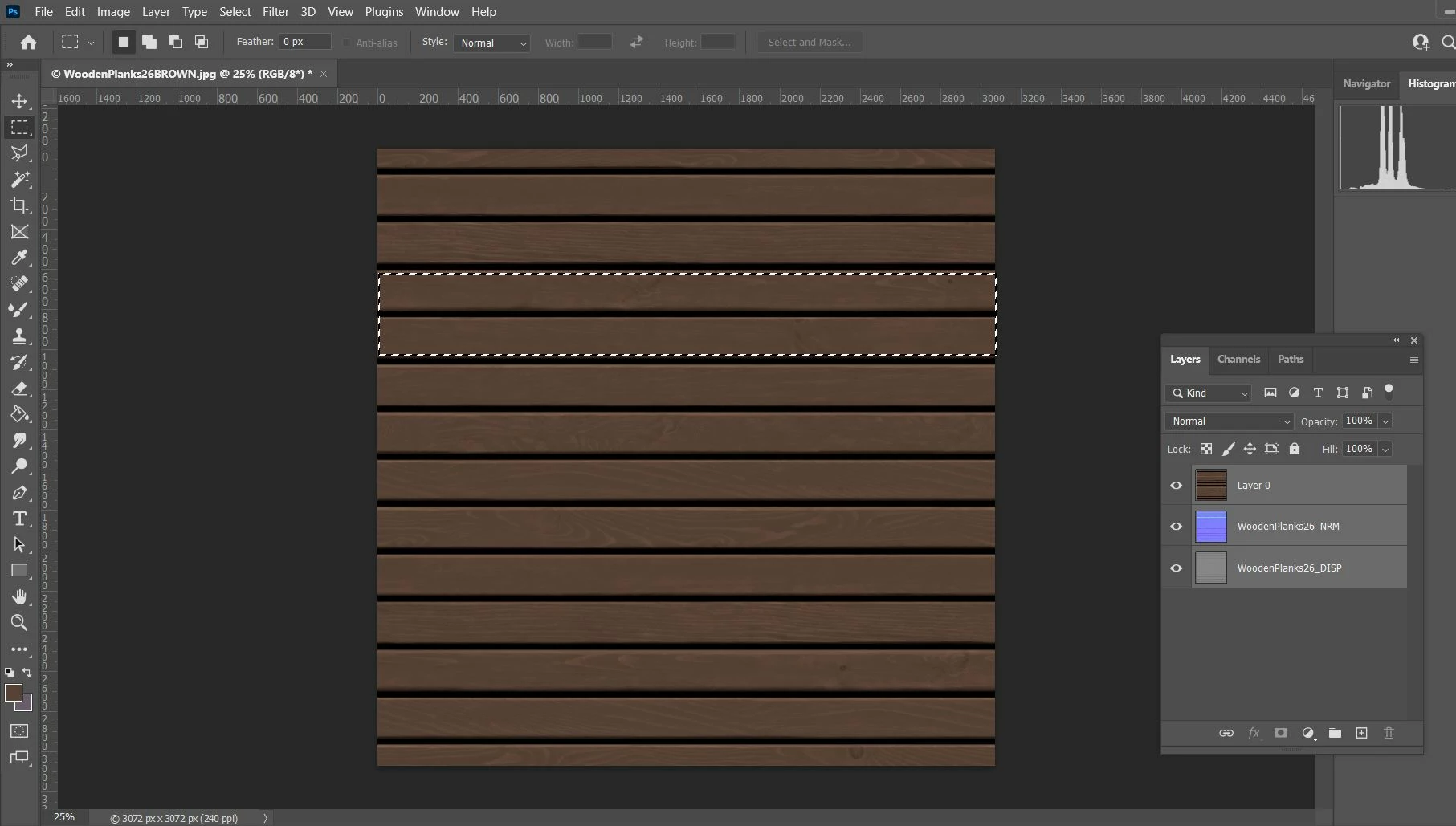
I am trying to delete only the part selected in the photo on the three layers all at once. I am also trying to stretch other areas with a similar selection as the one in the photo, but all the layers at once as well. I tried with group and smart object but it didn't work out.
 AdChoices