Participating Frequently
December 19, 2022
Question

Depths and Lights are not shown correctly in PS

  • December 19, 2022
  • 4 replies
  • 496 views

Hi everyone, 


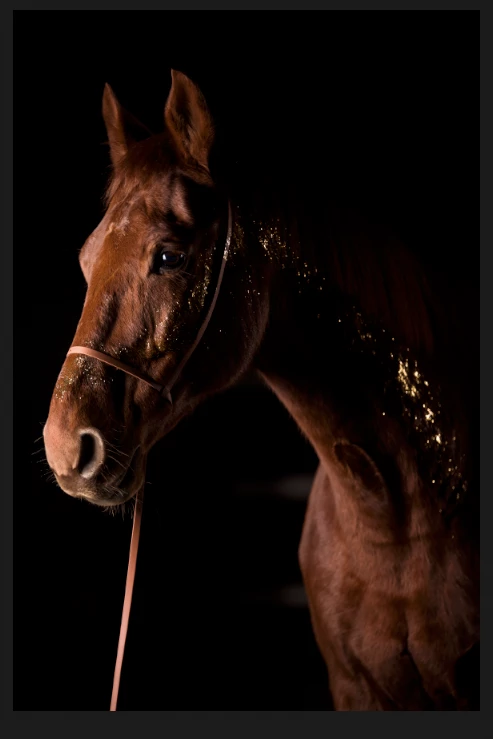
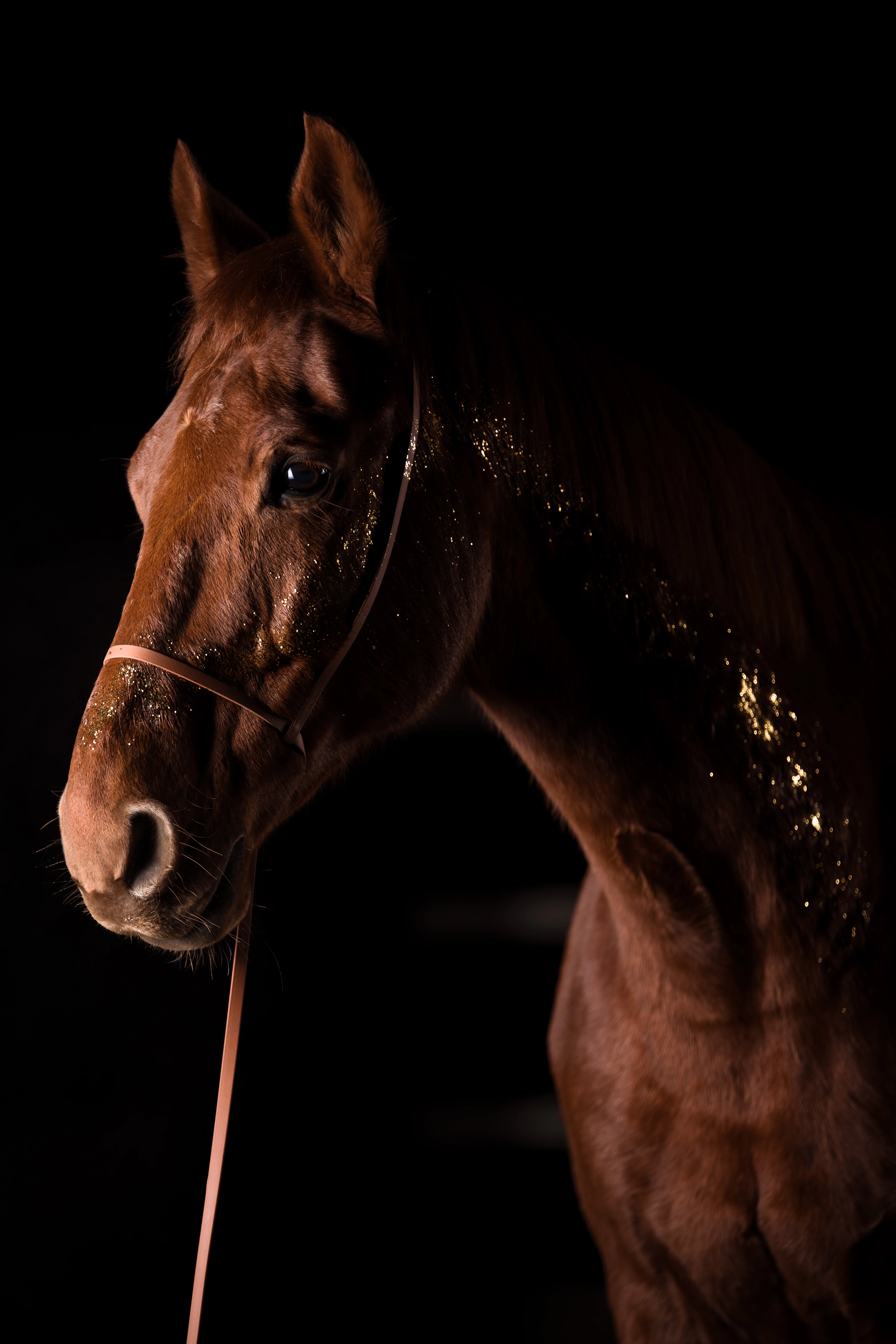
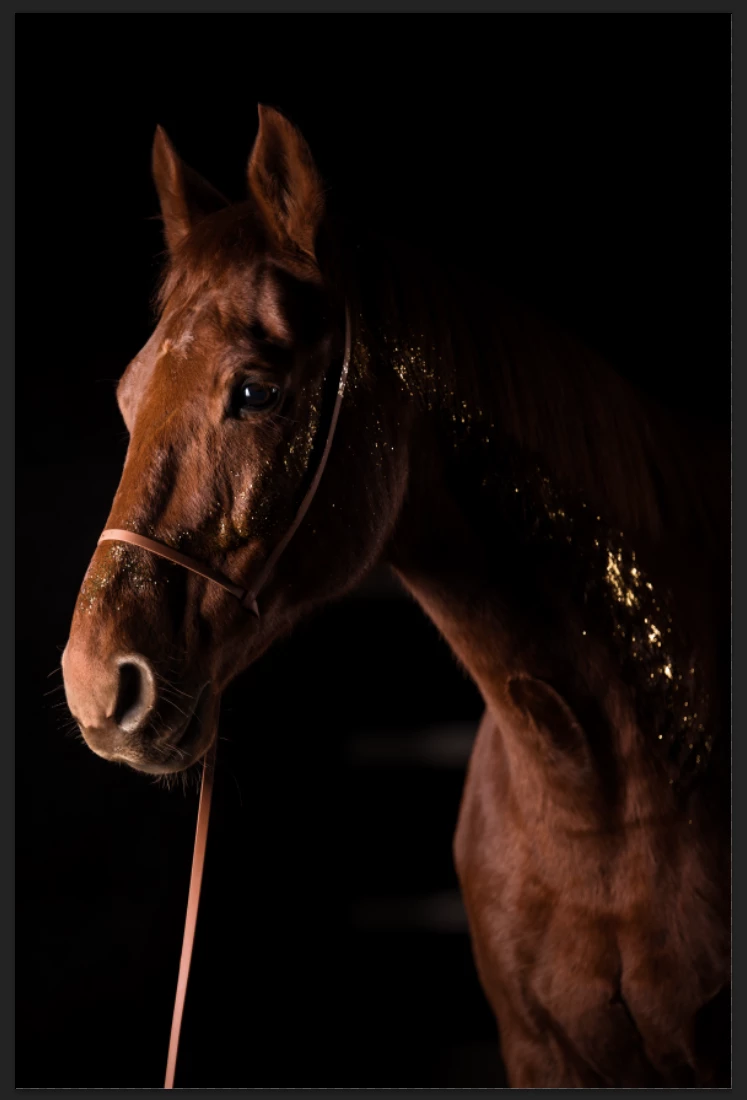
I stumbled across a weird issue with PS version 24.1. I exported an image from LR to PS, converted the colour space from PhotoRGB to sRGB as usual and suddenly the depths and lights are displayed totally different in PS than in LR.


Initially i thought there is smthg wrong with the colour space, BUT when I export the image from PS or view in in Camera Raw Filter in PS, the depths and lights are displayed correctly. So it must be smthg in the View. Weird is, I had no issue with all my other photos I edited in the recent month and didn't change anything. 


Those are the first studio flash images I edit with high amounts of black and high contrast. pprbly it was there also before and I didn't notice. 
This topic has been closed for replies.

4 replies

Participant
December 20, 2022

That sounds strange since it happened to me too when I was trying to visualize the effects of the ranboo hoodies colors and couldn't do it 

Participant
February 4, 2023

It is absolutely right. Every clothing color has to attract everyone even ranboo plush too.

D Fosse
Community Expert
Community Expert
December 19, 2022

First of all, your screenshots are taken with wildly different zoom ratios. You need to compare them all at 100%, which displays one image pixel represented by exactly one physical screen pixel. Otherwise you will get screen resampling artifacts.


Secondly, I see you have a Dell monitor profile embedded. Dell is notorious for shipping bad monitor profiles and they simply cannot be trusted. You need to buy a good calibrator, such as an i1 Display Pro.


A bad monitor profile can affect applications differently. A marginal profile may work in one, but fail in the other. And although it all ends up in the same display profile, the source profiles may be different, and so the calculations are different.


Thirdly, ProPhoto tends to amplify any small inaccuracies, much more than other color spaces. It's simply so immensely huge that any numerical step covers a much larger distance, and so errors are blown up in the remapping into the monitor profile.


All that said, one of these stands out, and it's the one in the middle. It has pretty pronounced black clipping.

Participating Frequently
December 19, 2022

Thanks for your answer. I'm calibrating regularly (every month) with my SpyderXPro and the issue with the black parts just appears when viewing / editing that image in PS. When I export the same image the end results looks just perfect and matches the image as shown in LR. 


If the recalculations from the LR version to PS would cause the issues or the monitor would be causing it, mustn't the exported image from PS showing the same issues?


How can that be?


D Fosse
Community Expert
Community Expert
December 19, 2022

The embedded display profile (MacOS embeds the display profile when you take screenshots)  - is called "Dell U2713HM-2". Is that a profile you made with the Spyder, and named it that? It looks like a Dell profile to me.


Also, I'm not talking about a document to document conversion. I'm talking about a document profile to monitor profile conversion. That's what you see on screen, that happens continuously with everything that goes to screen. So no, an Exported file would in no way necessarily look the same.

Participating Frequently
December 19, 2022

Hi Derek- did already export the TIF from LR and Open in PS, same issue. 

Derek Cross
Community Expert
Community Expert
December 19, 2022

Try Save a Copy.