
Known Participant
January 19, 2022
Question

Desaturate the background only

  • January 19, 2022
  • 5 replies
  • 1129 views

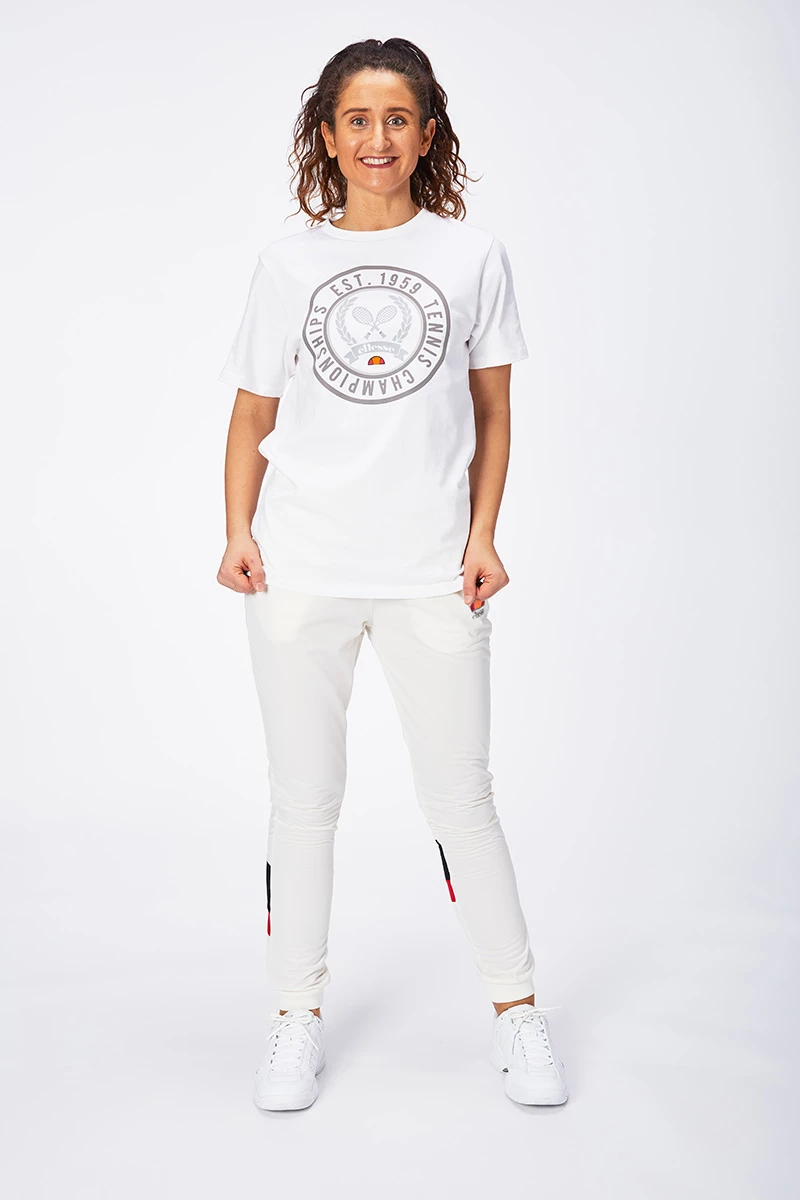
I have to remove the blue/magenta from this kind of images...


Right now my process is : ( action)

- Select Subject with a tolerance 10

- Invers

- Make a new Hue/Saturation layer

- Select the blue channel and desaturate


The problem is...very slow on a bigger batch...

Is there a way to speed up the process ?

So in the end i'd have a nice, even 239 RGB background ? 

Thank you ! 
This topic has been closed for replies.

5 replies

Kukurykus
Legend
January 19, 2022

Does tolerance work for you with Select Subject. What's difference when set to 0 or 100?

Known Participant
January 19, 2022

That was i was worried about...i don't think it does anything..right ?  

Kukurykus
Legend
January 19, 2022

It makes difference when using Magic Want Tool, and Grow or Similar.

D Fosse
Community Expert
Community Expert
January 19, 2022

Don't even think about selecting/masking! That's a lost cause from the beginning. You need to correct this globally.


Actually, I'm not too concerned with the slight hint of blue/purple. The shot seems a bit oversaturated as it is, so I'd probably just lower saturation slightly. That should take care of it, as well as giving more realistic skin tones. The light falloff to the right bothers me a bit more, and you could batch a Levels gradient to fix that.


All said and done, if these are presentation pictures that really need to look good, I'd go over them one by one. Yes, a bit of work, but sometimes you just have to take it.

Known Participant
January 19, 2022

We talk about a lot of images...and unfortunately that blue/magenta tint it is an issue...

- the image is not oversaturated...

- yes, the righ side is darker...but it's intentionally like this...

- skin is ok...

all i asked was :  can I do this process that I'm doing right now faster ? And no, i don't think this is a lost cause...i might look into python...but hey, thank you 😉 

Kukurykus
Legend
January 19, 2022

With powerful processor Select Subject is quite quick.

JohanElzenga
Community Expert
Community Expert
January 19, 2022

Have you considered solving this at the shooting stage rather than in Photoshop? This looks like a studio shot, so it shouldn't be a problem to get a perfect white balance setting for your studio lights. It should also not be a huge problem to create a custom camera profile.


-- Johan W. Elzenga
Stephen Marsh
Community Expert
Community Expert
January 19, 2022

Select subject is likely the slowest part of the process, next to saving.


What are the original file formats?


How about setting the white balance in Camera Raw on one image and then sync the WB settings across all images from the same shoot, as they are all under controlled lighting?

Known Participant
January 19, 2022

Hi @Stephen Marsh & @JohanElzenga 

So the process is :

we shoot tethered to Capture One.

Using a Canon 5dMarkIV, with white balance setup to 5500K

The lights are kinda old - Bowens GM500

The exported file format is JPG


Stephen Marsh
Community Expert
Community Expert
January 19, 2022

The ACR white balance tool is meant to work on raw data, but you can process JPEG files as well in ACR and it is not a huge shift as the shot is close to neutral anyway. It is worth checking as this should be much faster, but the images will still need to be re-saved in batch from ACR which will take time.

c.pfaffenbichler
Community Expert
Community Expert
January 19, 2022

- Select the blue channel and desaturate


Please post a screenshot to clarify what you mean – the Channel, the Color Range Blue, …? 

Known Participant
January 19, 2022

 hi @c.pfaffenbichler this is what i mean....