
Detailed Etched Glass Needs Background Edited Out
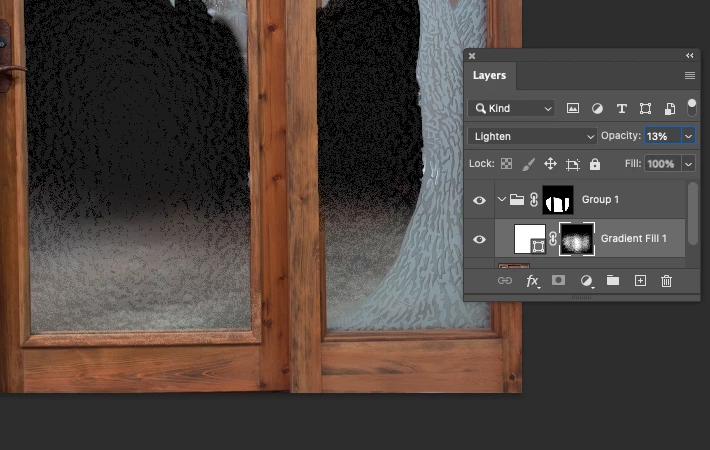
I have been assigned to clean up the background of a door with etched glass. The design is very beautiful and intricate. Apart from using the Object Select tool, is there a way to edit out the messy background that won't be mind-numbingly nauseating? The goal here is to showcase the door on a website where presentation matters. I don't have access to any stock photos of this design, so I need the magic of PS and the creative minds to wield a fantastic solution. Also since I will have to repeat this process at least five more times from different angles, I'm hoping you can point me to something not complicated as I am a beginner with various experience. The entire image has to be visible and it needs to look like there's nothing behind the glass itself.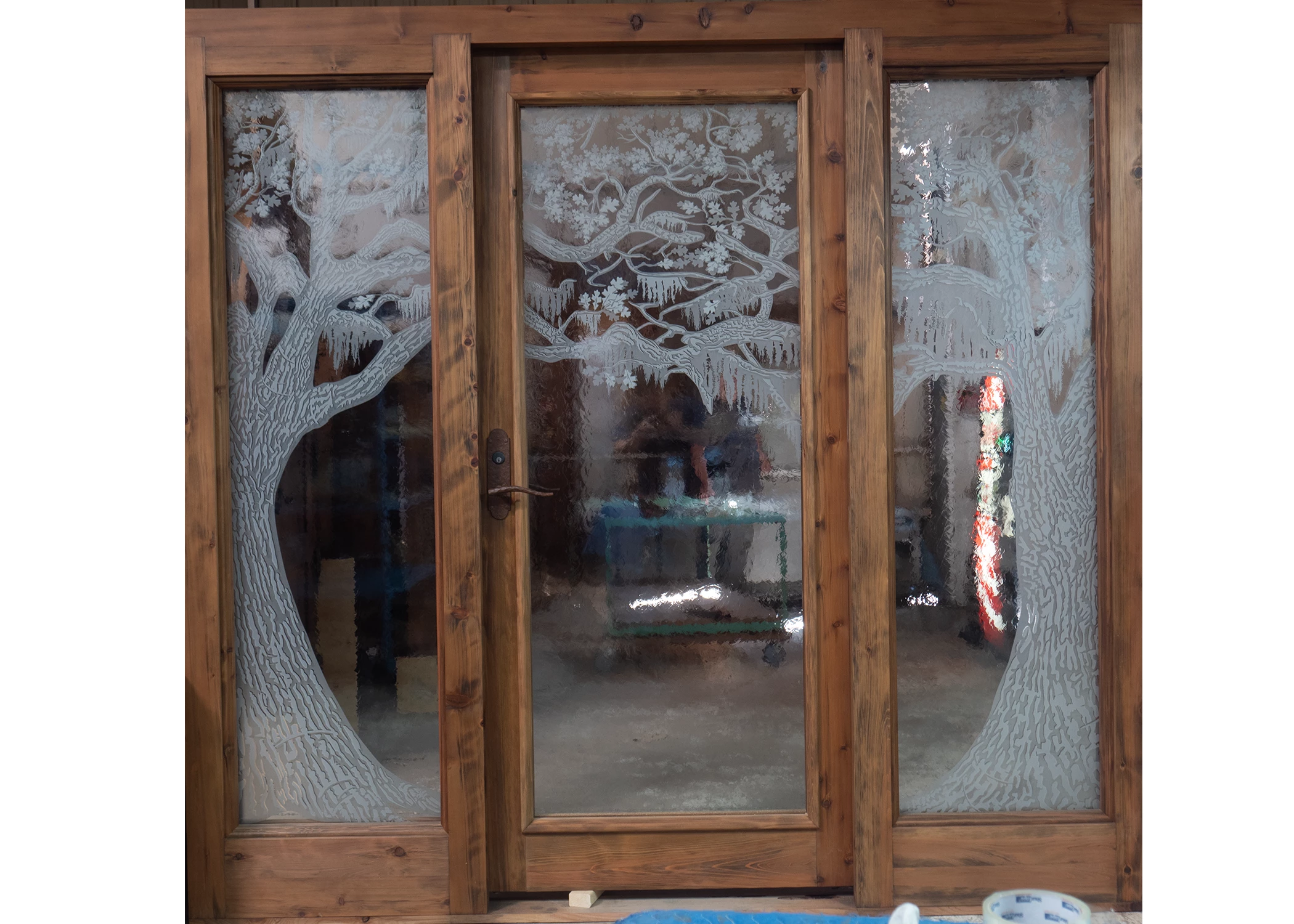
 AdChoices