

Answered
Different windows of same document with varying layer visibility
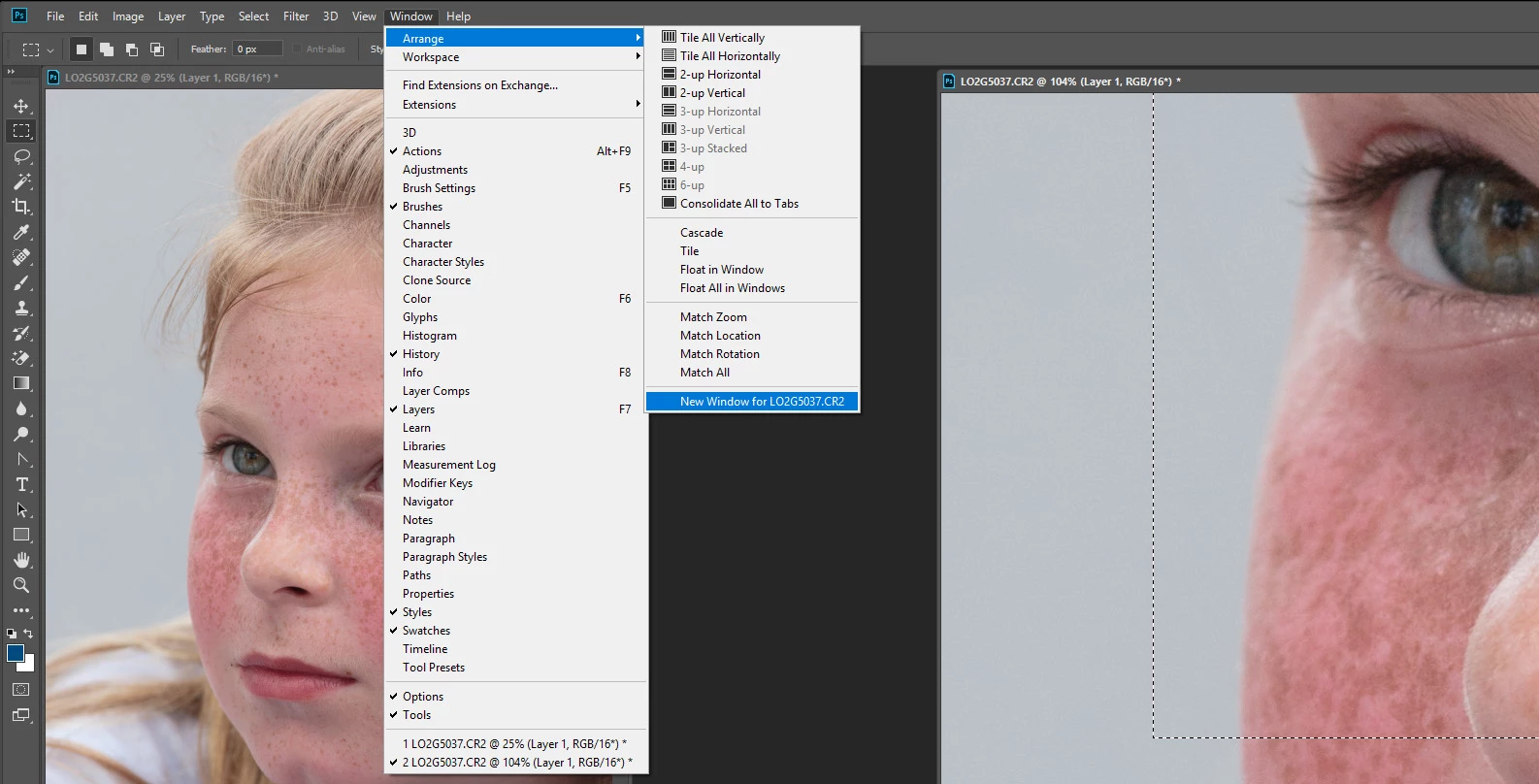
I want to open two windows of same document in Photoshop to do comparison of two layers. I want this to happen.
Window 1 - Layer A is on, layer B is off
Window 2 - Layer B is on, Layer A is off
How can I do it without creating a new copy of the same document? If I create a new window, the layer visibility gets controlled in both of them simultaneously.
I am using CC 2018 version.
 AdChoices