Participant
August 20, 2019
Question

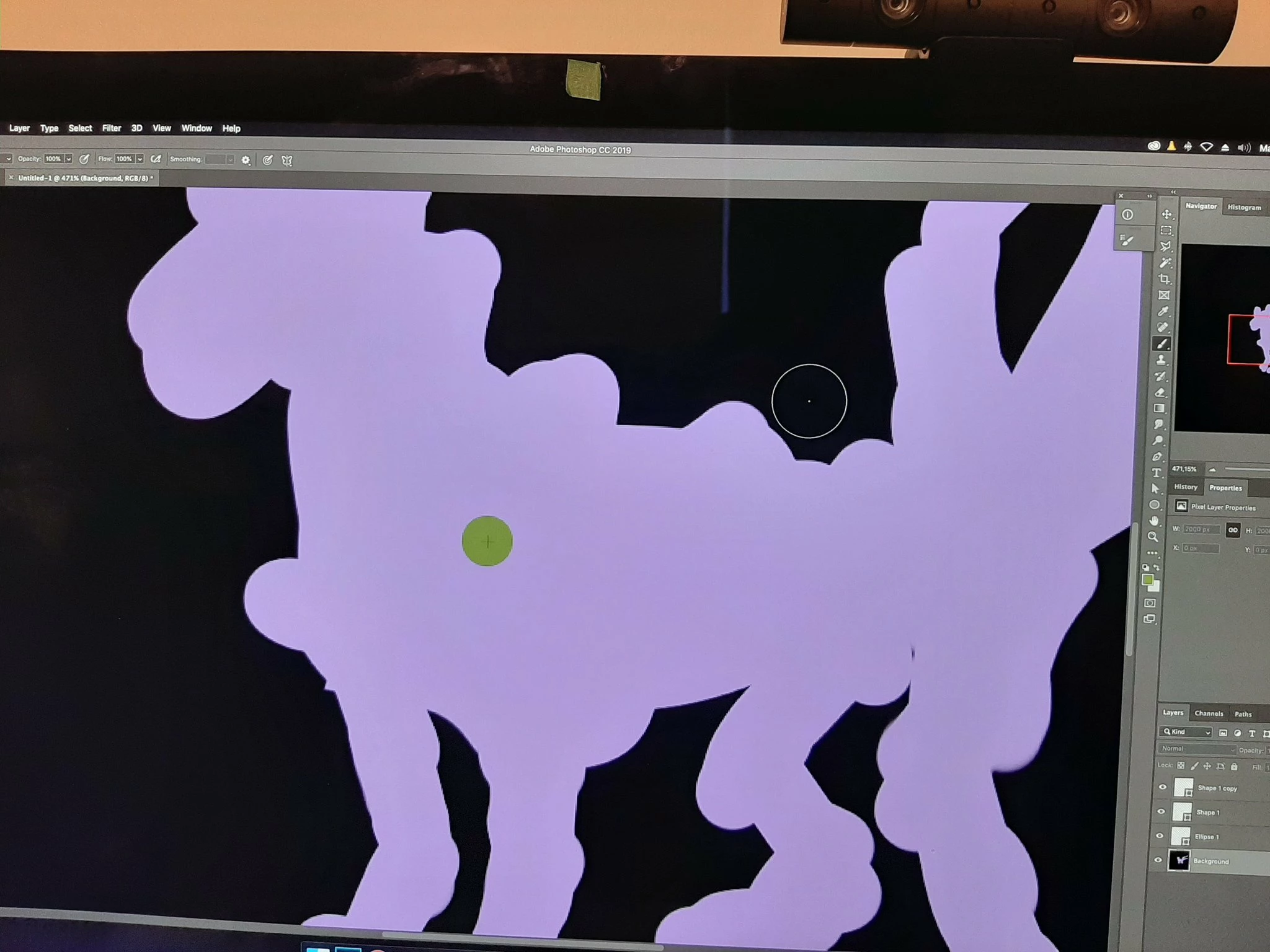
Difficulty seeing the cursor in the mid-tone color and gray - Photoshop 20.0.6 macOS Mojave

  • August 20, 2019
  • 1 reply
  • 310 views

MAC Mojave ( IMAC 27 Late 2015 Retina )
Photoshop CC 20.0.6

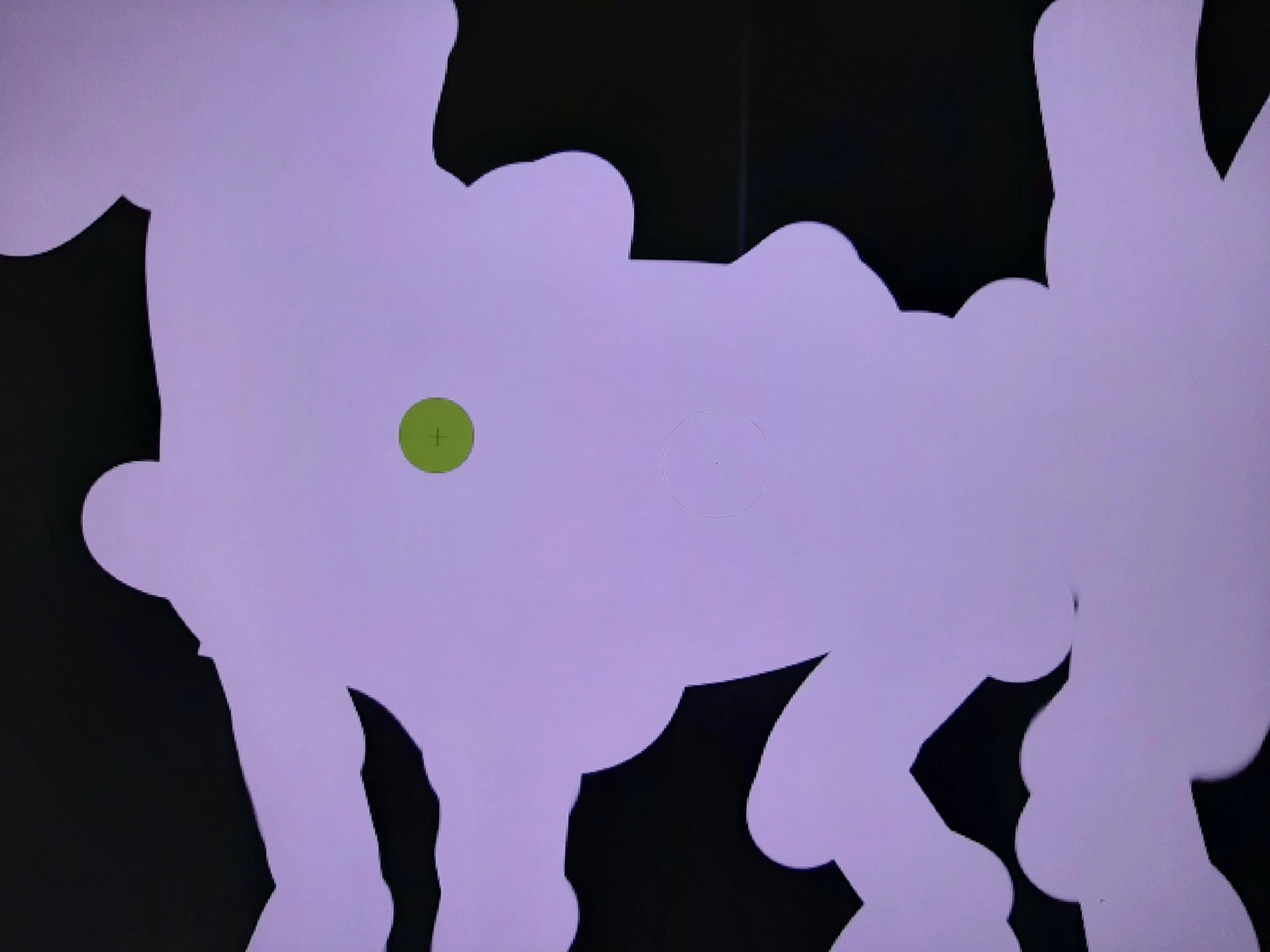
I can not see the cursor !!! I see it in black and white but not in midtone.
Message was edited by: Sahil Chawla

    This topic has been closed for replies.

    1 reply

    Sahil.Chawla
    Adobe Employee
    Adobe Employee
    August 20, 2019

    Hi there,

    As you're not able to see the cursor in Photoshop, you can try changing the look of the cursor in Photoshop's Preferences > Cursors:

    Also, you can try showing the Brush Leash, as it might help determining the position of the cursor.

    Regards,
    Sahil

    Just a reminder, the Adobe Forums are transitioning to a new community experience soon. New threads and replies posts to the forums between August 22nd and September 9th will likely be lost, but we’re here to help!

    DraknetAuthor
    Participant
    August 20, 2019

    The only solution I found is to activate the caps lock to see the cross ....

    The cursor is not thick enough for the distinguished on a 5k screen nothing more. Is it possible for adobe to create a thick black cursor (2-3pixel) with a white outline ( Like screen Below ??? )... I do not see how Adobe would have difficulty creating one in the next patch.