
Answered
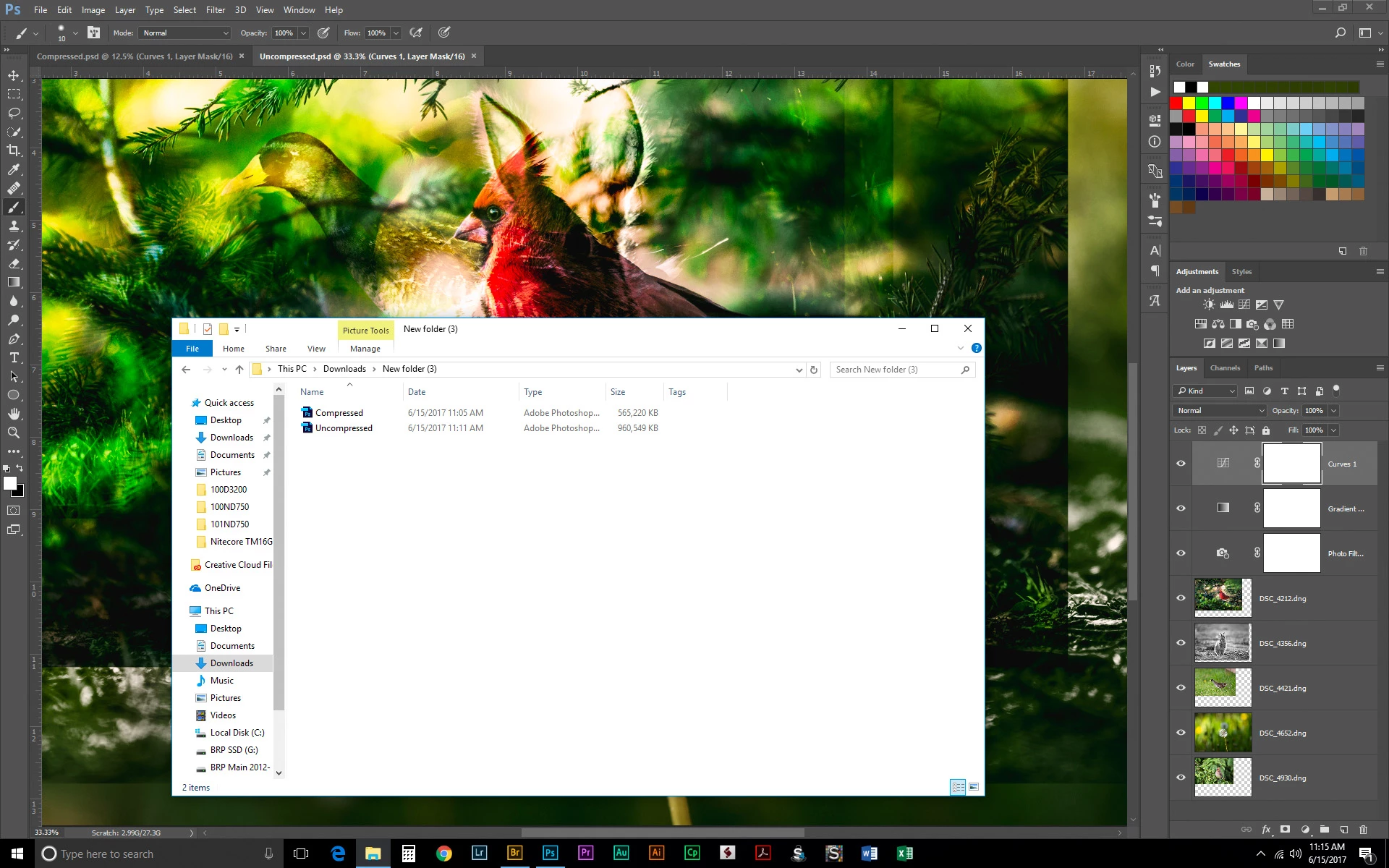
Disable compression seems not to work
Hello,
I was experimenting with compression of psd and psb files but it seems not to work (Photoshop CC2017.1.1).
My aim is to monitor performances while opening/saving a 2.9GB psb on SSD and HDD.
Unfortunately disabling compression seems not to work, indeed the file saved without compression is the exact same size of the one saved with compression (already tried not maximizing compatibility).
So far my findings with compression on are as expected, the two drives have nearly the same timing:
| Compression enabled | 1xSSD | 1xHDD | 2xSSD | 2xHDD | 3xSSD | 3xHDD |
|---|---|---|---|---|---|---|
| open (s) | 10.2 | 11.8 | 10.6 | 10.4 | 10.2 | 10.4 |
| save (s) | 14.1 | 17.3 | 13.8 | 14.3 | 13.8 | 14.2 |
is there a way to effectively disable the compression?
I tried checking disable and reopen Photoshop but still not working.
Message was edited by: Alberto Bua - added PS version.
 AdChoices