

sinonA
Participating Frequently
September 11, 2021
Question

Discontinued 3D features

  • September 11, 2021
  • 3 replies
  • 506 views

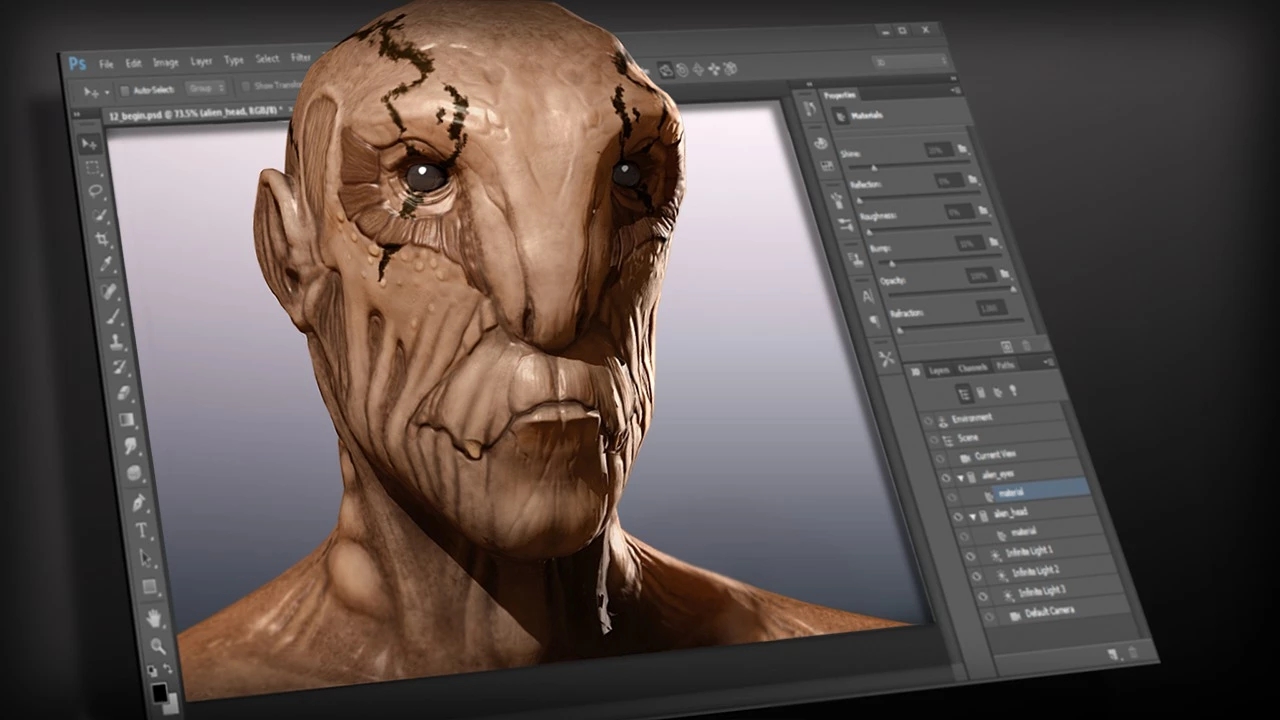
All the 3D features that makes PS a powerful creation tool ain't work now and discontinued in future versions. Instead Adobe recommends trying and buying 4 different non-easy-to-use Substance apps. Substance seemed to me a big deal compared to creating normal maps, panos, UVs, quick painting tools in PS. Adobe should have sent polls before doing this great move, instead decided to make a big move as all the monopolies do...and I find what Adobe did is unfair as I am buying the bundle for PS 2D and 3D features which made PS is PS today..

What do you guys think?
This topic has been closed for replies.

3 replies

Nancy OShea
Community Expert
Community Expert
September 12, 2021

I can't say I'm surprised.  IMO, 3D in PS always felt kludgy.

Have you tried Blender?


Nancy O'Shea— Product User & Community Expert
davescm
Community Expert
Community Expert
September 12, 2021

"What do you guys think?"

Whilst I am sorry to see it go, as I started out in 3D via Photoshop, the reality is that 3D in Photoshop has always been a very limited add on, with no real modelling capability, no physics, outdated slow and noisy rendering on the CPU only. It has not moved on significantly since its introduction in CS3 and update in CS6 and became increasingly buggy in recent years.


I use full 3D applications for my 3D workflow, including the Substance apps for texturing, and keep Photoshop for what it does best i.e. the 2D elements, such as compositing.


Dave


jane-e
Community Expert
Community Expert
September 12, 2021
@sinonA wrote:

Instead Adobe recommends trying and buying 4 different non-easy-to-use Substance apps.


For technical reasons, Photoshop’s 3D feature set will not reliably work in modern operating systems. Adobe recommends you keep Photoshop 22.2 if you want to continue using PS for 3D. Another option for now is to Deactivate Native Canvas from Preferences > Technology Previews and restart Photoshop.

https://helpx.adobe.com/photoshop/kb/3d-faq.html


Blender 3D is another choice. It's free.


~ Jane