Disk not Available; Setting File Could not be Found
Hello,
I just started using photoshop. Like, today. So I'm hoping these are easy fixes. My first issue, is that I seem to be out of Disk Space. I have over 150 GB available on my Hard Drive, and the RAM I am allotting to photoshop is well over 10x the size of the file size I am working with. That being said, when I attempt to drag in a new photo to create a new layer, I run into the following error message:
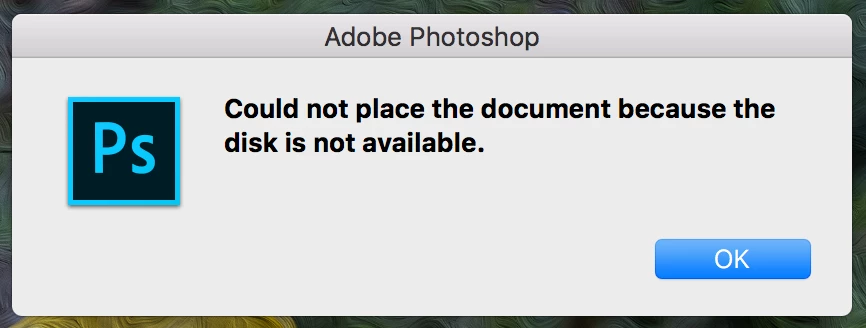
I've seen other forums with this same question asked, but I have not seen a conclusive solution. I thought that one solution to the above could be quitting and re-opeing photoshop. Upon doing that, when Photoshop re-opened, I received this message:
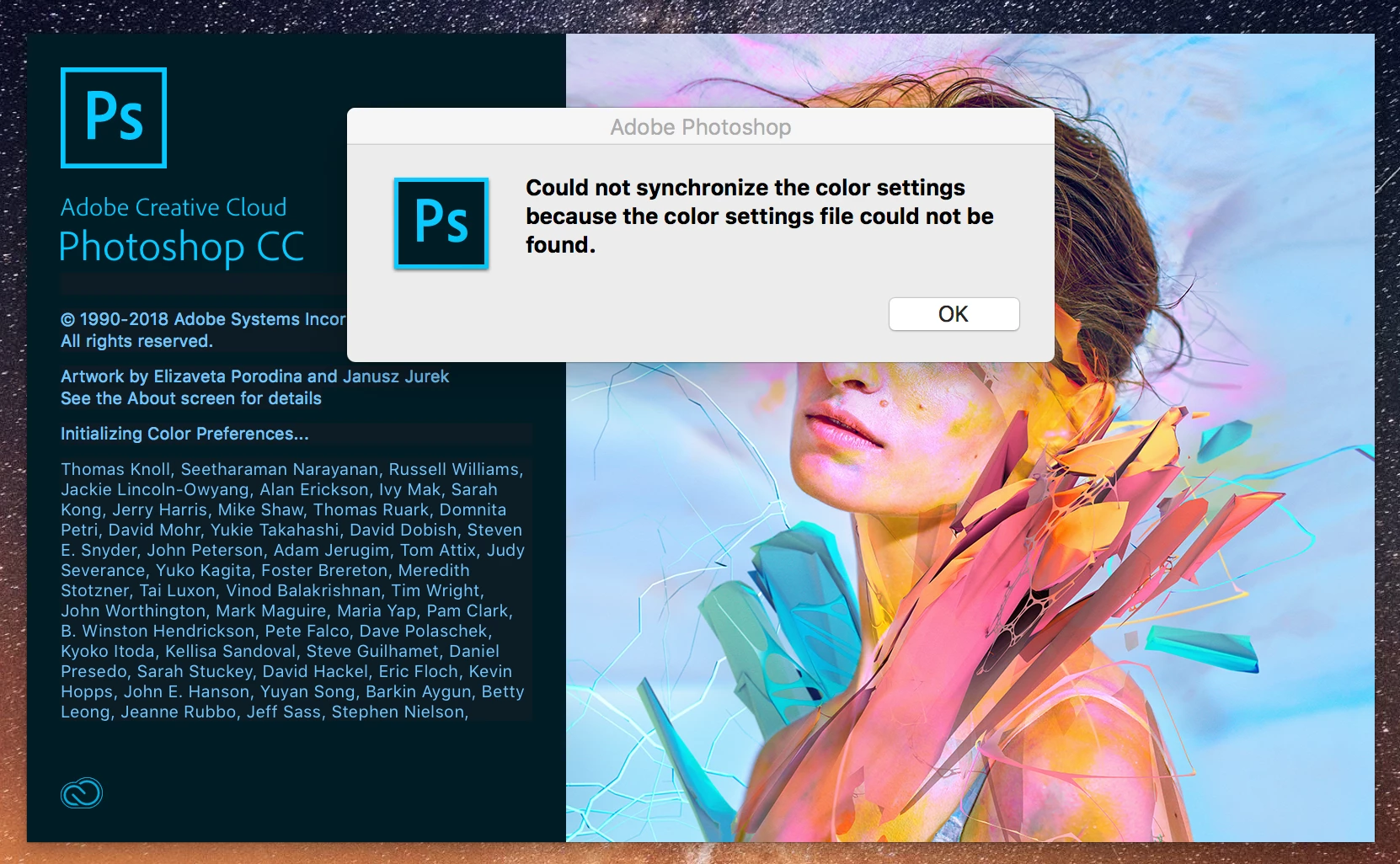
I have not changed any settings, nor have I tried to sync any settings. I'm at a loss as to why or how I'm already running into these errors, so any help would be very much appreciated.
-Max
 AdChoices