
Marc Lucas
Participating Frequently
April 28, 2018
Question

Display after drop shadow applied

  • April 28, 2018
  • 1 reply
  • 194 views

Can someone please explain what is happening here.

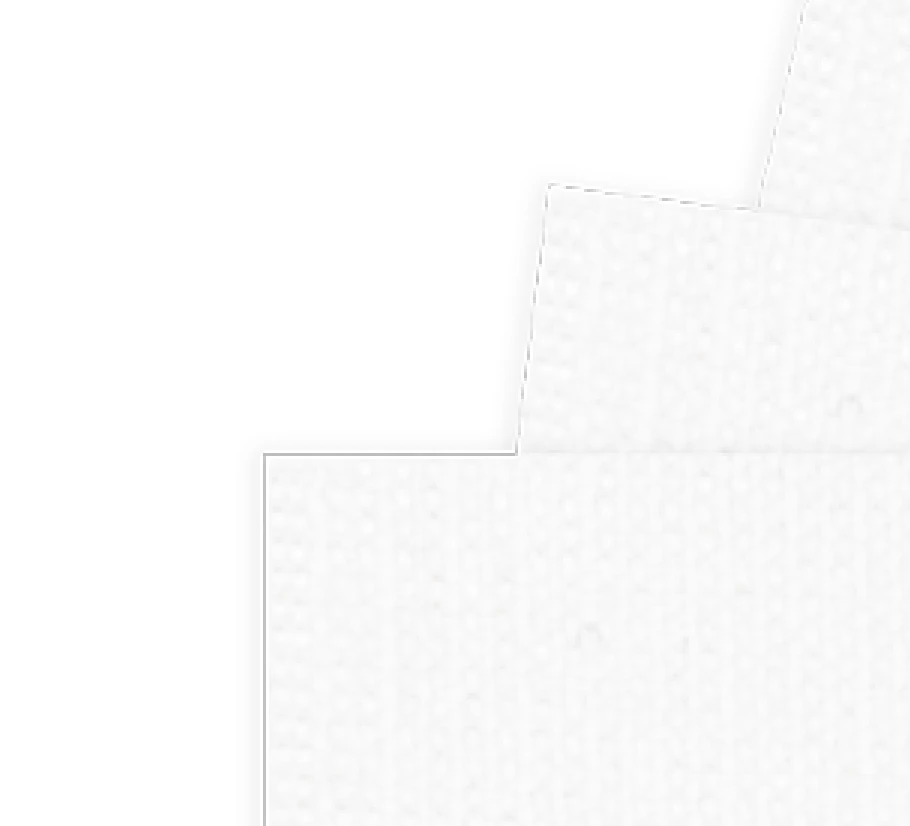
I have duplicated 5 layers each have a drop shadow applied to give the layer a little depth I then merge the layers and all looks OK (first image) However I drag/copy those merged layers to another open canvas (project) and I suddenly have these lines appear.
    This topic has been closed for replies.

    1 reply

    Norman Sanders
    Legend
    April 28, 2018

    The files posted did not reveal much, but adjusting the contrast and range it revealed this:

    According to your description, you created a file consisting of five layers, each with a drop shadow, then duplicated the set of five layers and made a composite of the top five-layer set. You then copied the composite to another file and some lines appeared.

    What was the purpose for duplicating the five layers before making the composite?

    Could you please post your Layers panel of both files and a more detailed explanation of the steps you took and the significance of what seems to be marching ants a double line? Were the lines on a separate layer in either the source or target file?

    If you strike Cmd+H do the marching ants disappear?