
Display P3 to sRBG export - printed photos come out more saturated
Hi everyone,
I've been working on a photography project and a slight problem arised.
I edit all my photos in Adobe Lightroom Classic and export them - in .tiff and .jpg (just want to give you the biggest amount of information possible). When I send the images to a graphic shop and they print them, the majority of the images come out with a lot more saturation (more yellows mainly) and a lot more vivid/have more texture to them. I don't have the best examples with me, but below I'm going to leave you with some examples.
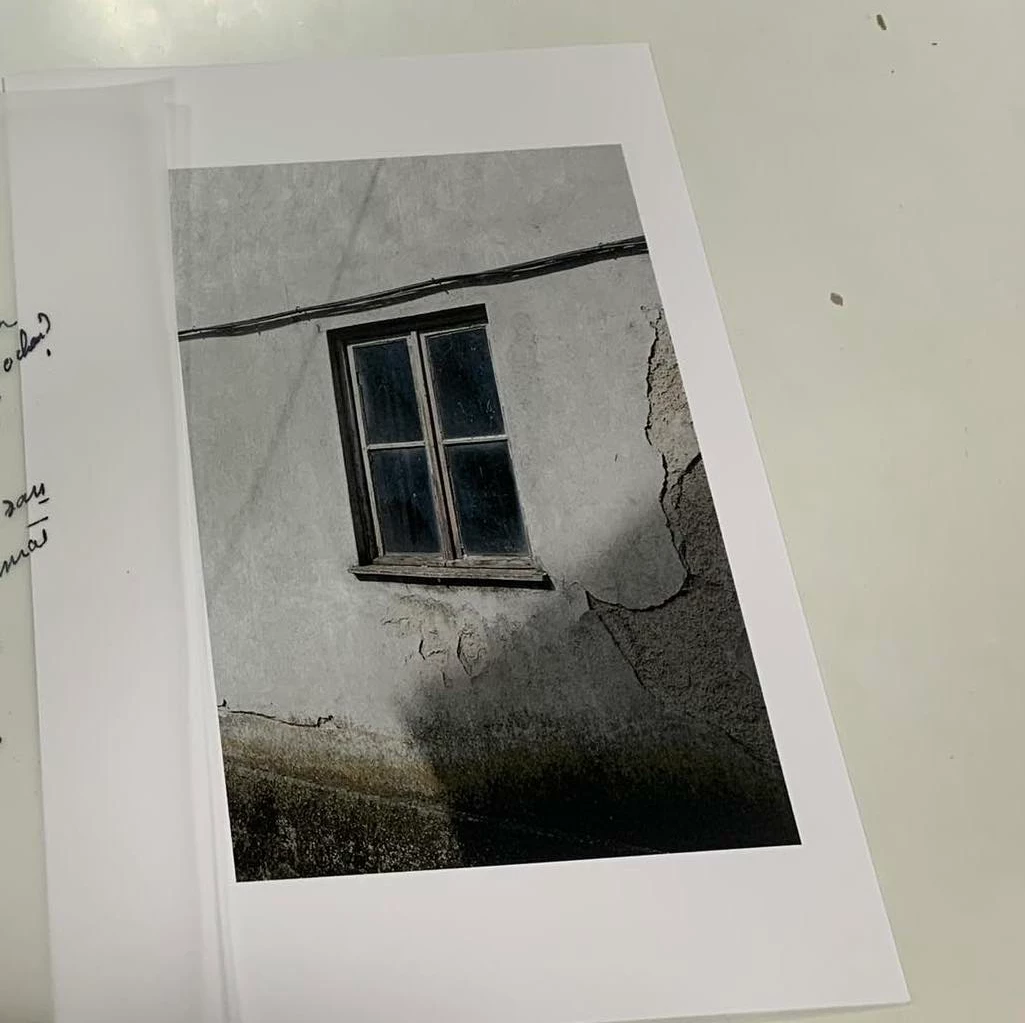
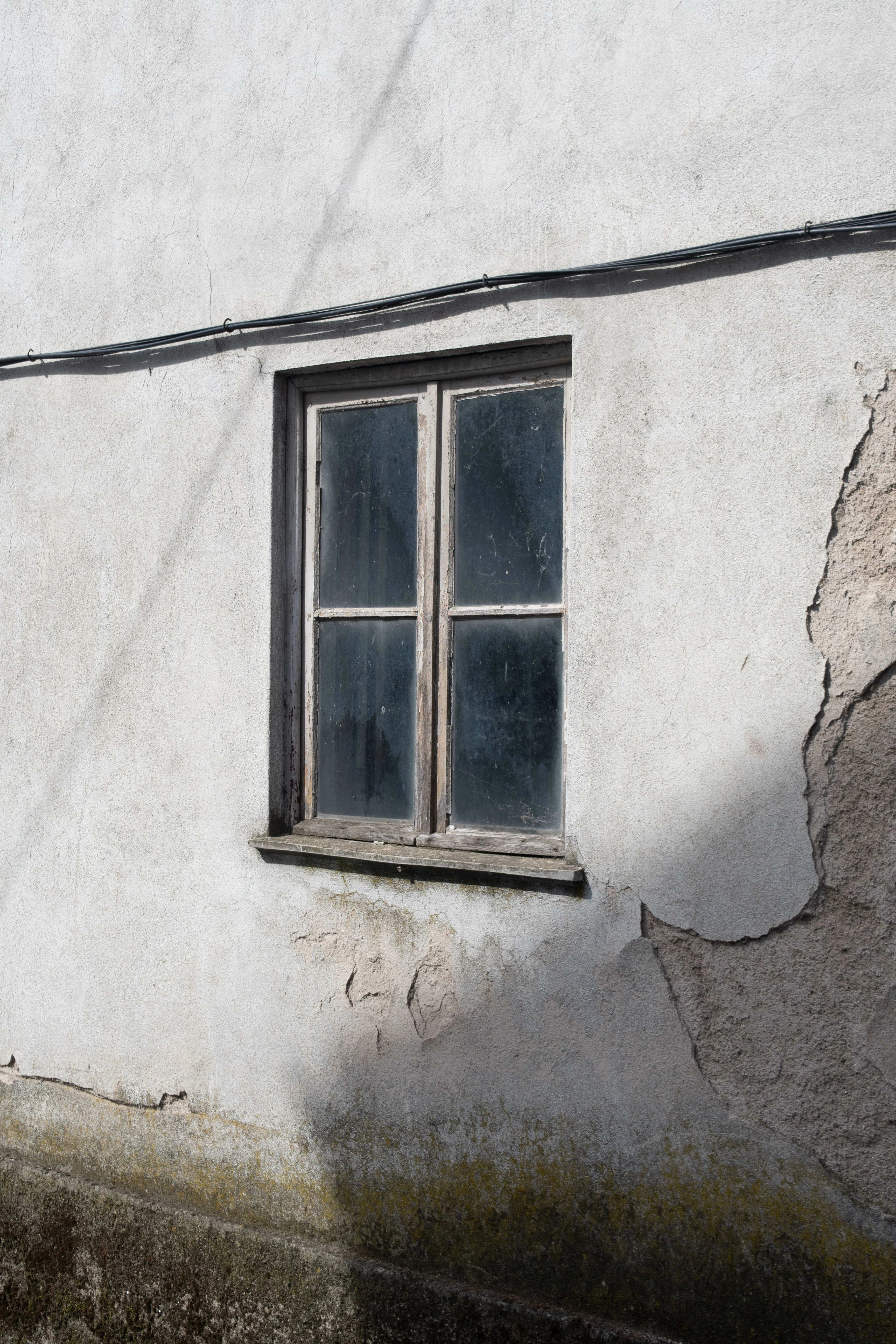
I'm placing them side to side. The print of the left has a lot of texture and is darker. The one on the right is the computer image.
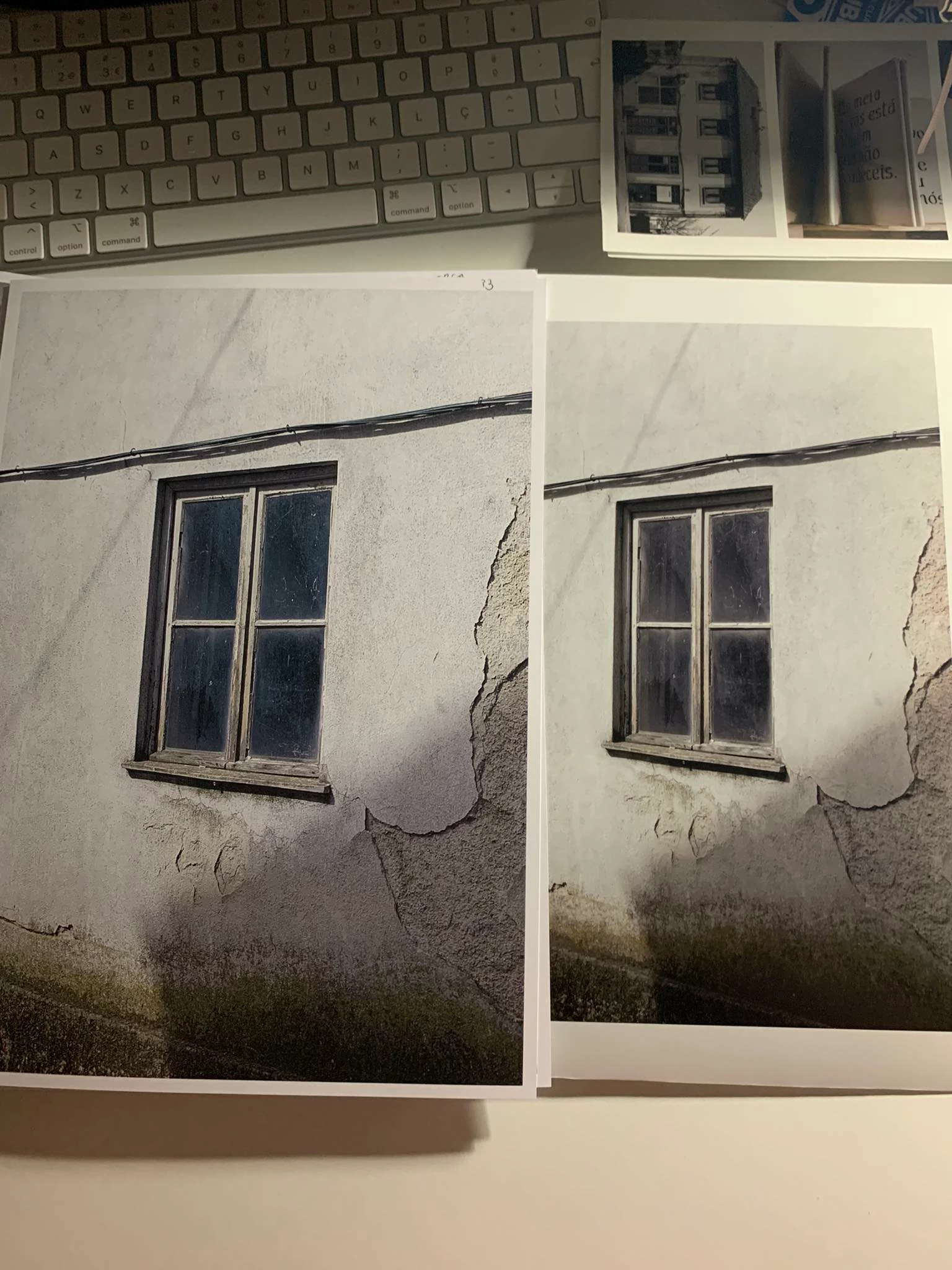
Today I printed the same image. On the left, at the print shop, and on the right, an older copy I printed in university.
I know different printers will give me different results, clearly, but my question is: might this be a printer problem ONLY or could the problem be the picture profile I'm using?
I found out this problem arised when the color profile changed (unconsciously) for this project. Info below:
Color profile is: Display P3
Color space: RGB
Any help?
Thanks
 AdChoices