
Participant
April 6, 2020
Answered

Document turns grey after every adjustment – Unchecking graphics processor doesn't help

  • April 6, 2020
  • 11 replies
  • 8983 views

Hello,


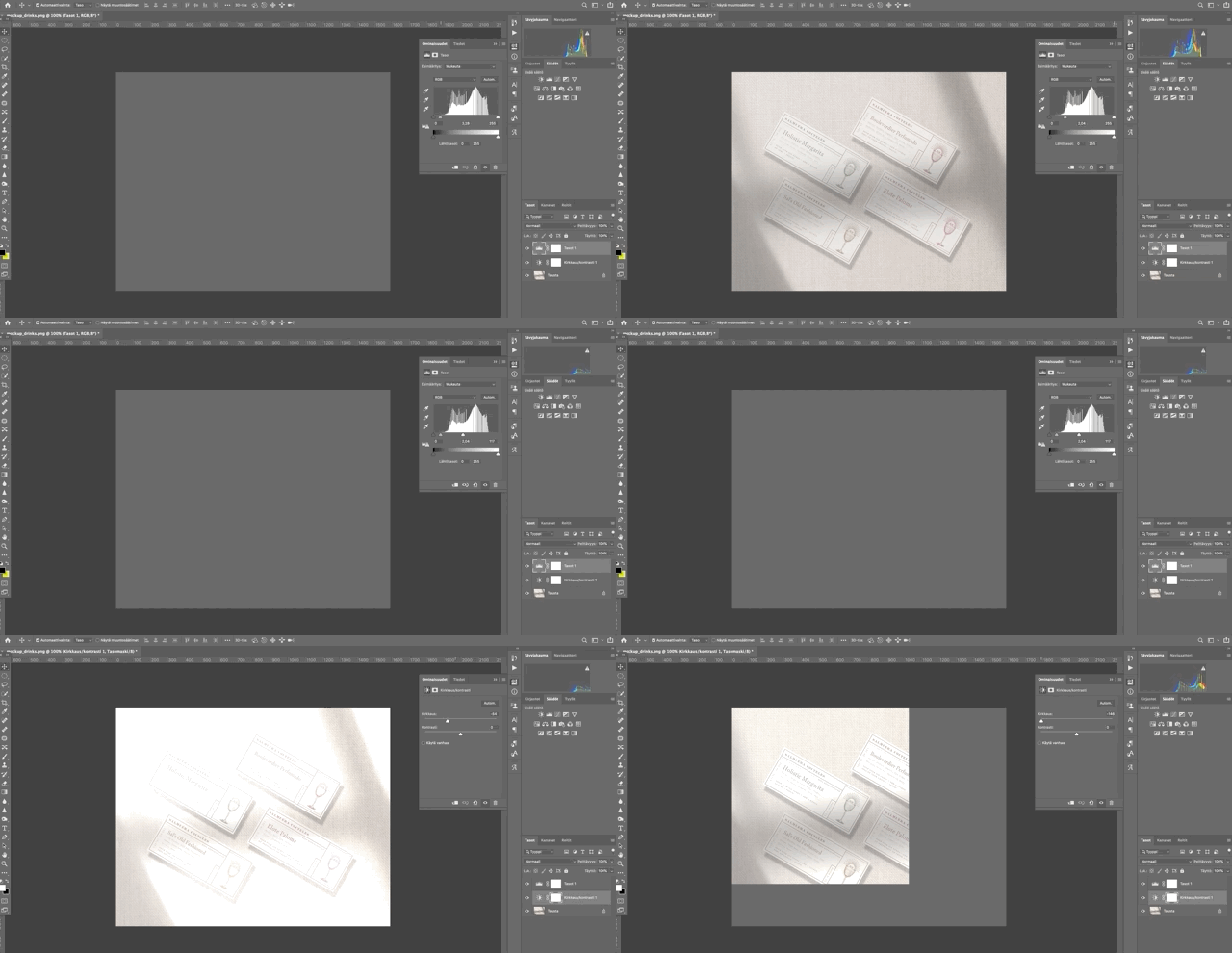
Can anyone help me with this super annoying issue – every time I make an adjustment on any layer, the document flashes grey. I can't work like this, I unchecked the graphics processor and restarted everything. Help!!!!!!!! Working on 2020 21.1.1. version, on a macOS Catalina.
 

This topic has been closed for replies.
Correct answer anastasialitwinow

guys i solved it! at least for me it worked so far. I had to reset all my preferences completely (see here) by holding down cmnd + opt + shift at the very second you launch photoshop, then it'll show you the desired action. after that, no grey flashes anymore!

11 replies

Participant
November 17, 2022

oh! God bless you, and your children, and your children's children!!!!! It worked! I was about to lose my mind.

juliano41574115
Participant
August 7, 2020

it worked for me too! 

Participant
July 14, 2020

It's an issue for me with the latest P'shop update and Mojave, too. 

Seems like it's the update, rather than the OS.

Agree it's extremely frustrating. 

Hello, Adobe????

Participant
July 7, 2020

Same issue is persisting for me today, resetting the preferences worked yesterday but is only a temporary fix for me. Document turns grey when making adjustments, also completely gray whenever photoshop isn't the active window. I'm running the latest PS update on Catalina 10.15.5

chadmadeit
Participant
June 11, 2020

Deleting my Photoshop Preferences worked for me, but now all of my settings are gone inlcuding how I had my workspace set up.

Participant
May 27, 2020

I have the same issue ,


Participant
May 4, 2020

I have the same issue! Plus it also never automatically shows me any changes that I've done, only after selecting another tool. Maybe that's a related issue? I really don't know and it's super frustrating

anastasialitwinowCorrect answer
Participant
May 4, 2020

guys i solved it! at least for me it worked so far. I had to reset all my preferences completely (see here) by holding down cmnd + opt + shift at the very second you launch photoshop, then it'll show you the desired action. after that, no grey flashes anymore!

Participant
May 25, 2020

This worked for me. Thank you very much!

Participant
May 4, 2020

Same problem here ...

Participant
May 4, 2020

Hi! Look at my reply at my own comment, maybe that'll help if you haven't tried it yet 🙂

øyvindr85259648
Participant
April 16, 2020

I am experiencing the same issue. Very frustrating!

stuk37795842
Participant
April 12, 2020

I have the same problem that just started yesterday after the latest Mac Catalina update (may be unrelated). Incredibly annoying. Please fix this!