
Answered
Don't recognise Layer icons in animation
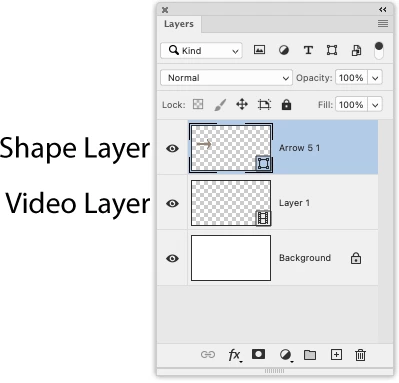
I'm working from a YouTube tutorial showing how to use Timeline and Create Frame Animation but don't recognise the Layers Palette icon that's on the video. It's difficult to make out even at full screen but, suppose, it might be a video icon. I created a new document choosing Film & Video then Layers>Video Layers>New Blank Video Layer which has a film icon on the layer. Not quite sure it's the same though. Here's what the YouTube Layer Palette looks like.
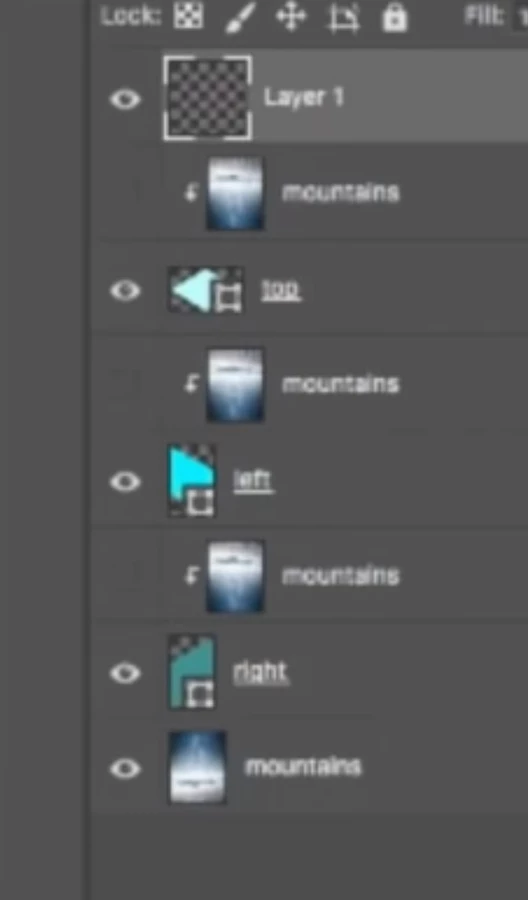
Maybe it doesn't even matter but would welcome any contributions.
 AdChoices