
Dots appearing on layers randomly
Hi everybody,
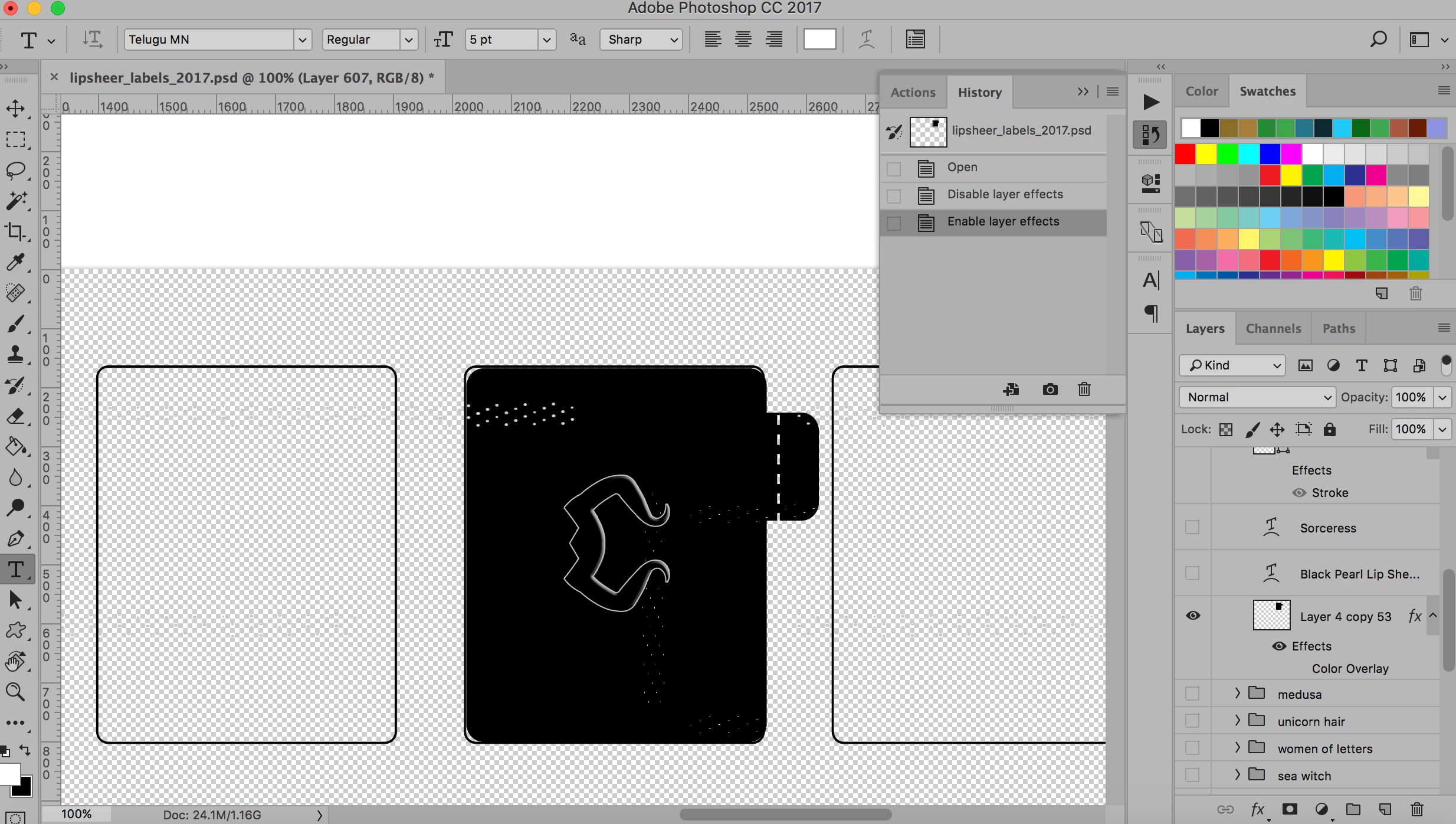
I've hunted through forums and can't find any solutions. Have any of you had a problem with files having random dots/speckles/lines on your layers without you intentionally putting them there? My files with my product labels have all of these specs on them which never were there in the past. I haven't been able to figure out why or how. If I can't find the cause, I will have to recreate hundreds of labels from scratch which I'd love to avoid. I'm including a picture and please let me know if there's anything else you'd like me to include. These show up on shape layers, text layers... you name it, they're there. I haven't been able to figure out the rhyme or reason. It's also on several of my label files and not just the one in the picture.
Also, when I turn off the effects from the layer that is showing, the dots are still there but are just lighter.
 AdChoices