
Question
Drawing on wrong layer!
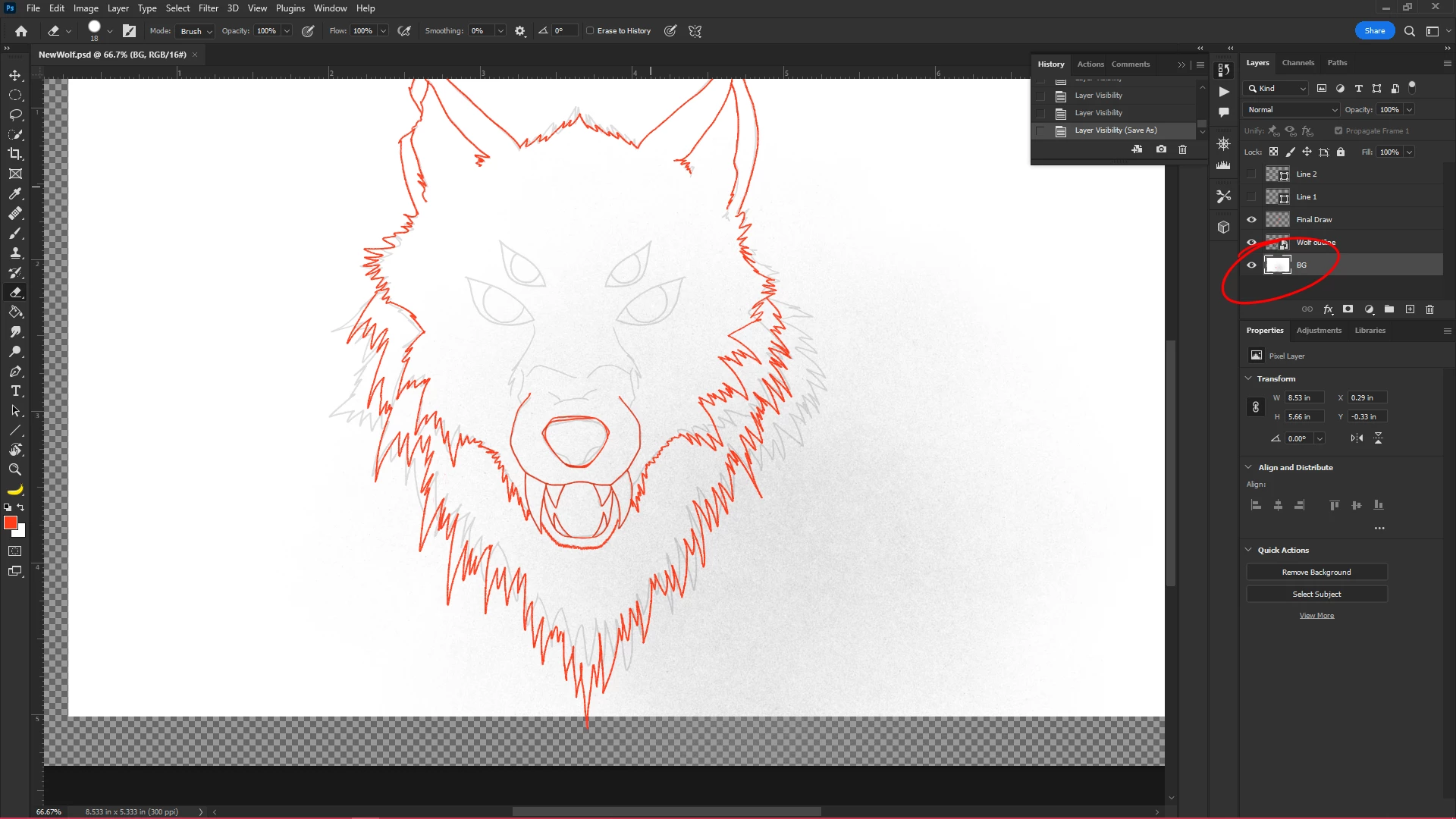
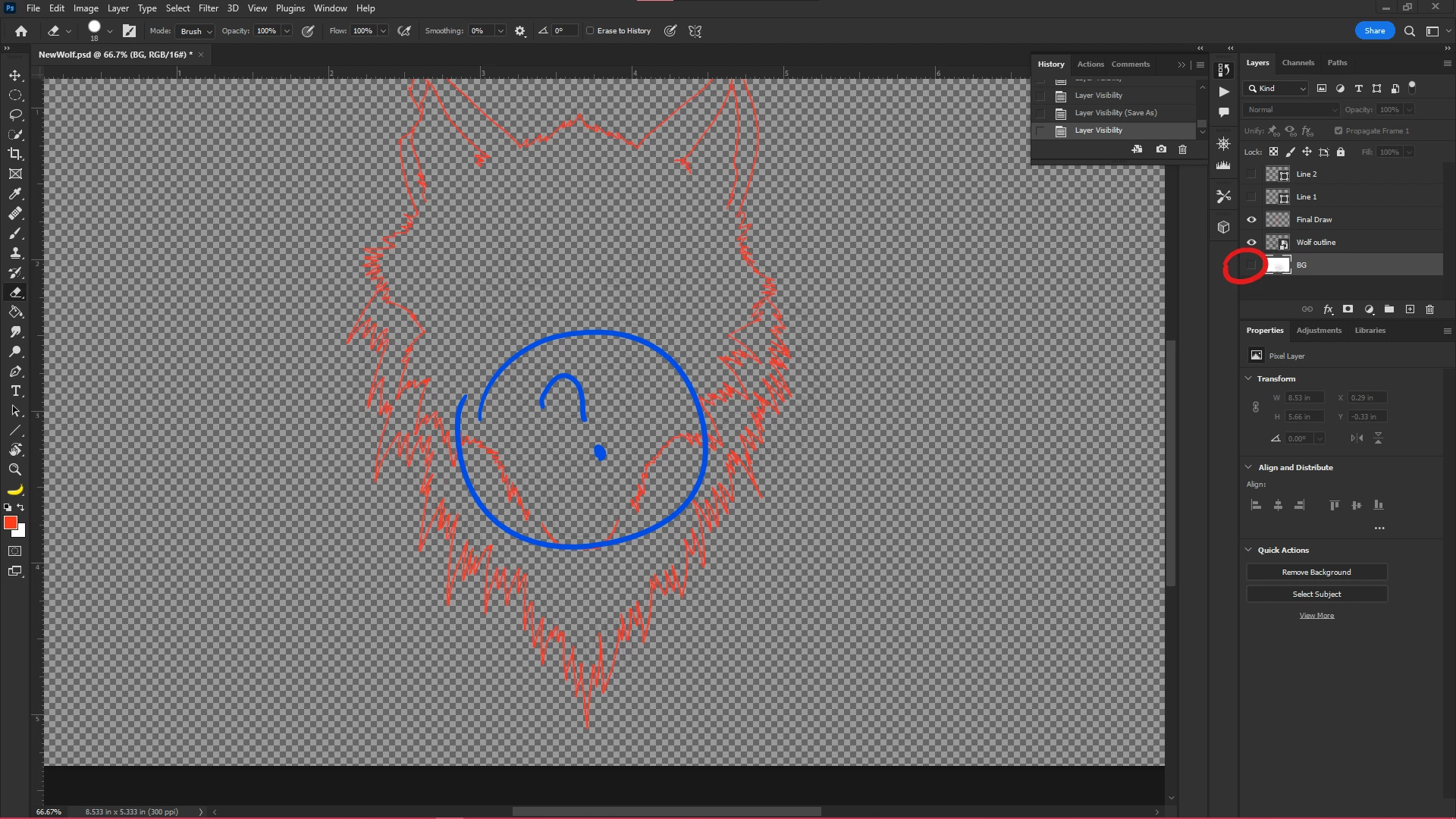
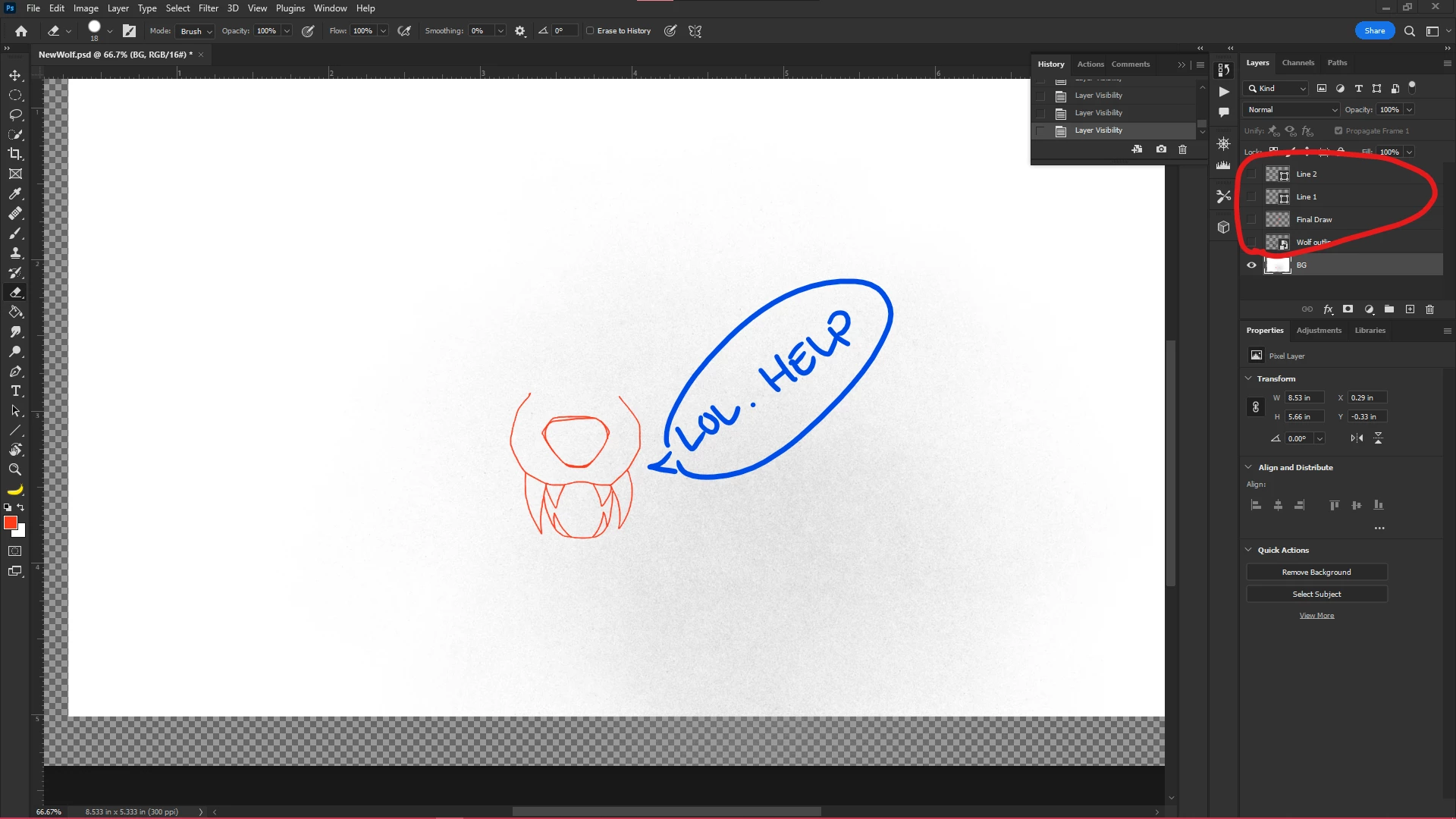
I started a sketch and for some reason Photoshop selected a different layer for me... after I stopped using Brush tool, I browsed through some drop down menus up top, and then returned using Brush aaaaaa
nd alas, I did not realize I was on my background layer (1st layer) Anyone out there have some wisdom to throw my way as to how to A. Correct this, like can I move what I drew on the wrong layer over to the right one? and B. Whats the best way to prevent this in the future? I had the idea of duplicating the layer I accidentally drew on and then merging it with the correct layer? Not sure if that would work or if it even makes sense. God speed PS community... I need an assist.
 AdChoices