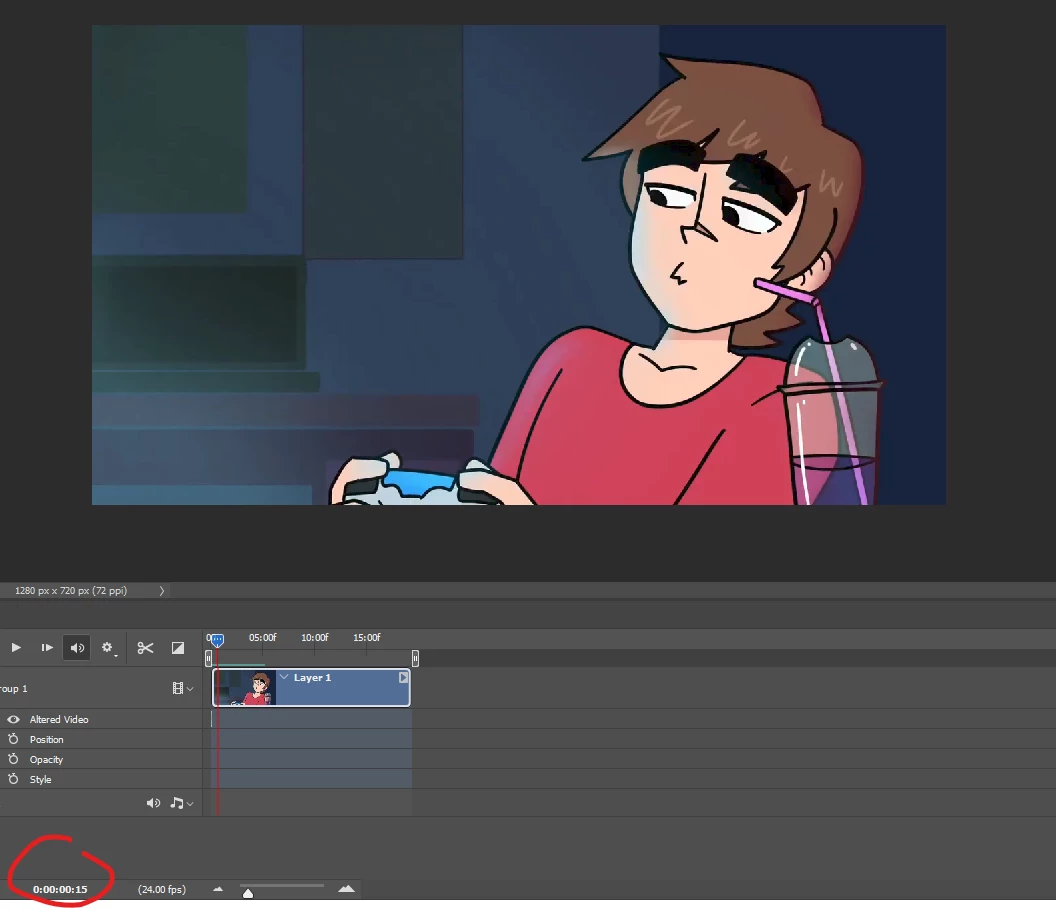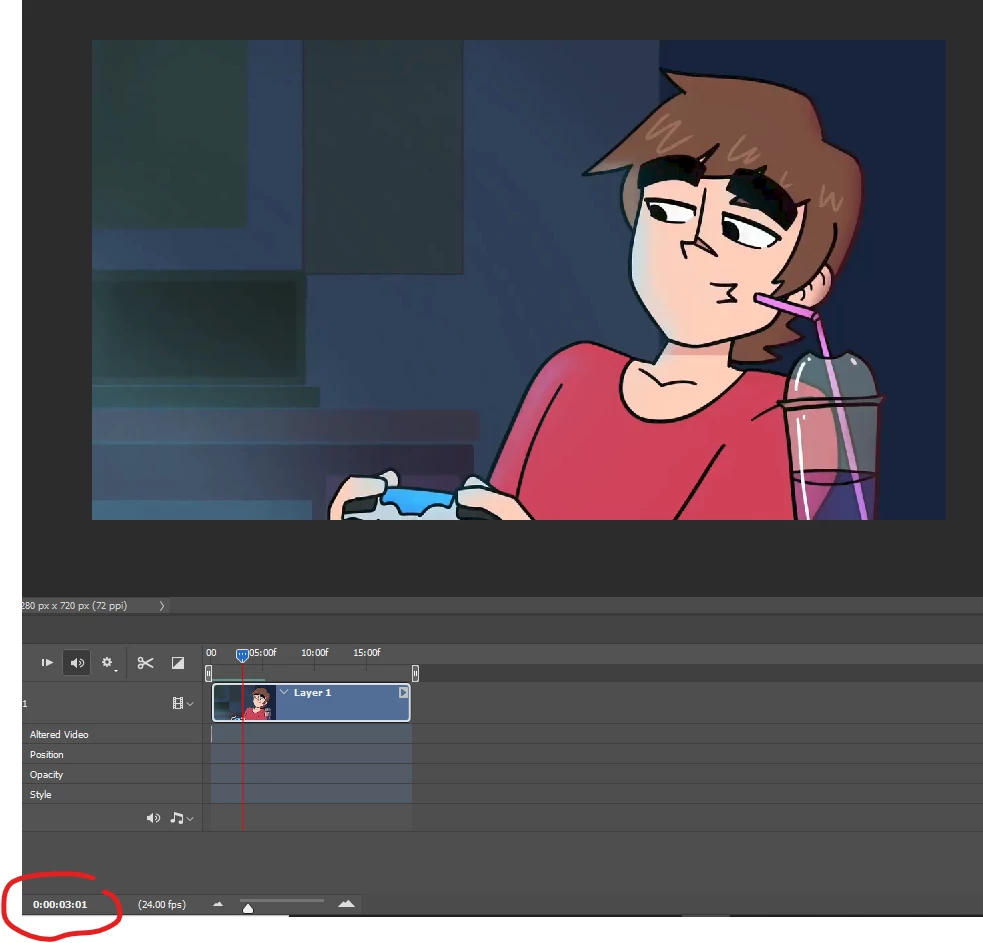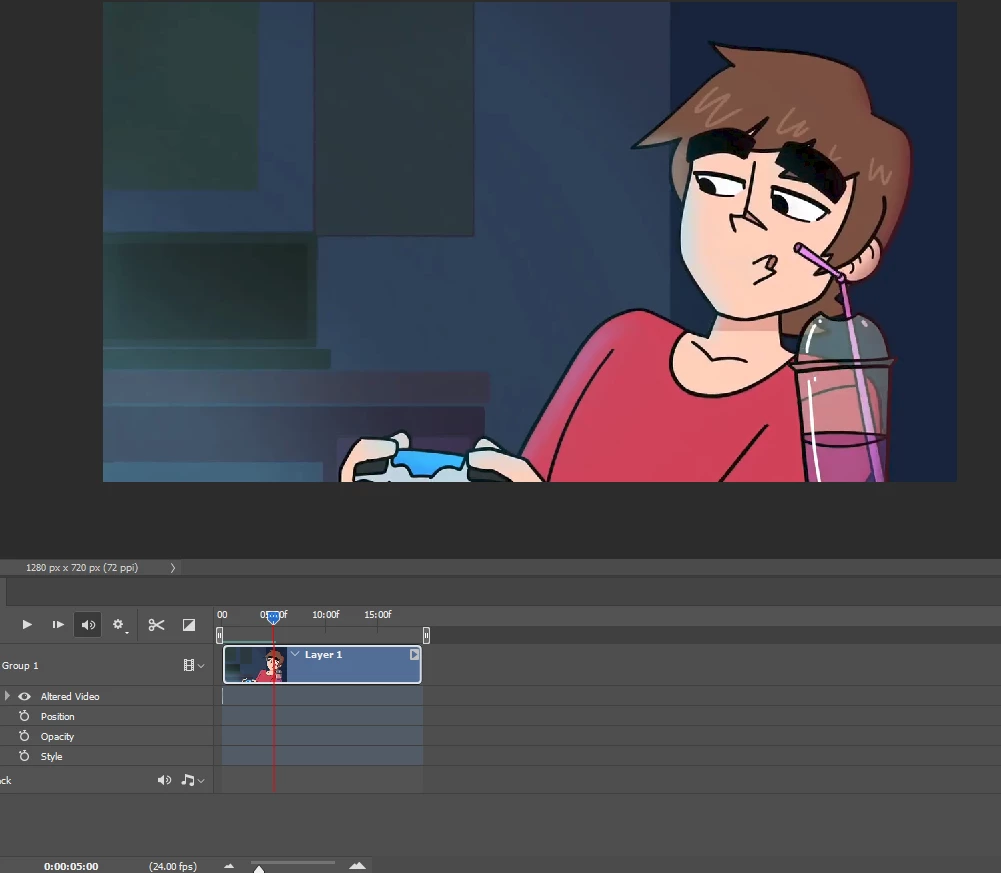
?...
Inspiring
October 12, 2021
Question

drawling an object to a video in photoshop
  • October 12, 2021
  • 3 replies
  • 221 views

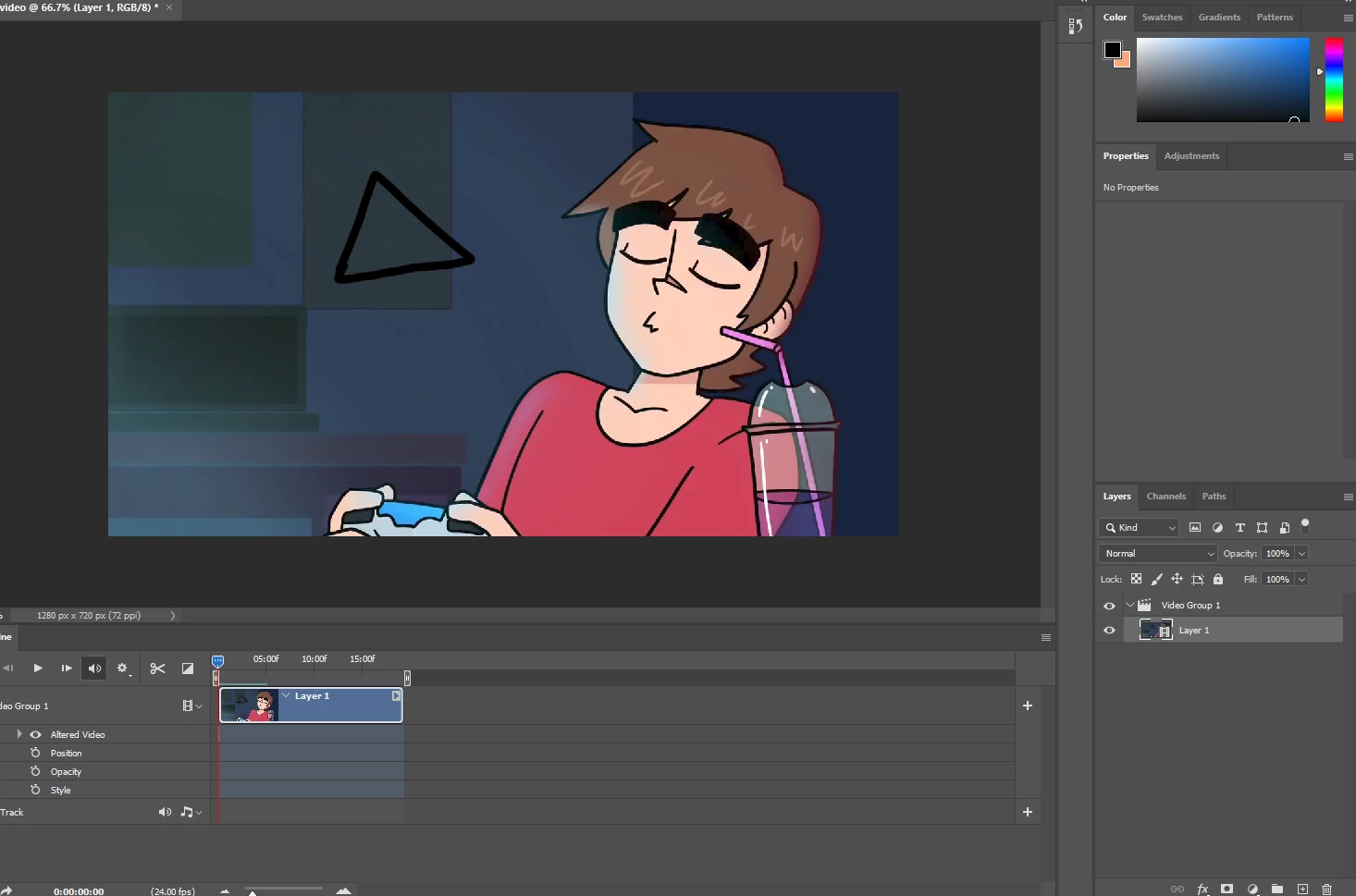
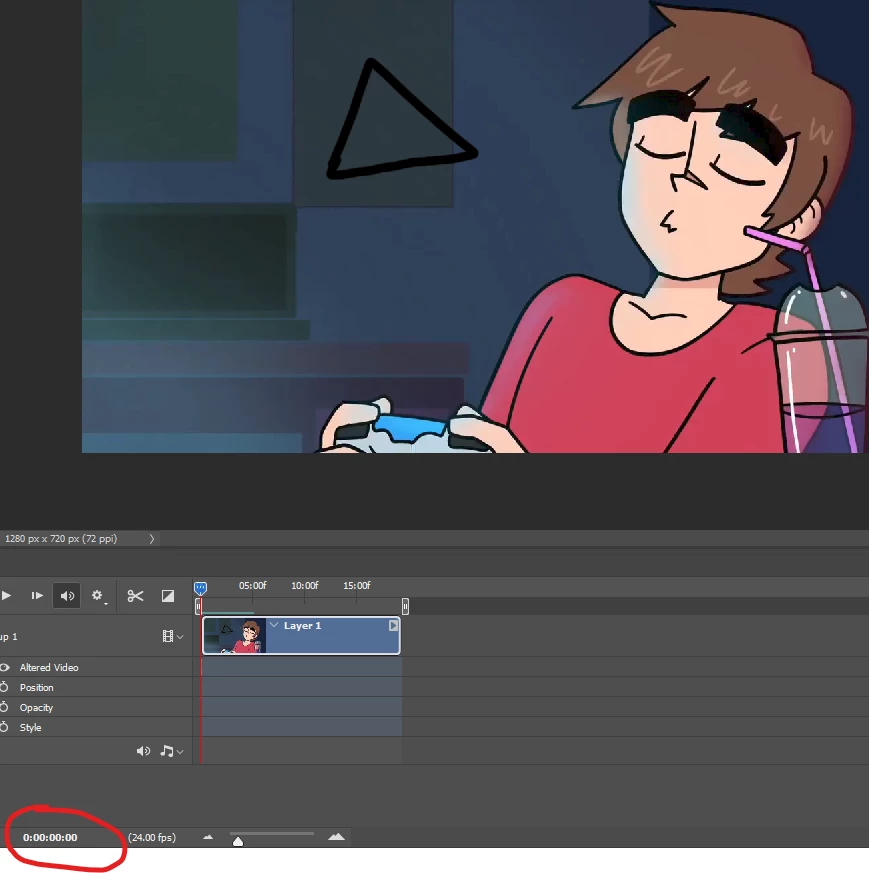
Okay so as you can see this is a two dimentional animated video of a guy playing a video game trying to take a sip from his drink. Now the object i want in the background is not going to be a triangle of course but im using it as a quick clear example. I want to add an object i drew into this video. But when I drew the triangle it only stayed for a flash second. after 15 seconds into the rest of the video it was gone. I know this was because it was only drawn on one single frame out of the million frames in a video. Is there anyway to select mutiple layors and begin to move the paint brush where each frame you selected now has that object you drew, Otherwise i just dont see the point of editing videos in photoshop when you could just edit in after effects. When i found out photoshop could now edit videos i thought wow! this could be great but if i have to select each frame indidivually and re drawl or copy and paste what i drew in the first frame just for it to be there for the whole video then its not worth it. could someone please help me out?

This topic has been closed for replies.

3 replies

PECourtejoie
Community Expert
Community Expert
December 10, 2021

Hi, remember that there are two modes of videos in Ps, frame by frame and video clips.

Layers also have an importance.

Did you peruse the help files?

https://helpx.adobe.com/photoshop/using/creating-timeline-animations.html

https://helpx.adobe.com/photoshop/using/video-animation-overview.html

see also: https://jkost.com/blog/?s=timeline

Mylenium
Legend
October 12, 2021

As Mr. Pfaffenbichler pointed out, AE would be much more appropriate where it could be as trivial as employing a basic 2D Corner Pin tracking.


Mylenium

c.pfaffenbichler
Community Expert
Community Expert
October 12, 2021

Video is a »side-thing« in Photoshop, After Effects is an application dedicated to the issue so its superiority in this regard should not be unexpected. 


Please post meaningful screenshots with the pertinent Panels (Toolbar, Layers, Options Bar, …) visible. 


»this could be great but if i have to select each frame indidivually and re drawl or copy and paste what i drew in the first frame just for it to be there for the whole video then its not worth it.«

You could create a new Layer above the Video Group »Layer 1« and edit its visibility, position etc. in the Timeline.