Tara Bentel
Participant
September 12, 2017
Answered

Duplicating a layer messes up my masterpiece, help!

  • September 12, 2017
  • 1 reply
  • 269 views

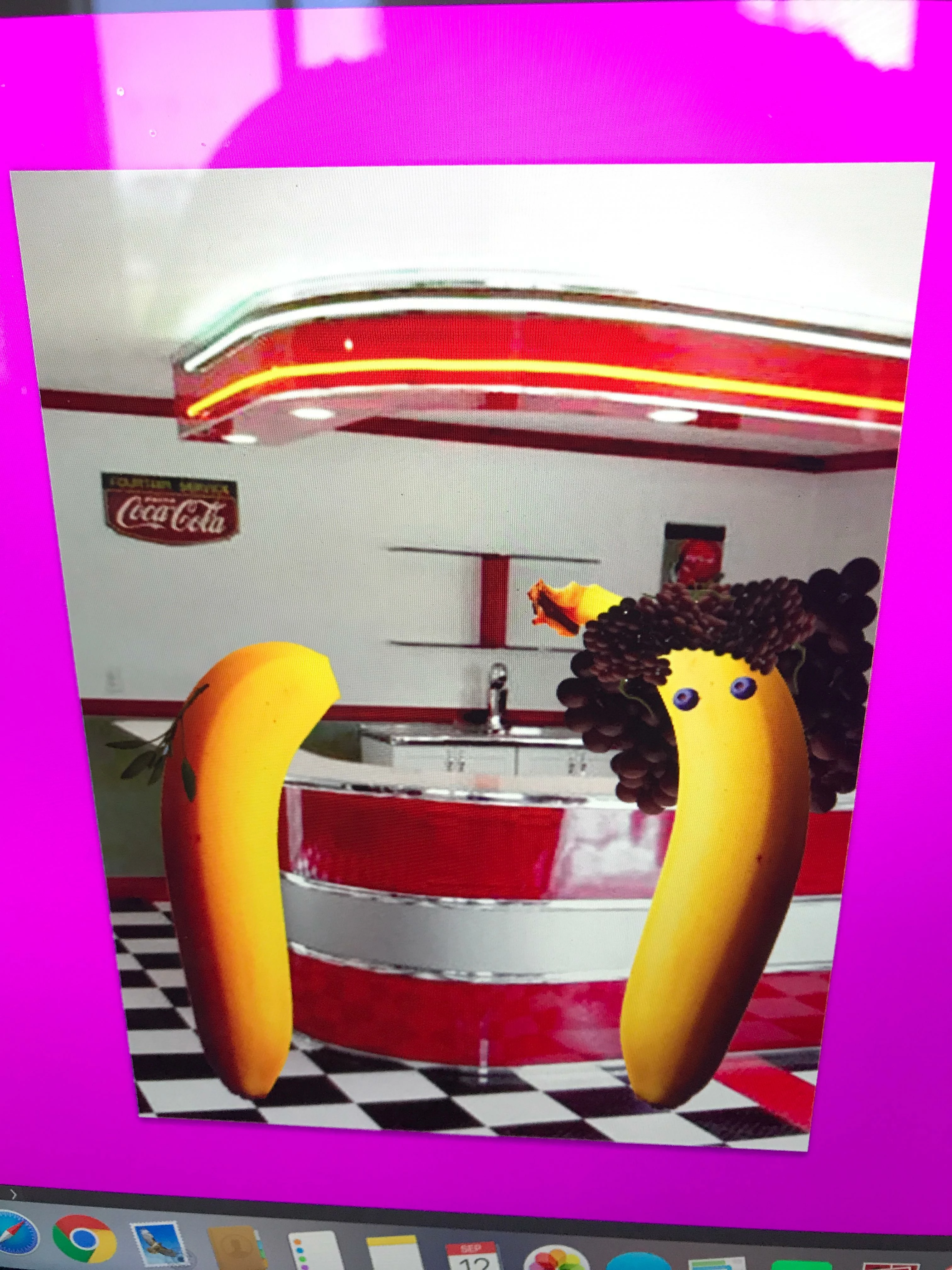
I'm trying to duplicate an "eye" so I can use it on my other creature but when I duplicate it my photo becomes oversaturated. I do have a vibrance over it but I'm not sure how to fix my problem and I couldn't find it under anything. Heres what it looks like:  The first picture is before, I'm trying to duplicate the blueberry eyes.
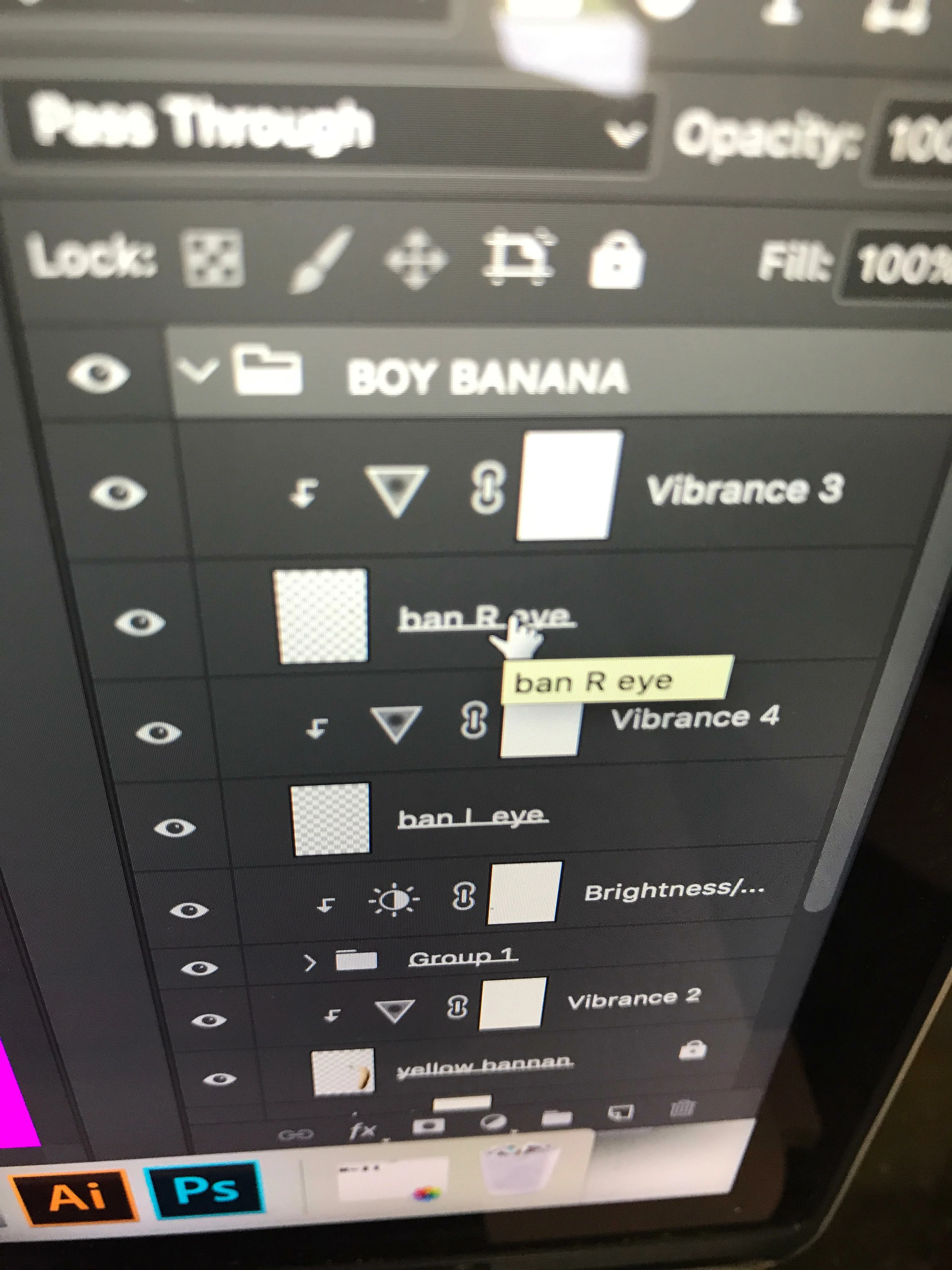
Here is the layer, notice the vibrance adjustment above it.
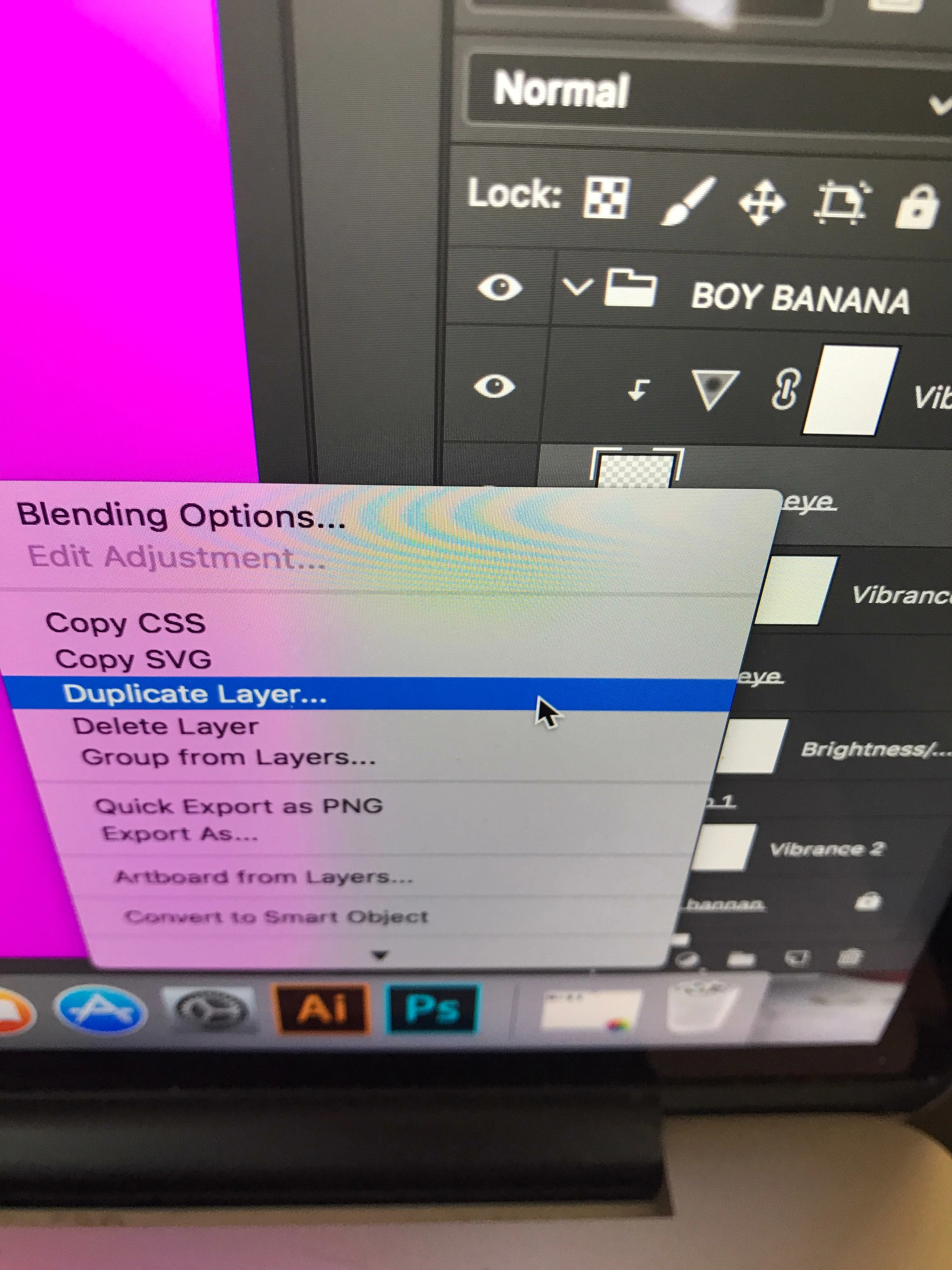
This is what I'm clicking.
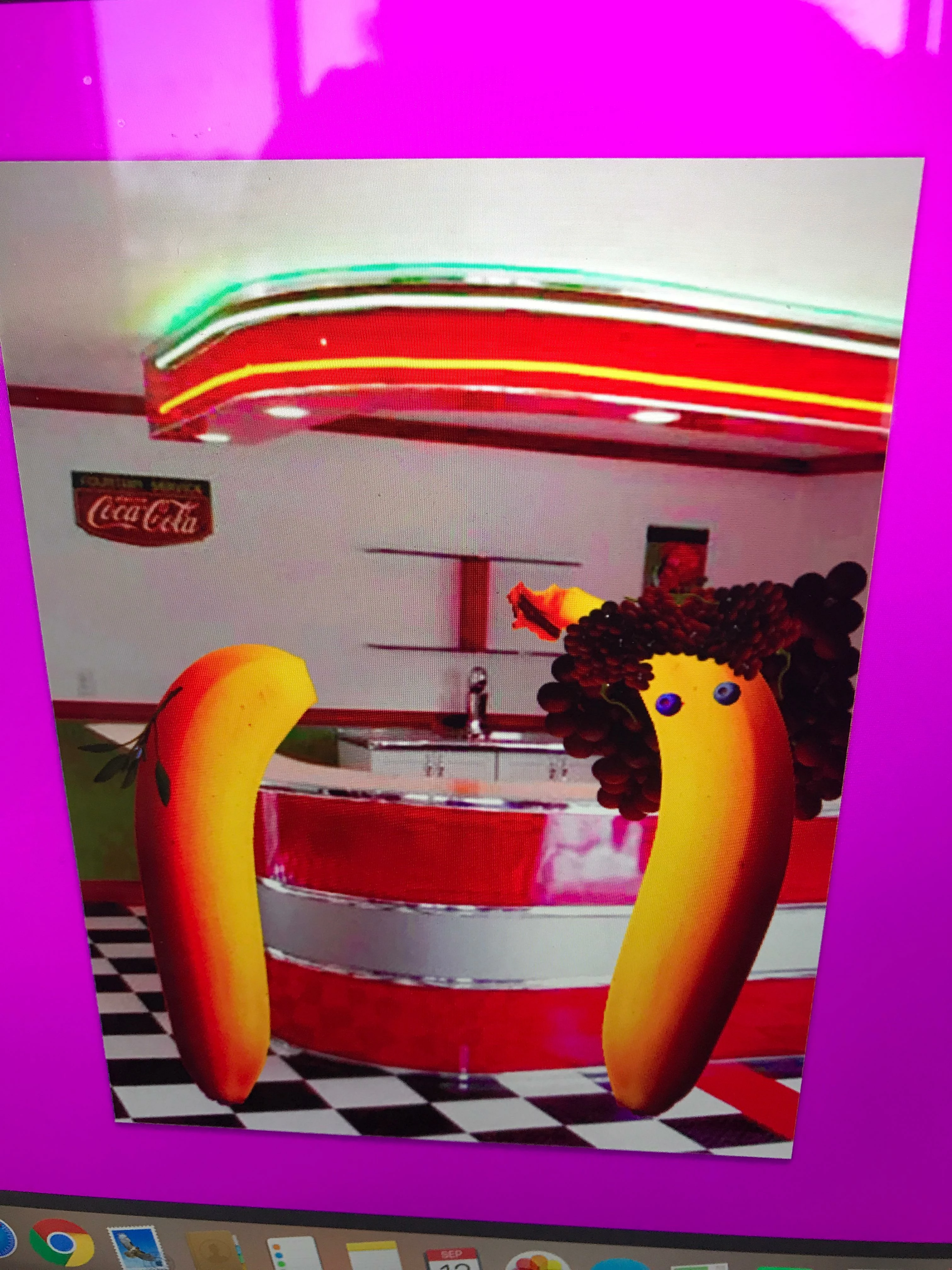
Result is oversaturated, I have the "eye" duplicated and can move it where I want but it isn't the result I wanted.
Help? Thanks in advance.

-Tara.

This topic has been closed for replies.
Correct answer mark@headTrix

hi there!

Nice screen shots! Makes it easier to understand! So thank you!

So what is happening is when you duplicate a layer it moving the Vibrance layer and unlinking it from being CLIPPED to the eyes layer.
Unless adjustment layers are clipped... they affect ALL layers underneath it. So you can just delete it and add it again, or just drag it back on top of the Eyes layer and then select Edit>Create Clipping Mask. You can also move your mouse in between the two layers and CLICK while holding down the option key (alt on PC).

And a little secret to duplicating a layer or a selection on a a layer - Press COMMAND J (Control J on PC)

So if you select the eyes you want to duplicate, then you can press Command J

hope this makes sense!

cheers,

mark

1 reply

mark@headTrixCommunity ExpertCorrect answer
Community Expert
September 12, 2017

hi there!

Nice screen shots! Makes it easier to understand! So thank you!

So what is happening is when you duplicate a layer it moving the Vibrance layer and unlinking it from being CLIPPED to the eyes layer.
Unless adjustment layers are clipped... they affect ALL layers underneath it. So you can just delete it and add it again, or just drag it back on top of the Eyes layer and then select Edit>Create Clipping Mask. You can also move your mouse in between the two layers and CLICK while holding down the option key (alt on PC).

And a little secret to duplicating a layer or a selection on a a layer - Press COMMAND J (Control J on PC)

So if you select the eyes you want to duplicate, then you can press Command J

hope this makes sense!

cheers,

mark

headTrix, Inc. | Adobe Certified Training & Consulting