
JohnnyBoooy
Inspiring
May 18, 2024
Question

Duplicating & Saving a Brush

  • May 18, 2024
  • 2 replies
  • 411 views

Duplicating & Saving a Brush is WAY to many steps please fix this. 

I've been using photoshop for 12 years please this is one thing i ask of you I am begging you.. please fix this.

 I know you guys mean well but this is far too ornate & complex to create a new brush & i'll show you. 
 
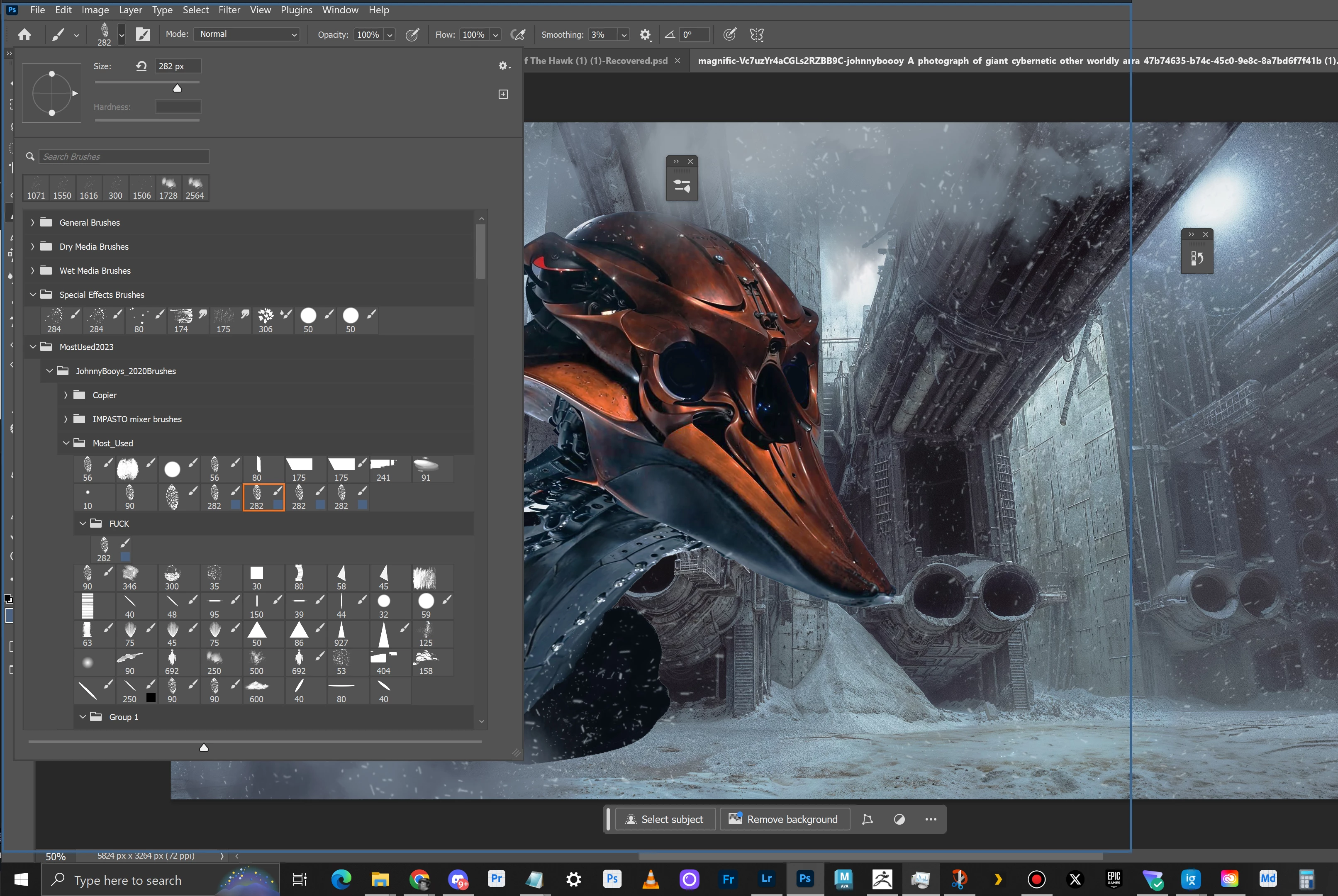
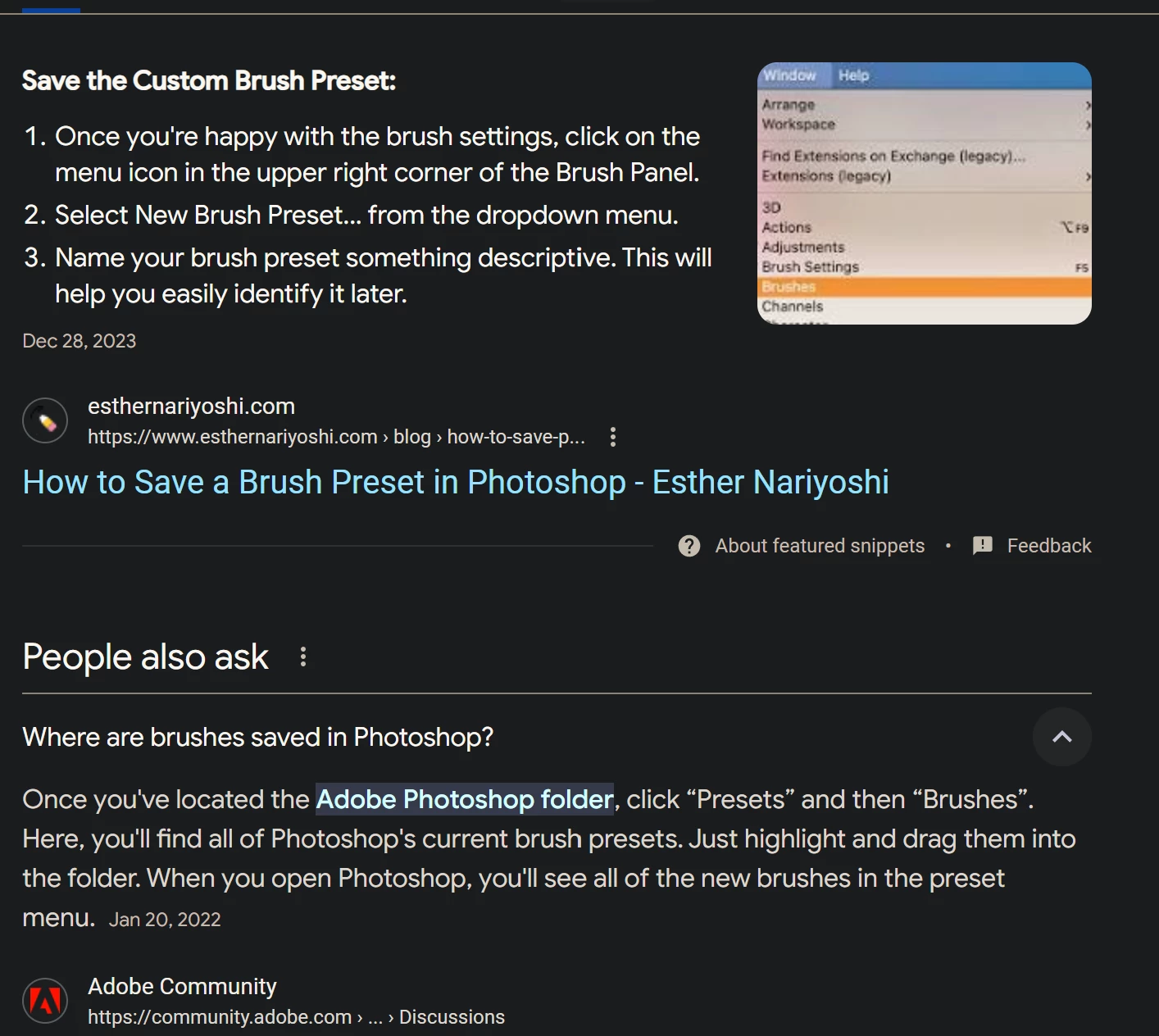
I use this a lot so you go up create new brush preset you have name it and save it and then now you take the brush you select created,  go back to export selected brushes save it,  then you go and import the brush you just exported then you add it, in the my documents folder then  load the brush then you go all the way down here grab the brush and place it all the way back where i just created it. Can you please just write a javascript for me so I can duplicate a brush with a button and it's there when i restart photoshop?
This topic has been closed for replies.

2 replies

c.pfaffenbichler
Community Expert
Community Expert
May 19, 2024

You should have posted a Feature Request (mark it »Idea«, not »Discussion«) if you wanted Adobe personnel to read your message. 


quote
I use this a lot so you go up create new brush preset you have name it and save it and then now you take the brush you select created,  go back to export selected brushes save it,  then you go and import the brush you just exported then you add it, in the my documents folder then  load the brush then you go all the way down here grab the brush and place it all the way back where i just created it. 

What you describe seems peculiar to me. 

Why would you re-load the abr-file at all? 

What about the »my documents«-Folder? 

Could you please post meaningful screenshots or a screen recording to illustrate. 

Trevor.Dennis
Community Expert
Community Expert
May 19, 2024