Participating Frequently
August 12, 2020
Answered

Dupulicate layer effects (fx) in Ps. フォトショップのレイヤー効果のコピーについて

  • August 12, 2020
  • 2 replies
  • 509 views

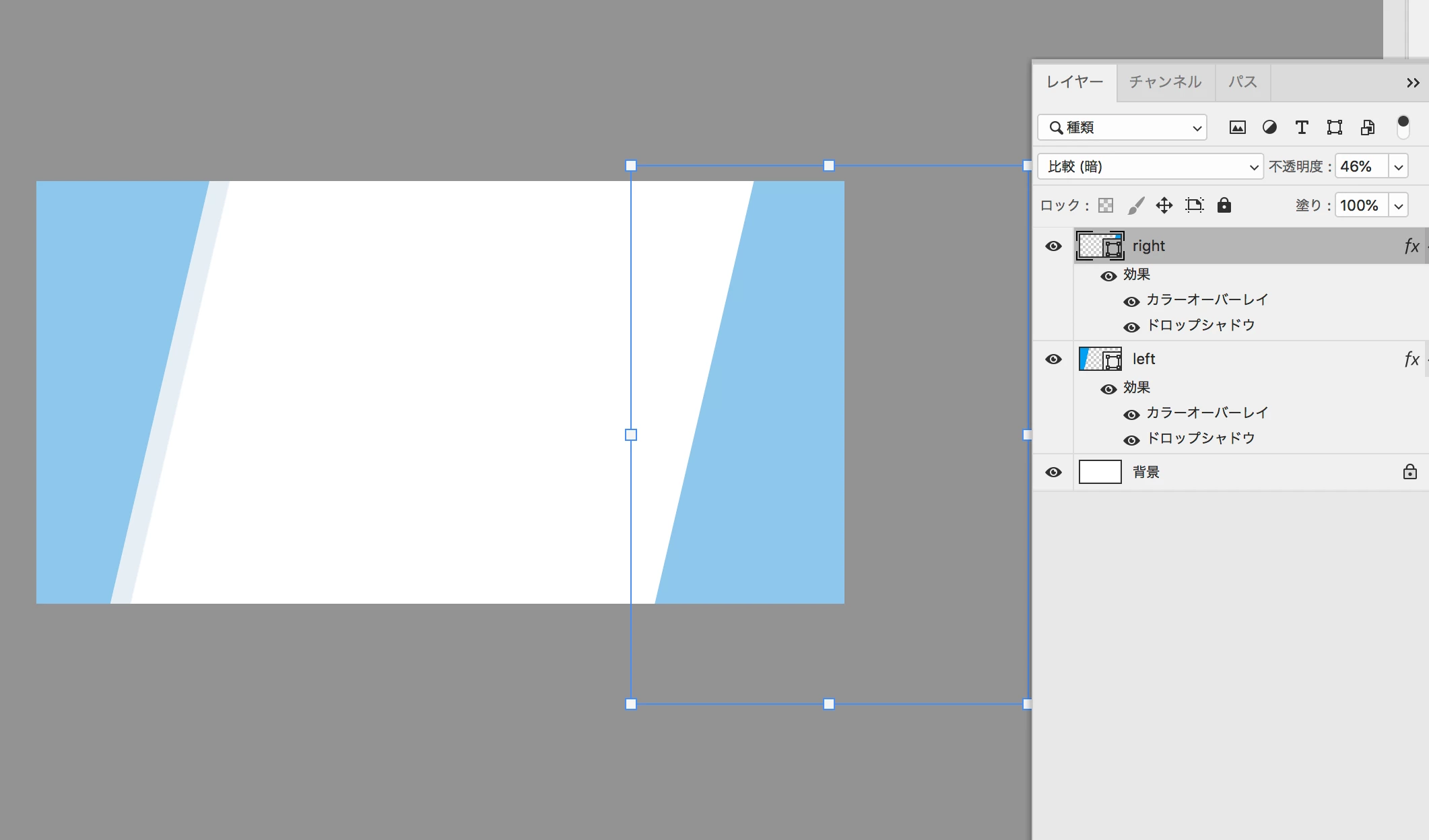
Wanted to copied the layer effects from the one and pasted to the other then change angle of drop shadow effects.


From left object layer I've copied the effects and pasted to right layer's. Since this right object was turned 180° tried to change the angle of shadow effect with a fx panel but somehow left object one also has been effected.


Thank you!


This topic has been closed for replies.
Correct answer

Hi

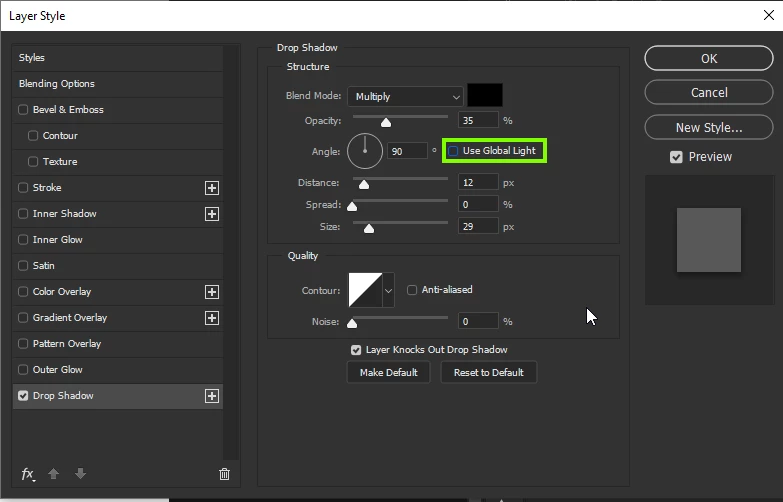
Uncheck "Use Global Light"

2 replies

Correct answer
August 12, 2020

Hi

Uncheck "Use Global Light"

rinkunAuthor
Participating Frequently
August 12, 2020

Yes, i did it! Thank you for letting me know the detail!

c.pfaffenbichler
Community Expert
Community Expert
August 12, 2020

Did you uncheck »Use Global Light«? 

rinkunAuthor
Participating Frequently
August 12, 2020

wow, it works! Thank you! Yesterday, teacher told this wont be big deal but it is haha

c.pfaffenbichler
Community Expert
Community Expert
August 12, 2020

Well, whether it males a difference or not really depends on the file you work on – if there is only one Layer with a few (or only one) Layer Styles applied it doesn’t matter much indeed, if there are multiple Layers with Layer Styles then, as you noticed, it can become quite important.