
Answered
Easiest Way To Extract Image
In the inserted image, what would be the easiest way for me to extract the rooster, cut and paste into another file?
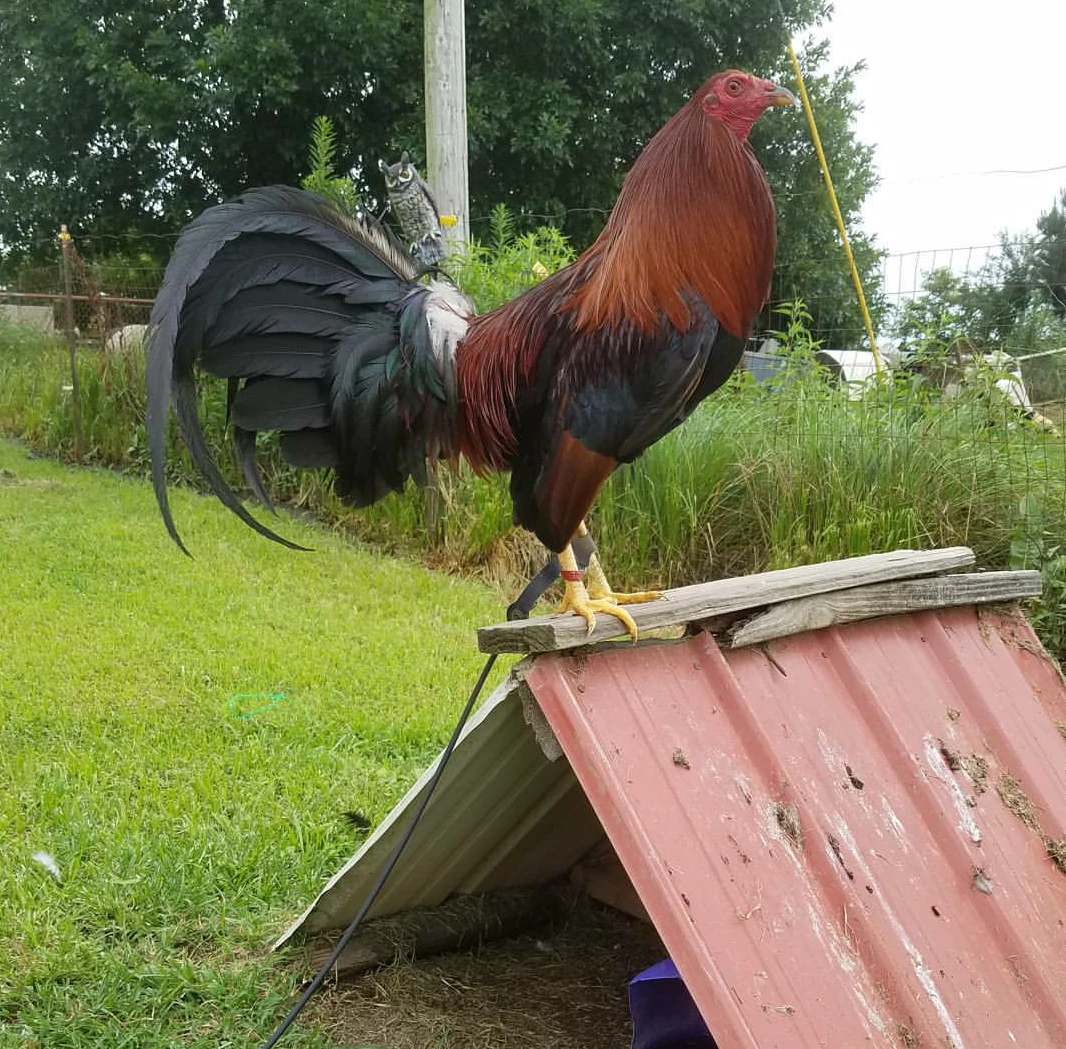
In the inserted image, what would be the easiest way for me to extract the rooster, cut and paste into another file?
Hi
There are a lot of jpeg artifacts that will affect the "automatic" tools. So for a nice crisp selection I would use the pen tool to create a path then use a selection from that path to make a mask. Some very minor tweaks with a brush on the mask will finish it quickly.
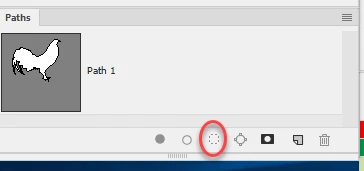
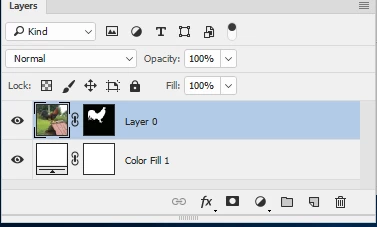

This may help: Draw with Pen tools in Photoshop
Dave
Already have an account? Login
Enter your E-mail address. We'll send you an e-mail with instructions to reset your password.
 AdChoices