

edit in Photoshop not working properly
Why is this happenning again!. It's driving me mad!
When I select edit in Adobe Photoshop 2024 by right clicking on the image in Lightroom it opens Photoshop but doesnt open the image.
The only way i can get to to open is to select open as smart object in Photoshop.
However when i close it in PS wether I click save or dont save i get the following error message.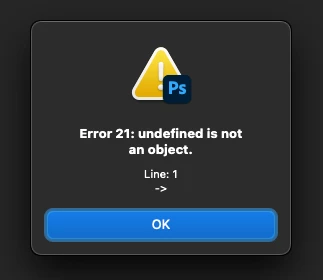
Now if I click save it doesnt bounce back in to LR like it should do. Instead it puts a tiff file in the folder i was working in on my mac where it was in the first place.
I then have to go to finder, find the file then right click open with and select LR
This happend before and i had to go back to an old version of PS but then it seemed to get fixed in an update but now its doing it again!
Chris
 AdChoices