
March 6, 2021
Answered

Editing a texture from transparency to solid

  • March 6, 2021
  • 1 reply
  • 1035 views

Hello,


I have come across a texture like this with no colors other than grey and white.
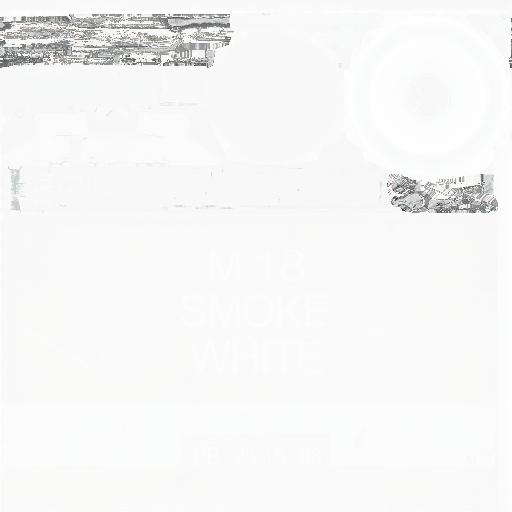
 

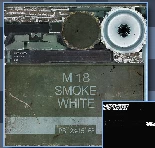
Now in my modeling software in Zmodeler 3, it appears like this with colors.
In photoshop, when I want to edit it, it appears like the first texture with grey and white.

How can I change the first texture that is grey and white into the second texture that has colors as it does not appear with colors in photoshop.

Many thanks
 

This topic has been closed for replies.
Correct answer Jeff Arola

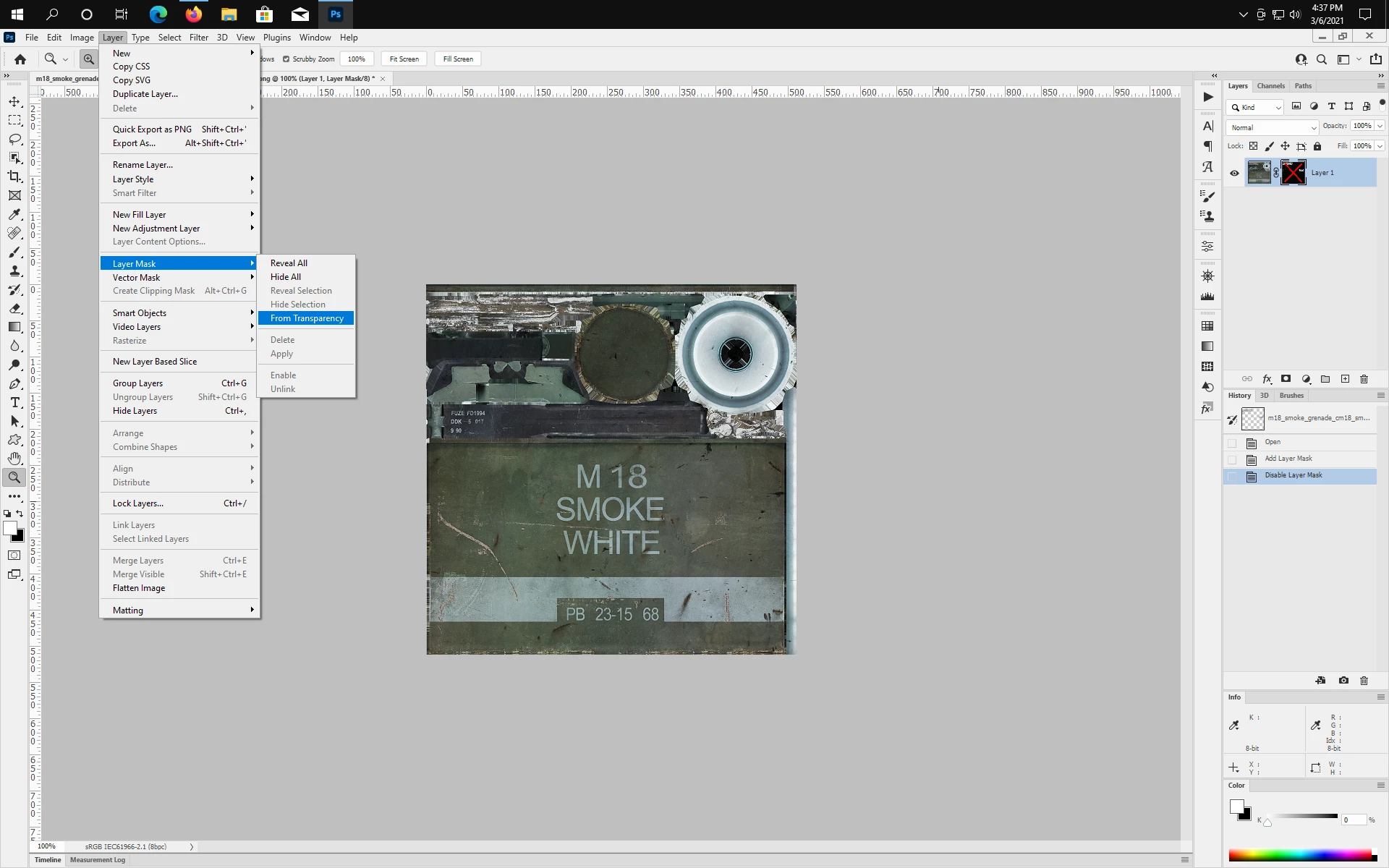
Layer>Layer Mask>From Transparency


Shift click on the layer mask or delete the layer mask to see the full image.


1 reply

Jeff Arola
Community Expert
Jeff ArolaCommunity ExpertCorrect answer
Community Expert
March 6, 2021

Layer>Layer Mask>From Transparency


Shift click on the layer mask or delete the layer mask to see the full image.


March 6, 2021

Oh my god it was that simple, thank you so much!