deaconhill
Participant
November 24, 2017
Question

Editing portraits: how to get golden/warm tones?

  • November 24, 2017
  • 4 replies
  • 12645 views

I'm not sure if this is the right forum (first time on here), but I was curious if anyone knew how to get warm/brown/gold skin tones while editing portraits? A friend of mine asked me to take her engagement photos and all my inspiration photos have this beautiful tone.

I've been watching dozens of youtube videos and practicing on photos, but it never looks quite right. After experimenting with gradient map, color balance, and selective color for a while and not getting what I was looking for I thought I'd try out here.

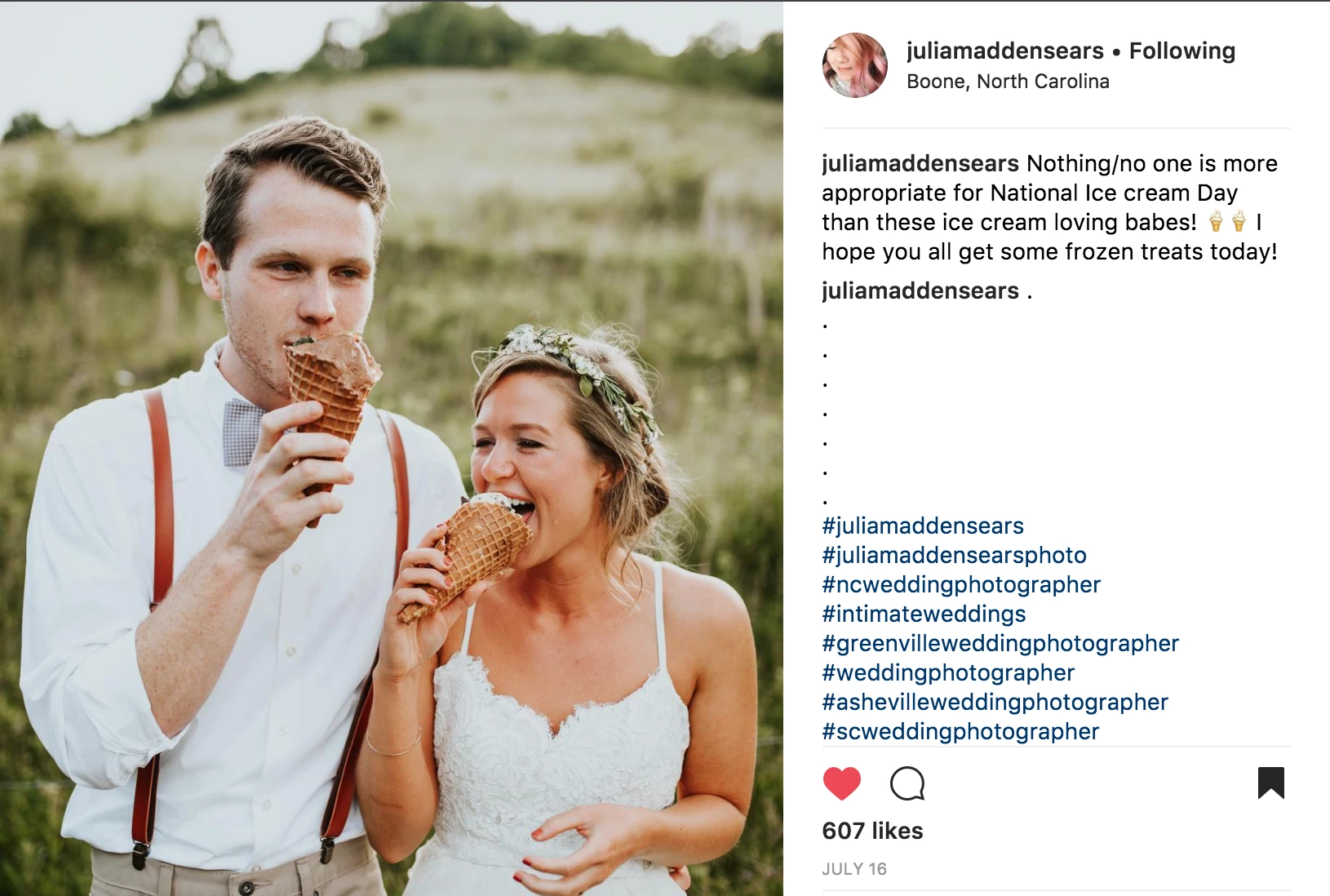
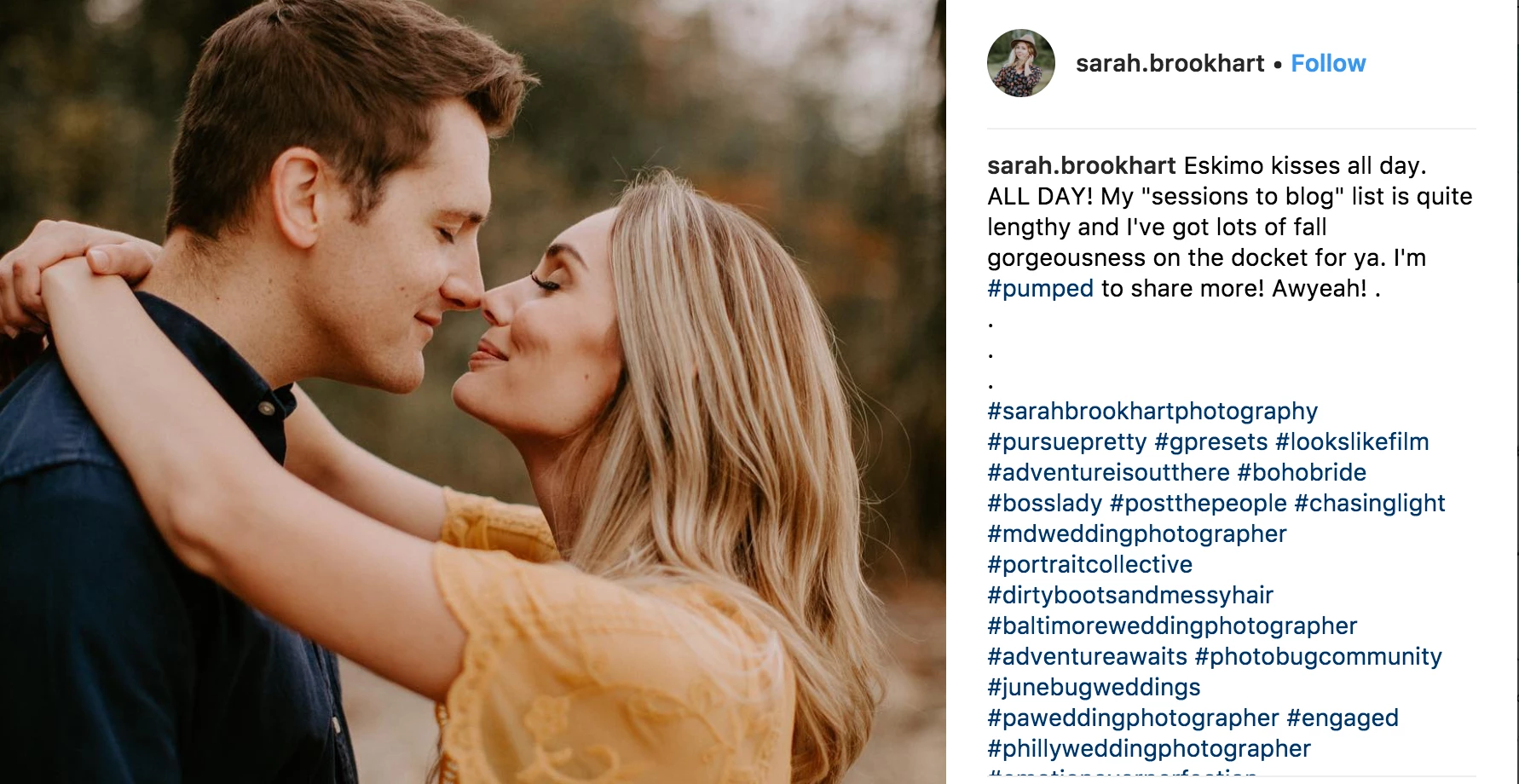
Here are a few of my inspiration pictures, so you can see how most of the photos look - I'm not trying to directly copy one photographers work! I included the photographers' Instagram usernames in there. I shoot in RAW, will be shooting right before sunset, and have some VSCO films, but they aren't quite right for this. Thoughts?
This topic has been closed for replies.

4 replies

WILDCAT54
Inspiring
November 27, 2017

A more streamlined and consistent method for multiple photos would be to use actions.

Here are some free ones:

60 free Photoshop actions | Creative Bloq

josephlavine
Community Expert
Community Expert
November 26, 2017

It's great to read that you are capturing RAW files, which give you latitude to adjust the color balance/temperature in post.  However, along with post production, have you thought about capturing the images with a slightly warmer color (Kelvin) temperature?  If your camera is set to Auto White Balance then it will work to neutralize the warm tones you have right before sunset. 

Nancy OShea
Community Expert
Community Expert
November 24, 2017

If you look in the Adjustments Panel,you'll see a Camera icon for the Camera Filter.  Look at Warming Filters.  There are several to experiment with.  You can also adjust the density of the Filter.

Nancy O'Shea— Product User & Community Expert
Barb Binder
Community Expert
Community Expert
November 24, 2017

It's a great place to ask this question. Why don't you share a low-res sample photo (like you did the Instagram photos) to get a more specific response.

~Barb at Rocky Mountain Training