
Participating Frequently
April 12, 2017
Answered

EIP File Import Procedures 2017.04
  • April 12, 2017
  • 2 replies
  • 8445 views

Hi,

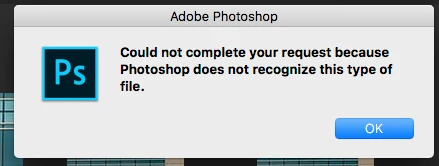
I got a bunch of pictures from a Phase one test in EIP format, but I can't open them in Photoshop and Lightroom won't recognize them. Can anyone help?

Here are my versions:

Photoshop: 2017.0.1 release,  20161130.r.29 x64

Lightroom: 2015.8 release, Camera Raw 9.8

Thanks!

This topic has been closed for replies.
Correct answer davescm

Try copying then renaming the copied file to .zip. Unzip it outside of Photoshop then try opening the resulting IIQ/TIFF file.

Dave

2 replies

أحب برانم  أدوبي
Participant
July 19, 2017

Thank you! Turning the extension to .zip is the way to open it in Lightroom 5.7.1.

davescm
Community Expert
davescmCommunity ExpertCorrect answer
Community Expert
April 12, 2017

Try copying then renaming the copied file to .zip. Unzip it outside of Photoshop then try opening the resulting IIQ/TIFF file.

Dave

davescm
Community Expert
Community Expert
April 12, 2017

Note, once unzipped - depending on which Phase One camera was used - you may be OK with Camera Raw 9.8 or may need 9.9

Cameras supported by Camera Raw

Dave

Participating Frequently
May 19, 2017

Sorry about my late reply, but it helped! Turns out that Phase One has its own zipping method, and once unzipped the metadata would be decoded by Capture One. Neither option is compatible with LR.