
Eraser tool will randomly act like mouse?
This is a bit hard to explain, so sorry if you don't get what I'm saying. So I use Photoshop CC for art, meaning I use the "Art and Illustration" section. Anyway, so this has been a weird issue and has only recently started occurring. I'll be using the eraser tool and randomly it will start to lag and then act like I'm using the mouse (meaning it erases as big as the brush size, no pen sensitivity). Here is what I mean: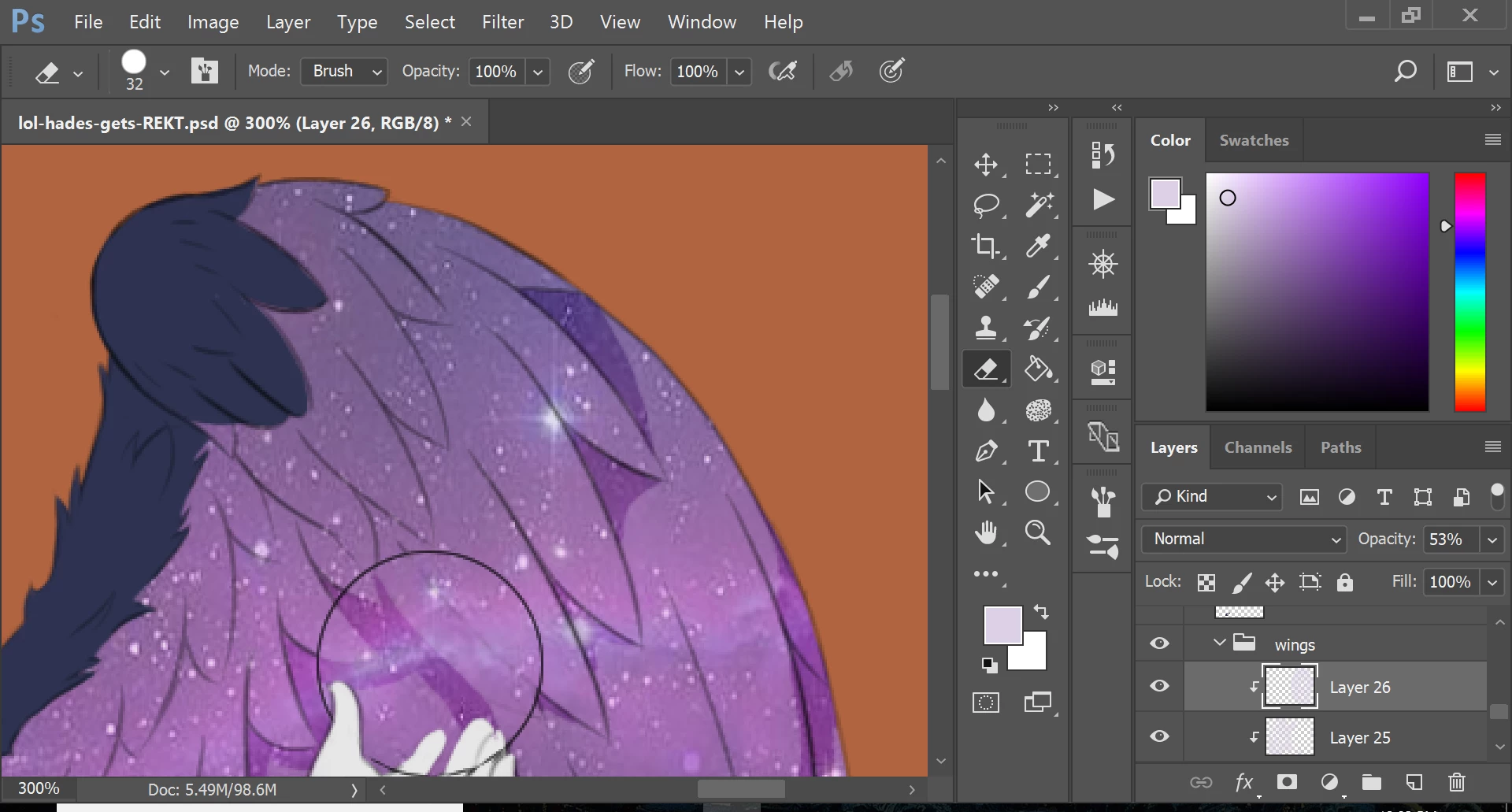
I am currently working on a piece where I'm erasing bits of a layer and this happens: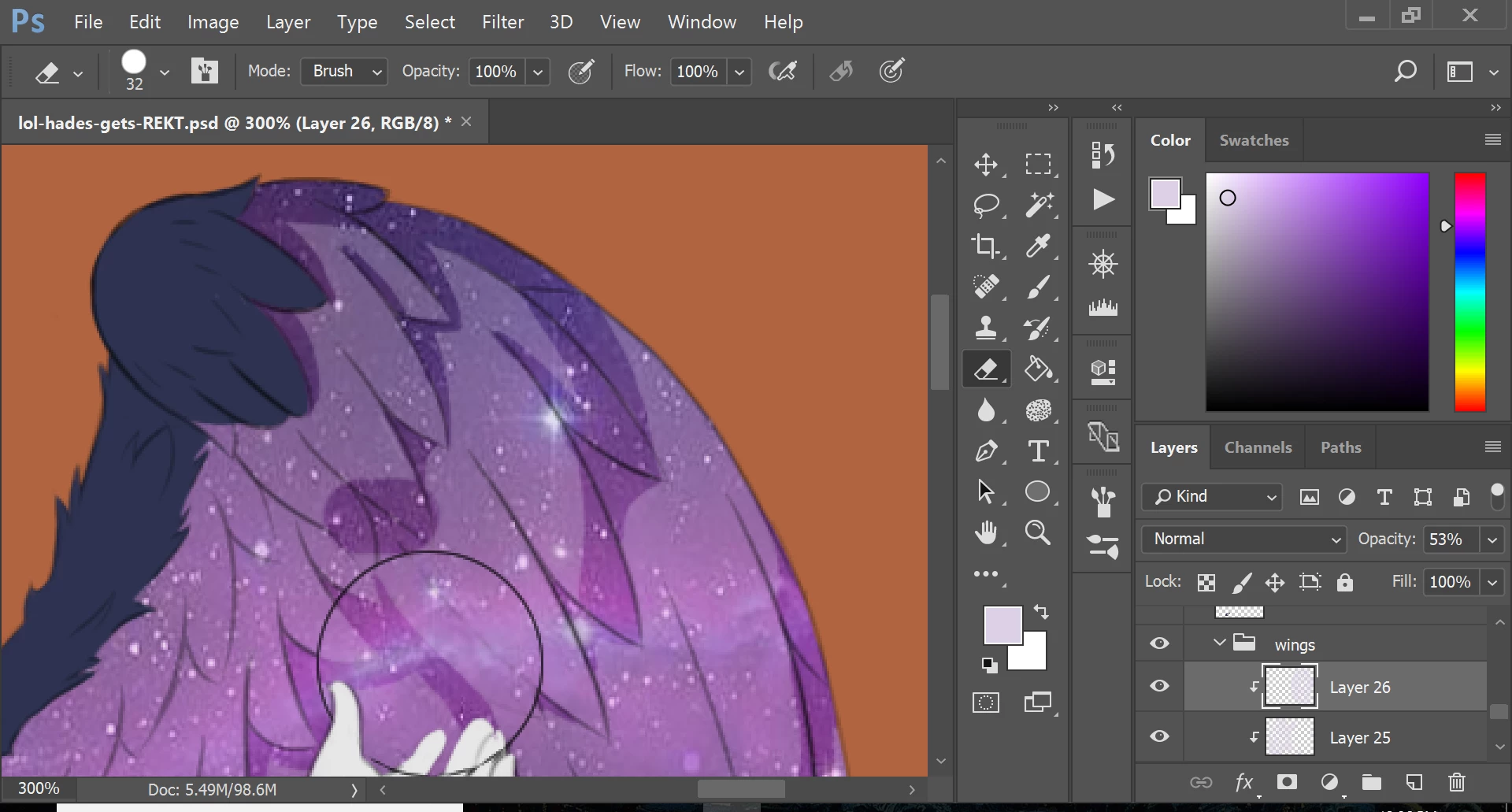
As you can see, it adds this erased bit where sensitivity seemingly turns off when it starts to lag. Now I don't know if this is happening because of the size of my file so far, 98.6M, but this has only been happening on this piece for the past week or so. It is very irritating and with the tablet I use, I can only go back once, and these little lag spikes put more than one eraser edit on the canvas.
Any help would be highly appreciated. This is a big piece I'm working on and there are several minor details and this stupid lag issue is very annoying.
>I also don't know which community this should go in. I'm not a beginner so sorry about putting it there but I didn't find any better place.<
 AdChoices