Participant
December 7, 2020
Question

Erreur d'ouverture de fichier .JPEG en photoshop

  • December 7, 2020
  • 1 reply
  • 130 views

Bonjour tout le monde,

Heureuse d'être parmi vous. Mon problème est le suivant :
J'ai fait une mise à jour de photoshop en ligne et depuis je ne sais plus ouvrir, importer des formats .JPEG en photoshop. Pourriez-vous m'aider, s'il vous plaît?
Je ne parle pas l'anglais :-(((
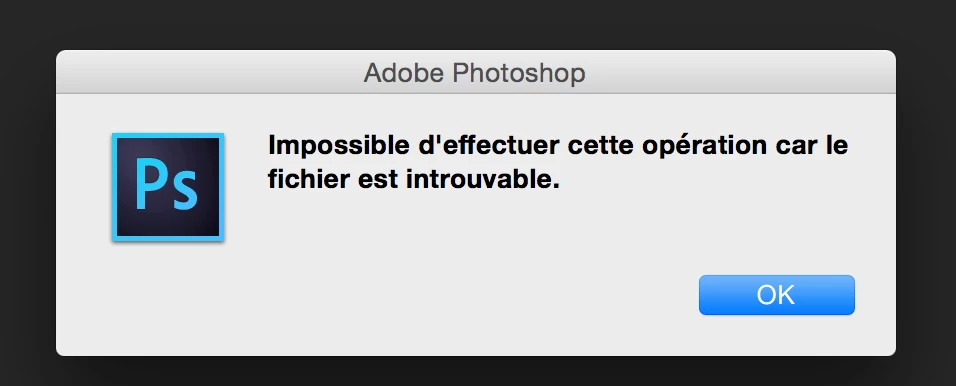
Bonne journée

This topic has been closed for replies.

1 reply

c.pfaffenbichler
Community Expert
Community Expert
December 8, 2020

»Happy to be with you. My problem is:
I did an update of photoshop online and since I can no longer open, import formats . JPEG in photoshop. Could you help me, please?
I don't speak English :-(((«

There is a translation feature on the page, so hopefully you will be able to understand this post: 


Are the jpgs stored locally or on a Server? What happens when you try opening a jpg two times? 

What have you done for trouble-shooting so far? 

Restoring Preferences after making sure all customized presets like Actions, Patterns, Brushes etc. have been saved might be a good starting point:

https://helpx.adobe.com/photoshop/kb/basic-trouble-shooting-steps.html